
For U.S. players · Updated October 27, 2026 · By Shivam Das
Short on time? If you already have access to the code menu in RIVALS, these three reported codes are a quick place to start: FREE204, SPOOKYSCARYGARGOYLES, and COMMUNITY27. Current code trackers list all three as active, but we have not personally redeemed them on a test account. Treat the in-game confirmation—not a third-party list—as the final proof that a reward was credited.
Quick answer: Try FREE204 for three Keys, SPOOKYSCARYGARGOYLES for the Halloween reward (trackers disagree on the exact prize), and COMMUNITY27 for a Community Wrap. If you are brand-new to RIVALS, the setup requirements may take longer than 90 seconds; the quick estimate applies once your code menu is unlocked and your account is verified.
Three RIVALS codes to try first
| Code | Reported reward | What to know |
|---|---|---|
FREE204 |
3 Keys | Listed by multiple code trackers as a recent active code. |
SPOOKYSCARYGARGOYLES |
Halloween reward | Trackers disagree whether the reward is a Spooky Prize Wheel or Keys. Check the redemption message. |
COMMUNITY27 |
1 Community Wrap | Reported by the developer's social account and current code trackers. |
These are game-specific codes, not universal Roblox codes. A code may stop working without notice, and a successful redemption can depend on account requirements. We cannot guarantee every code will work for every player at the time they try it.
How to redeem them quickly
- Open the official RIVALS experience on Roblox.
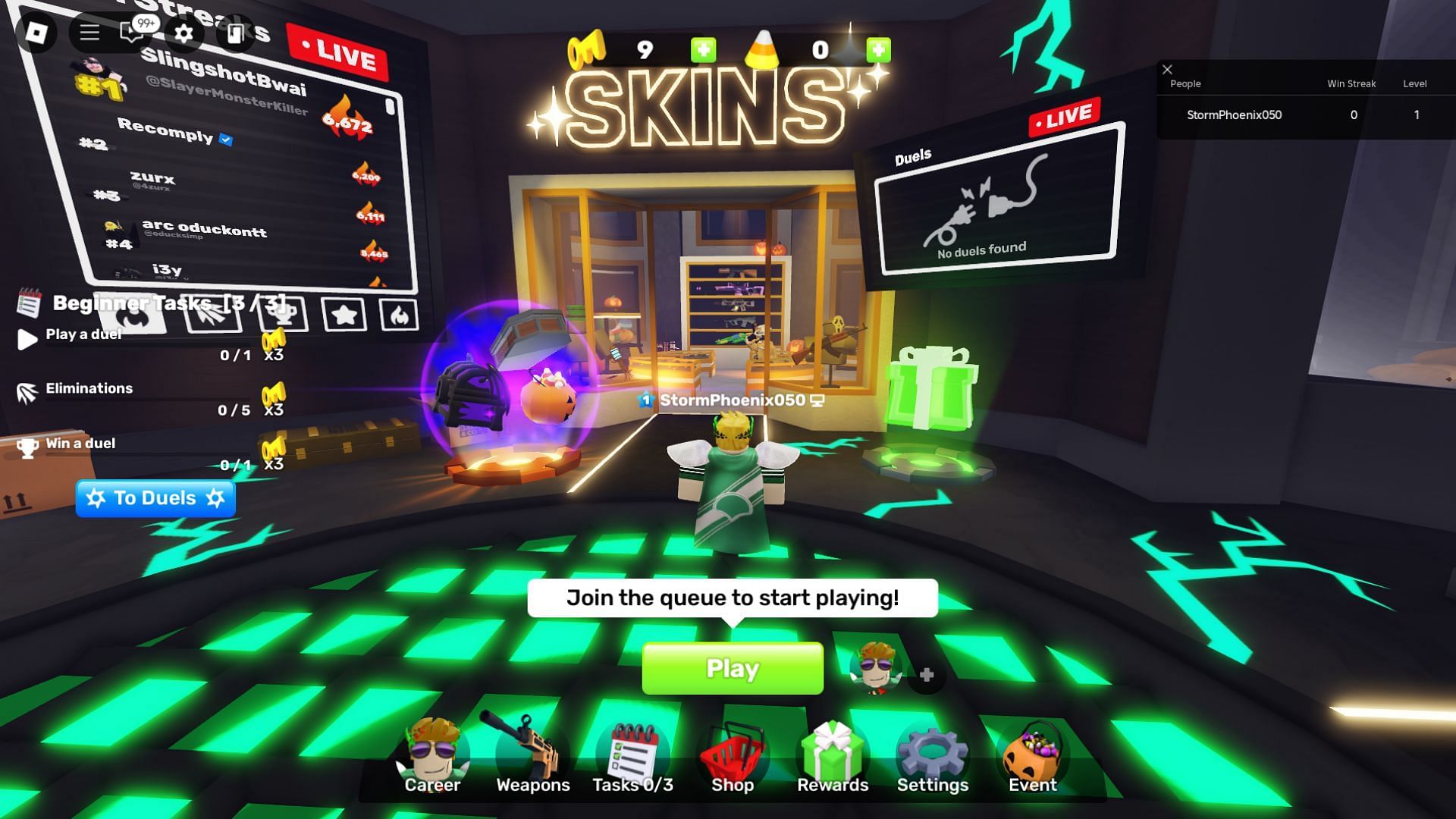
- If prompted, complete the game's developer-follow, group, or account-verification requirements. New players may need to finish the introductory tasks before the code area appears.
- Open the Shop or Rewards menu and locate the Codes field. The interface can shift after updates.
- Copy one code exactly, submit it, and read the game's response before trying the next one.
- Check the reward inventory or key balance. If a code fails, move on rather than repeatedly submitting it.
Why the 90-second claim has a condition
For a returning player whose code menu is already available, entering three short codes can take well under 90 seconds. That estimate does not include downloading Roblox, joining a server, completing tutorial tasks, following developers, or verifying an account. Some code guides report prerequisites before the redemption panel becomes available, so a first-time player should allow extra time.
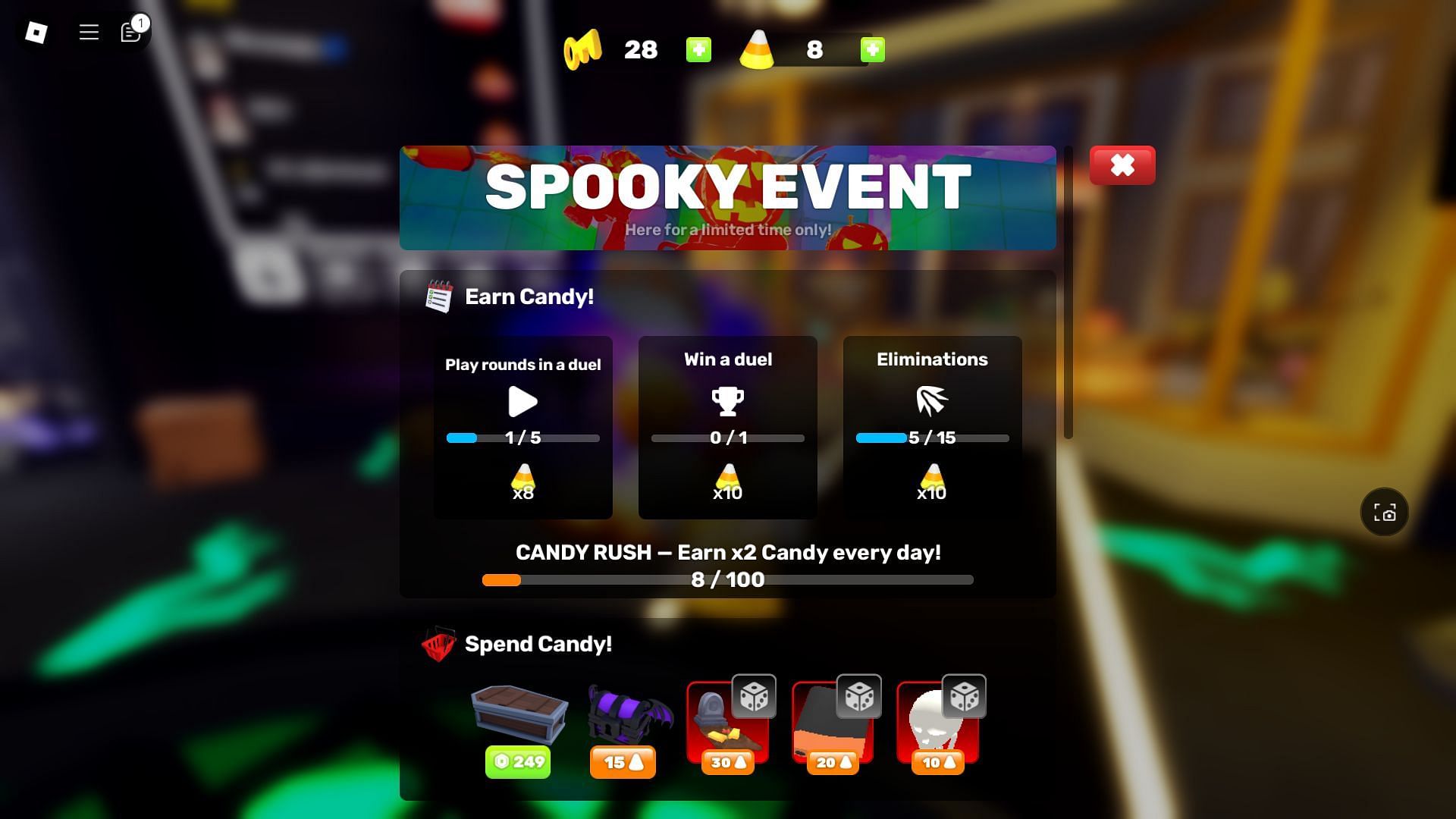
Also be careful with reward descriptions. Recent guides agree that FREE204 is listed for three Keys and COMMUNITY27 for a Community Wrap. The Halloween code SPOOKYSCARYGARGOYLES is listed by multiple trackers, but the exact prize description varies between sources. The in-game success message is the most reliable check.
What to do if a code is rejected
- Invalid: Recopy the code and check for an extra space or typo.
- Already redeemed: Check your inventory or balance; the reward may already be on your account.
- Verification required: Follow only the instructions shown by the game or its official developer channels.
- Code menu missing: Complete any required introductory tasks and reopen the Shop or Rewards menu.
- Still not working: Check a freshly updated tracker and the developer's official posts. Codes can rotate or expire.
Check the source before trusting a code list
We cross-checked the current code reports against recently updated guides. Lipy Hub's RIVALS code tracker lists the three codes above as active in its October 26 check. Roblox Den's RIVALS tracker also lists FREE204 and SPOOKYSCARYGARGOYLES. These are third-party trackers, not a guarantee of redemption; the game's response remains decisive.
For more context, read our guide to Roblox codes that may have expired overnight and our latest smaller-game code roundup. We update code coverage as fresh reports appear, and we distinguish reported status from rewards personally tested on an account.
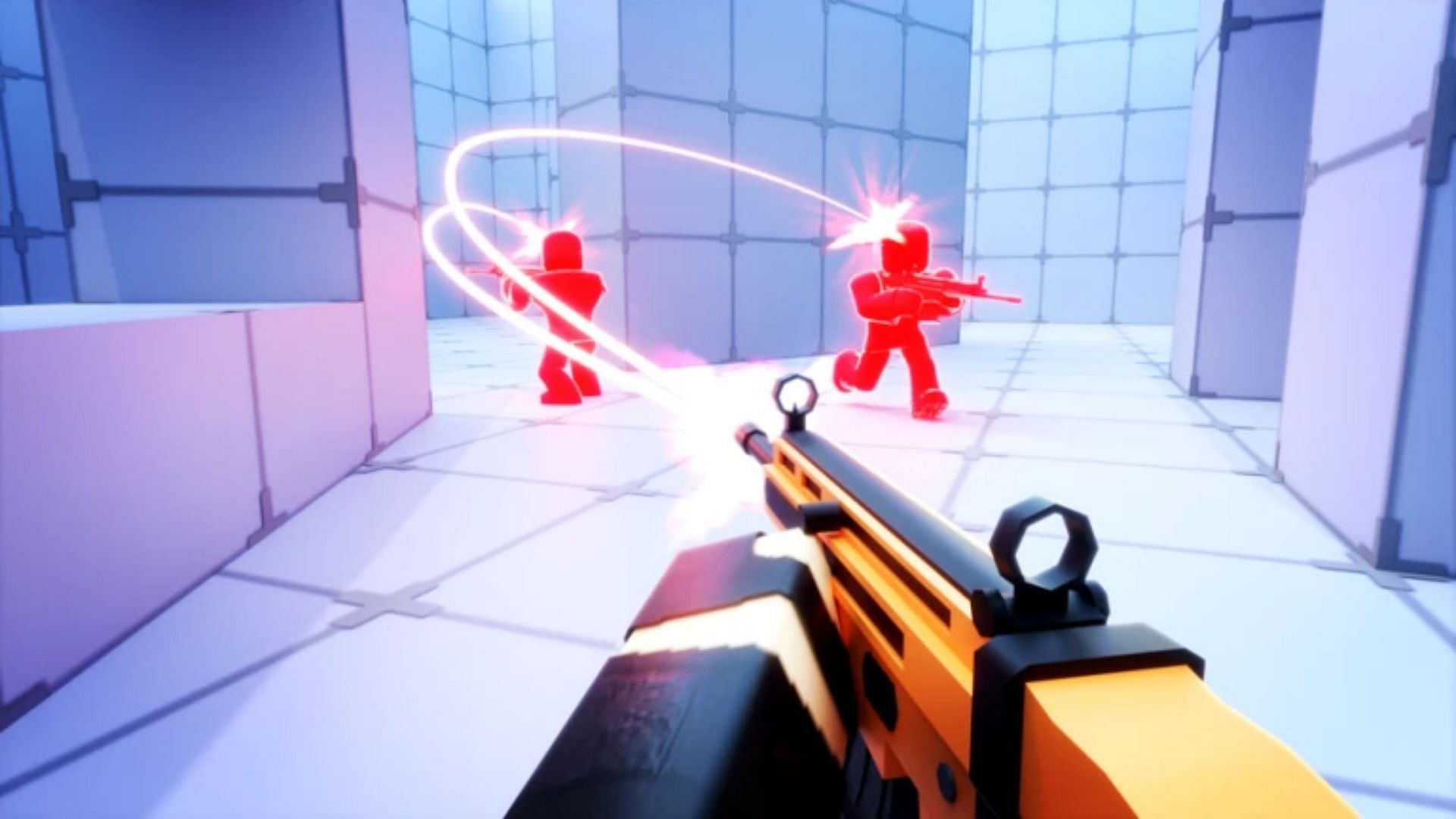
Official developer post
The developer's official social account has promoted RIVALSWEEN and the COMMUNITY27 code. The latest code trackers available for this update were last checked on October 26, 2026, so the live redemption message remains the final check. View the latest posts from Nosniy Games on X; social posts can change or be removed, so check the account for the newest announcement.
Posts by Nosniy Games
Frequently asked questions
Which three RIVALS codes should casual players try first?
Try FREE204, SPOOKYSCARYGARGOYLES, and COMMUNITY27. They were listed as active by code trackers on October 26, 2026, but availability can change.
Does SPOOKYSCARYGARGOYLES give a Prize Wheel or Keys?
Current third-party trackers disagree about the exact reward. Redeem it in the official game and trust the confirmation message shown to your account.
Can I redeem all three codes in 90 seconds?
Possibly, if your RIVALS code menu is already unlocked and your account has completed any required verification. New players may need additional setup time.
Are these free Robux codes?
No. These are RIVALS game codes for reported in-game rewards such as Keys, a wrap, or a seasonal reward. Offers promising free Robux in exchange for passwords or account details should be avoided.
Where should I check when a code stops working?
Start with the official RIVALS game page and the developer's official X account, then compare recently updated trackers.
Bottom line
For a quick session, start with FREE204, SPOOKYSCARYGARGOYLES, and COMMUNITY27—but treat them as reported active codes, not guaranteed rewards. If your redemption panel is ready, checking the three takes little time. If a code fails, verify the latest status and move on rather than trusting stale lists.
Copy this article URL:
Explore more guides in our Roblox news and guides category.







