
Updated October 26, 2026 · By Shivam Das · For U.S. Roblox players
Missed one of Roblox’s The Hollow creator streams? You may still be able to catch the useful parts if the creator posts a replay or highlights afterward. The event pairs creator livestreams with its nine-night Halloween survival experience, but there is one important distinction: a scheduled event listing is not the same as a confirmed, permanently available video replay.
Roblox’s official announcement confirms that creators would stream from inside The Hollow to uncover clues and help players survive. The named creator champions include LimaMosca, KreekCraft, Bundun, and SirDapper. The public announcement does not provide a guarantee that every stream will receive a replay, nor does it publish a verified summary of every moment from each broadcast. This guide separates confirmed event details from practical advice on what to look for when a VOD or clip is available.
Quick answer: open the official The Hollow experience page and check its event panel first. Then check the featured creator’s own video channel for a replay or short clips. If you find a video, prioritize continuous gameplay around clue discovery, monster encounters, maze navigation, and reward confirmation. Treat any supposed “official highlight” without a creator source or clear event context as unverified.
Table of Contents
- What Roblox has confirmed
- Where to find replays after a stream
- Five moments worth watching in a replay
- The remaining creator-stream schedule
- How to tell a useful clip from a rumor
- Frequently asked questions
What Roblox Has Confirmed About The Hollow Streams
The Hollow is Roblox’s 2026 platform-wide Halloween survival event. Roblox says it opened on October 22, features nine horror-game monsters across nine nights, and includes a live finale on October 31. Players can continue collecting rewards until noon Pacific Standard Time on November 2. The event’s official monster list includes characters from DOORS, Dandy’s World, Demonology, 99 Nights in the Forest, Piggy, Scary Shawarma Kiosk, Animal Hospital, The Mimic, and WARDEN.
Roblox also says creator champions will livestream from inside the Hollow. That makes creator broadcasts useful as a second perspective on the event, but viewers should not assume that watching someone else play completes a quest on their own account. Check your own in-game quest panel and reward status.
Official sources: Roblox newsroom announcement, Roblox Developer Forum announcement, and The Hollow experience page.
Where to Find Replays If You Missed the Live Broadcast
1. Start with the official Roblox event page
Visit The Hollow on Roblox and review the current event listings. This is the best first check for the event’s scheduled creator sessions. Listings can change, and an event entry does not necessarily mean a replay is hosted there.
2. Check the featured creator’s own channel
Look for a full VOD, a replay, or a shorter highlight upload from the creator named on the event listing. Search using the creator’s name plus “The Hollow” and the monster or source game. Prefer the creator’s verified or established channel over an unrelated repost. If the creator has not uploaded anything, do not assume the stream has been archived publicly.
3. Use clips as pointers, not complete evidence
A short clip can show a scare, a puzzle attempt, or a reaction, but it may cut out the lead-up or the result. If a clip claims to reveal a route or reward, look for a longer section that shows the objective, the relevant room, and the result in one continuous sequence. Without that context, the clip may be entertaining but not a dependable walkthrough.
Editorial note: I could verify Roblox’s event announcement and schedule information, but I could not independently verify public replay URLs for every stream as of October 26. No unverified video is embedded here or presented as a confirmed highlight.
Five Moments Worth Watching in a Replay
1. The first clear look at the maze objective
When a replay is available, look for the moment the creator identifies the objective and shows where the run begins. This can help you understand what the player is trying to accomplish before the chase or puzzle gets chaotic. A useful walkthrough should show the objective in context rather than simply jump to a reaction.

2. How the creator handles a monster encounter
Pay attention to what happens immediately before the encounter, how the creator reacts, and whether the video shows the result. A scream or jump-scare clip is fun, but the useful part is the surrounding gameplay: what warning appeared, which route the player chose, and whether that decision helped. Do not generalize one creator’s outcome into a guaranteed mechanic for every server.
3. A puzzle attempt from start to finish
The strongest replay for players who want help is one that shows the clue, the creator’s interpretation, the input or interaction, and whether the game accepts it. If a video cuts from “I found it” to a completed screen, it may be entertaining without teaching the solution. Check that the floor, objective, and event date match the task you are doing.

4. The difference between an event reward and a source-game quest
The Hollow connects its central maze with participating experiences. A replay may move between the event hub and a separate game, so check which objective is being completed. The monster’s source game, the central Hollow maze, and an item claim in the hub are not necessarily the same task. A useful video makes clear where the creator is and what reward the game actually confirms.

5. The reward claim at the end
Do not stop watching as soon as the creator escapes or completes an objective. The end of the run may show whether the game registered the task, awarded a badge, or required a separate claim in the hub. If the replay ends before that confirmation, treat the reward claim as unverified and check your own in-game menu.
The Remaining Creator-Stream Schedule
The following times are based on reported listings from The Hollow’s event panel and are useful for planning what to watch next. They are not guarantees that a replay will be uploaded. Confirm each entry on the official Roblox experience page shortly before the scheduled time.
| Date (U.S.) | Listed stream | Pacific Time | Eastern Time |
|---|---|---|---|
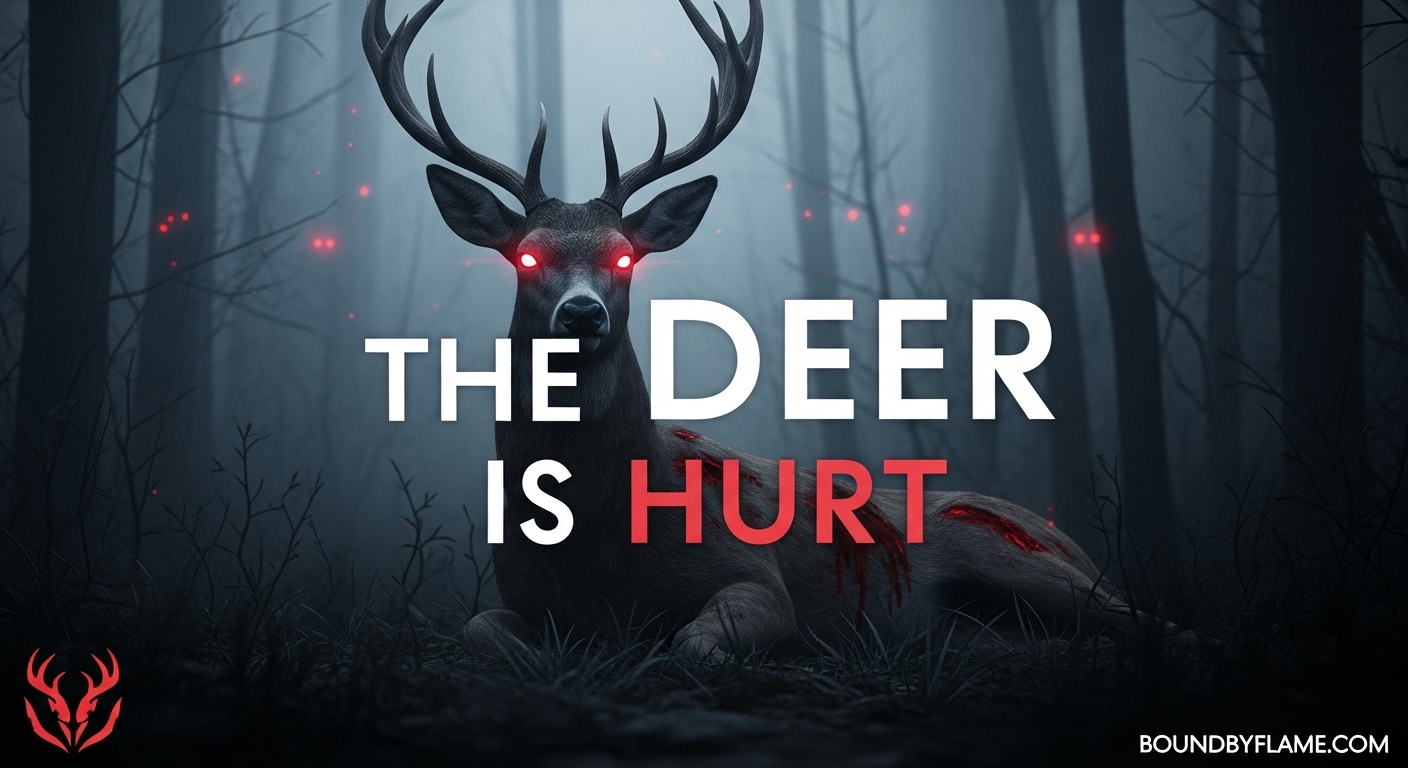
| Mon, Oct. 26 | The Deer × Bundun | 3:00–3:30 p.m. | 6:00–6:30 p.m. |
| Tue, Oct. 27 | Hiachi × Left Arm Kim | 5:00–5:30 a.m. | 8:00–8:30 a.m. |
| Wed, Oct. 28 | Mimic Anomaly × Kat Buno | 12:00–12:30 p.m. | 3:00–3:30 p.m. |
| Thu, Oct. 29 | The Inspector (“Insp.”) × itsjustNicholas | 12:00–12:30 p.m. | 3:00–3:30 p.m. |
| Fri, Oct. 30 | The Overseer × SirDapper | 5:00–5:30 p.m. | 8:00–8:30 p.m. |
| Sat, Oct. 31 | Piggy × KreekCraft | 9:30–10:00 a.m. | 12:30–1:00 p.m. |
| Sat, Oct. 31 | Untitled event listing (“?????????”) | 10:30–11:00 a.m. | 1:30–2:00 p.m. |
These times are converted from the currently reported event slots for U.S. viewers. The untitled October 31 listing should not be called the finale unless Roblox identifies it that way. Roblox’s newsroom separately says the live finale begins on the morning of October 31, but the public announcement does not give an exact time.
For the most current event information, use the official experience page. For event structure and the reward deadline, read Roblox’s newsroom post.
How to Tell a Useful Clip From a Rumor
- Check the creator and upload date. A verified creator upload or a clearly linked original is stronger evidence than an anonymous repost.
- Look for continuous gameplay. A useful clip shows the objective and result, not only a reaction or a cropped screenshot.
- Match the monster and floor. The Hollow includes nine monsters, and a clip from a source game may not show the same mechanics as the event maze.
- Separate a stream from a reward claim. Watching someone earn an item does not award it to your account.
- Ignore credential requests and “free Robux” links. Never enter your password on a third-party replay or reward-claim site.
Why These Streams Are Worth Catching Up On
The best reason to watch a replay is not simply to see a creator get scared. It is to see how the maze, clues, and monster encounter fit together in a real run. A full VOD can provide context that a short clip misses, while a well-edited highlight can help you locate the important section faster. Neither replaces your own current quest instructions, and neither proves that every route or outcome will repeat.
If you are catching up on the event itself, see our related The Hollow hub signals guide and late-join rewards and catch-up guide. Use the official event hub to verify the task you are doing today.
Frequently Asked Questions
Can I watch a missed The Hollow livestream later?
Possibly, if the featured creator uploads a replay or highlight. Roblox confirms the event’s creator livestream program, but its newsroom announcement does not guarantee a public VOD for every broadcast. Check the official event page and the creator’s own channel.
Which creators are involved in The Hollow?
Roblox’s announcement names LimaMosca, KreekCraft, Bundun, and SirDapper among the creator champions. The event listings also pair individual sessions with other creator names, so confirm the current listing before tuning in.
Do creator streams automatically give me event rewards?
No. Watching a broadcast is not the same as completing a quest on your own Roblox account. Follow the objective shown in The Hollow or the linked experience and verify the reward in your own game.
What should I look for in a highlight video?
Prioritize clips that show the objective, clue, encounter, route decision, and final completion status. A reaction-only clip may be entertaining, but it may not contain enough context to help you reproduce the result.
When is the live finale?
Roblox says the live finale will begin on the morning of October 31, 2026. The official newsroom announcement does not specify an exact time. Check the official event page for updated listings.
How long can I keep collecting rewards?
Roblox says players can continue collecting The Hollow rewards until noon Pacific Standard Time on November 2, 2026. Check the live hub for the current status of individual quests.
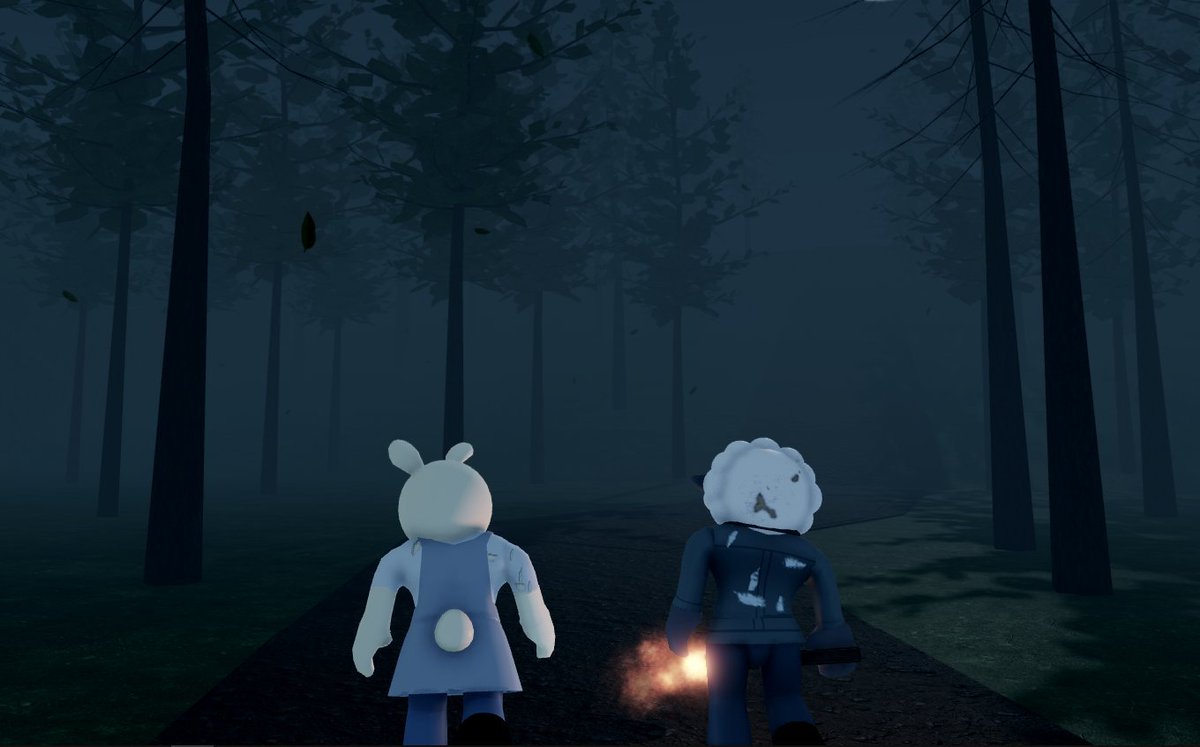
Reporting note: Event structure and the reward-collection deadline are based on Roblox’s official announcement. Stream times are converted from reported event listings and can change. The images above illustrate the crossover source games; they are not presented as verified frames from the livestreams.



