

Updated October 26, 2026 · By Shivam Das · For U.S. players
Quick answer: Players have reported Roblox The Hollow tickets failing to update and reward claims staying locked even after earning the required badge. A separate floor soft-lock report says a missing badge can make a completed floor impossible to replay. These are documented player reports—not proof that Hiachi itself caused the problem or that every account is affected. Roblox staff replied to an earlier ticket-granting thread that a fix had been pushed to new servers, so joining a fresh server is a sensible first test.

What players are actually reporting
In a Roblox Developer Forum report posted October 23, a player said their Ticket total stopped updating after they earned a Bloxburg badge. They also said later DOORS and Flee the Facility badges did not unlock their associated claims. Other replies described similar trouble. A separate report posted October 24 described a floor soft-lock: if the badge failed to award, the floor could appear completed and prevent the player from repeating it to recover the missing item.
Those reports point to two related but distinct symptoms: currency not updating and a reward claim remaining unavailable. They do not establish that Hiachi’s floor is the root cause. Roblox’s official event announcement confirms that The Hollow uses daily maze challenges and quest-based rewards, but it does not announce a Hiachi-specific claim outage.

Did the Hiachi floor cause the bug?
We could not verify evidence proving Hiachi’s floor caused the ticket or UGC issue. The event combines several participating experiences and badge-based rewards, so the failure could occur during badge awarding, ticket synchronization, the claim interface, or a particular server session. That is a list of plausible points in the flow—not a confirmed technical diagnosis.
Roblox staff responded in the ticket-granting forum thread on October 24, saying a fix had been pushed to new servers and asking affected players to rejoin and test again. That makes a fresh-server test the most useful first step, but it is not a guarantee that every later or separate floor issue is fixed.

What to do if your Tickets or item claim are stuck
- Confirm the exact requirement. Open the official The Hollow hub and check the reward card. Make sure you earned the correct badge on the same Roblox account you are using to claim the item.
- Rejoin once. Leave the experience and enter a fresh server. Roblox staff specifically recommended rejoining after reporting a fix to new servers.
- Recheck the Ticket counter. Return to the hub and wait for the interface to refresh. Do not assume a badge automatically means the item has already been claimed.
- Open the reward claim again. Check whether the item button has changed state and whether the requirement is still marked incomplete.
- Save evidence before replaying anything. Capture the badge page, the in-game reward requirement, your Ticket total, and any error message. Include the time and the experience you were playing.
- Do not use external “fix” links. Never share your password, install scripts, or pay a third party to unlock event rewards.
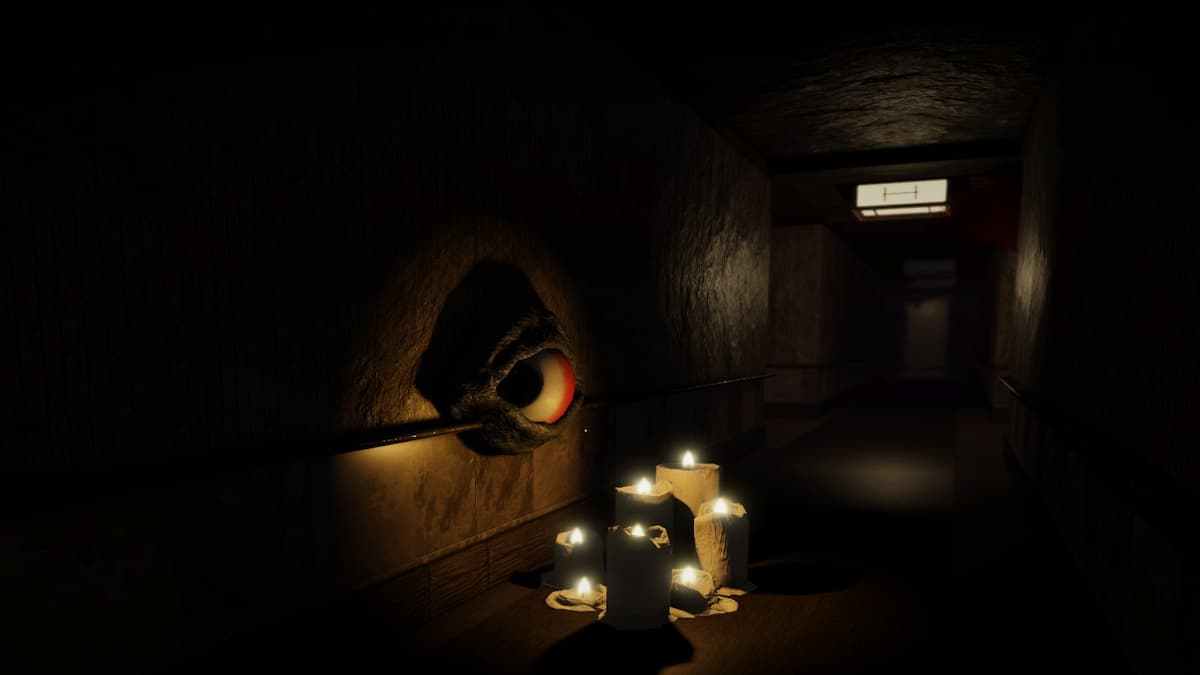
How to tell whether the issue is fixed
Use a simple before-and-after check instead of relying on a social post alone. Record the Ticket total, enter a fresh server, revisit the reward card, and see whether the claim becomes available. If the badge is present but the item remains locked, preserve the evidence and report the exact sequence in Roblox’s official support or Developer Forum channels.
If the floor appears completed but will not let you replay it, avoid repeatedly resetting your run without a plan. The separate floor soft-lock report describes that exact problem when a badge was not awarded. Link the report when asking for help so developers can compare the symptoms.
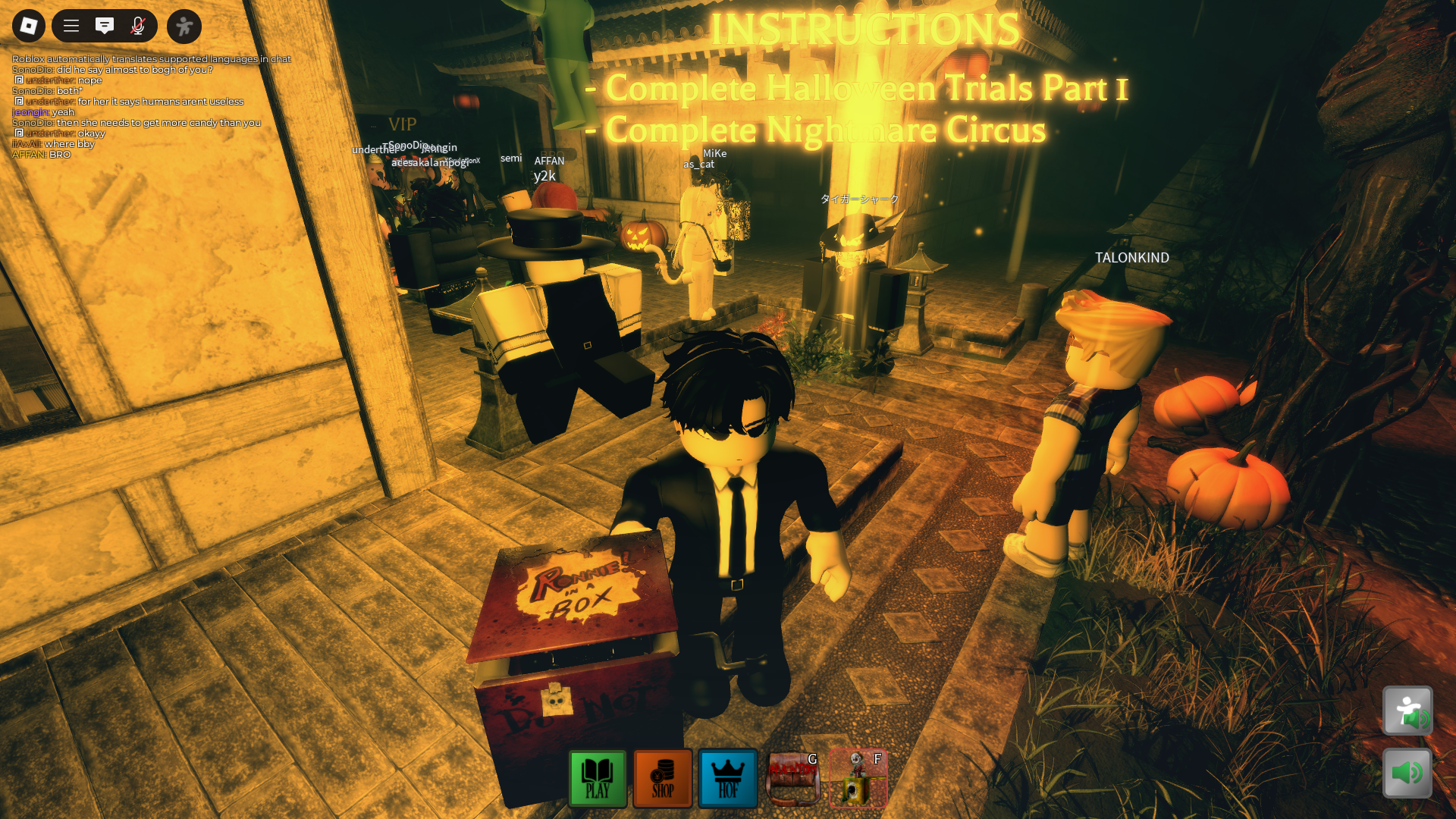
Official sources and the latest status
- Roblox’s official announcement for The Hollow explains the event structure and quest-based rewards.
- Ticket and item granting bug report documents the reported Ticket counter and claim symptoms, including the staff reply about a fix being pushed to new servers.
- Floor soft-lock bug report describes a floor that could not be replayed after a badge failed to award.
- Open the official The Hollow experience rather than a copycat game.
For a social post, check the original report and replies before sharing a claim that the problem is fixed. Community posts can show what one player experienced, but they do not establish a platform-wide outage or a universal fix.
A past The Mimic gameplay post is included for horror-game context only; it does not verify The Hollow’s current Ticket status.
— ChoiNicky2 (@ChoiNicky2) View the original post on X
Frequently asked questions
Are The Hollow Tickets broken for everyone?
Public bug reports show that some players encountered Ticket or reward-claim problems. They do not establish that every player or every server is affected.
Did Hiachi’s floor cause the Ticket bug?
We could not verify that. The reports describe reward and badge symptoms across The Hollow, but do not prove a Hiachi-specific cause.
What fix did Roblox staff suggest?
In the October 24 ticket-granting thread, a staff reply said a fix had been pushed to new servers and asked players to rejoin and test again. This is worth trying, but it does not guarantee every claim issue is resolved.
Why is my floor completed if I never got the item?
A separate Developer Forum report describes a soft-lock where a missing badge could leave the floor appearing completed and prevent a replay. Save screenshots of the badge, floor state, and reward requirement when reporting it.
When do The Hollow rewards stop being available?
Roblox’s official announcement says players can continue collecting rewards until noon Pacific time on November 2, 2026. Check the live hub for the current requirements and availability.
Bottom line
There is credible evidence that players reported The Hollow Ticket and reward-claim failures, plus a separate floor soft-lock issue. But the available reports do not prove that Hiachi alone broke claiming, and a staff reply said a fix had been pushed to new servers. Rejoin once, verify the badge and reward requirement, record any persistent failure, and use Roblox’s official channels to report it. We could not confirm that a new wave of reports began within the last six hours, so this article does not present the older reports as breaking news from that exact window.
Read more in our Roblox news and guides section.







