
Updated October 26, 2026 · By Shivam Das
Quick answer: To stay caught up with Roblox The Hollow in about 10 minutes a day, open the official event hub, review the current objective, make progress on one realistic task, verify your status, and claim any reward that is ready. Save longer maze runs for a longer session. Roblox says rewards remain collectible until noon Pacific Standard Time on November 2, 2026. Ten minutes is a maintenance routine, not a guarantee that every quest can be completed in that time.

Table of Contents
- The 10-minute daily routine
- Minute-by-minute checklist
- What to prioritize
- When you have less time
- How to catch up
- Mistakes to avoid
- Event deadline and official facts
- Frequently asked questions
The 10-minute daily routine for Roblox The Hollow
Roblox's The Hollow is a platform-wide Halloween survival event featuring nine horror-game monsters across nine days. Players explore changing mazes, search for clues, evade threats, and complete quests for exclusive user-generated-content (UGC) avatar items and other rewards. Roblox also announced creator livestreams and a live finale on October 31. Read the official Roblox event announcement for confirmed dates and details.
A short daily check-in helps you avoid repeating finished tasks and missing a reward claim. The event hub and the quest panel in your own game session should take priority over an old walkthrough, a fan-made schedule, or a social-media rumor. Start at the official The Hollow experience on Roblox, and read the objective currently shown to you.

Minute-by-minute checklist
Minute 0–1: Open the official hub
Join The Hollow through Roblox and check that you are in the correct experience. Look for the current event panel, quest list, and claim indicators. If the hub is slow, do not spend the entire session restarting; review what you know and return when it loads.
Minute 1–3: Pick one realistic objective
Read the task wording carefully. Choose an objective that is clear and likely to fit your time. If it requires a long maze run, multiple stages, or visiting another experience, save it for a longer session. When a walkthrough conflicts with the live quest panel, follow the in-game instructions.
Minute 3–7: Make progress
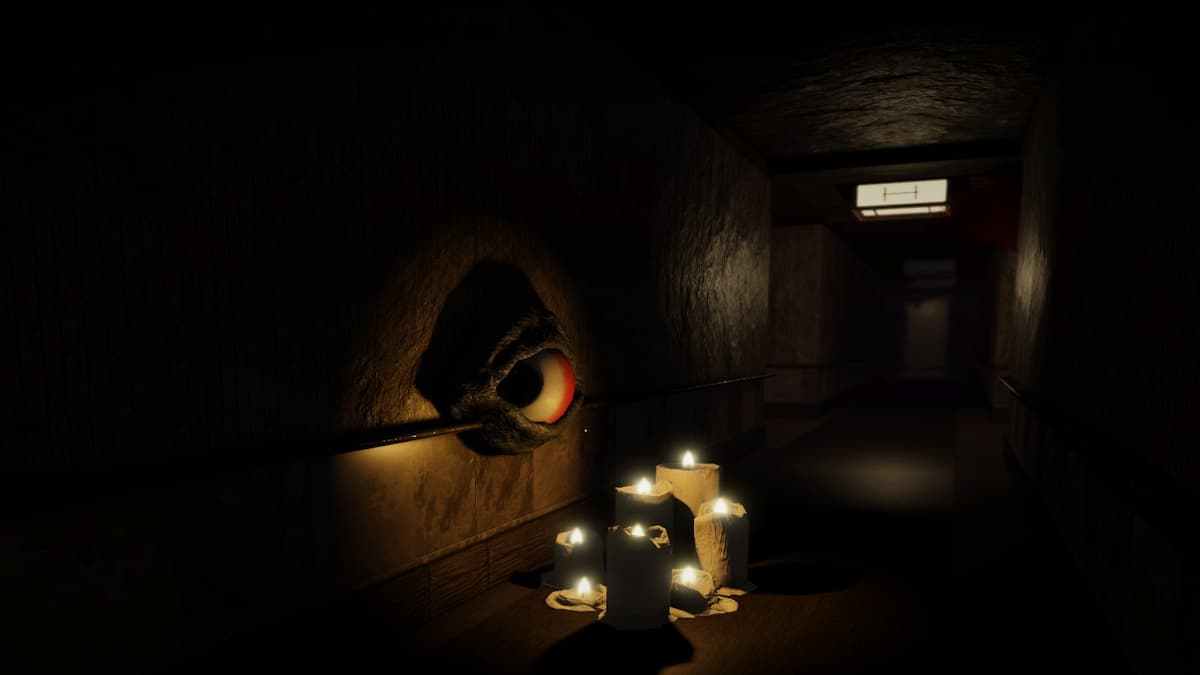
Work on the chosen objective. In a maze, remember recognizable landmarks, read clue prompts, and avoid wandering through the same corridor without a plan. If a task points to another experience, note its exact requirement. A video recorded on a different day may show another layout or quest state, so treat it as reference—not a guaranteed route.
Minute 7–9: Verify progress and claim rewards
Reopen the quest or reward panel. Check whether the objective is complete, whether another step remains, and whether the reward needs a separate claim action. Completed and claimed are not always the same state. Look for the confirmation shown by the game. If progress did not register, note where it stopped instead of blindly repeating the whole run.
Minute 9–10: Leave yourself a status note
Write one short status line: completed, claimed, in progress, or needs troubleshooting. A simple list prevents you from replaying finished content. Exit normally, and never share account credentials with anyone promising to repair a missing reward.
What should you prioritize?
Use this order as a planning framework, not as a claim about hidden mechanics or exact reward values:
- Rewards already earned but not claimed. Check for a claim button or confirmation.
- Objectives close to completion. A clear final step may be more realistic than starting a complicated maze.
- Time-sensitive tasks shown in the live hub. Follow the in-game deadline; do not assume every quest resets at the same hour.
- Longer maze runs and multi-step quests. Save these for a session when you can focus.
- Optional exploration and rumors. Leave these until confirmed tasks are handled.
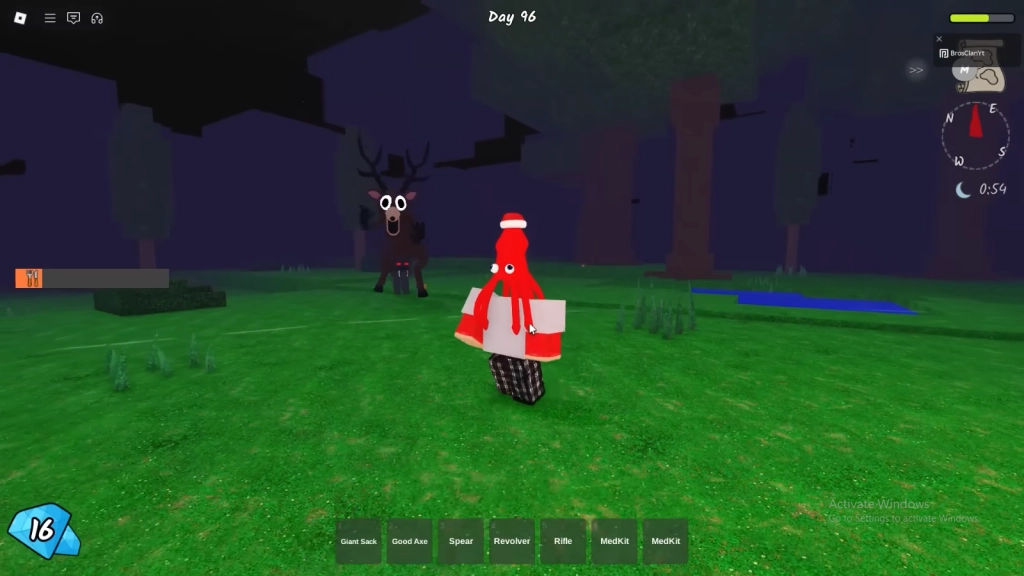
Roblox's official lineup names The Deer from 99 Nights in the Forest, Seek from DOORS, Twisted Dandy from Dandy's World, Piggy, The Inspector from Scary Shawarma Kiosk, Mimic from Animal Hospital, Biter from Demonology, Hiachi from The Mimic, and The Overseer from Warden. The announcement confirms nine monsters, but does not give a complete day-by-day order. Check the live event for the active challenge.
What if you have less than 10 minutes?
If you only have two or three minutes, do not force a rushed run. Open the hub, review the quest list, and check for rewards already ready to claim. If nothing is immediately available, note the next objective and return later.
With five minutes, choose one small task you can verify. Avoid beginning a multi-stage challenge unless you know progress saves and can resume. If a server disconnects, rejoin through Roblox and inspect the quest panel before assuming progress is lost.
On mobile, use a stable connection, close apps you do not need, and lower in-game graphics if performance is poor. These general steps cannot guarantee smooth play on every device. Avoid unofficial downloads or browser extensions that promise event advantages.
How to catch up without wasting time
If you missed a day, check the current quest and reward panel before assuming you must replay every previous night. Identify which objectives remain available, which items are already owned, and whether a task has a separate time limit. The overall deadline does not prove that every individual quest remains available, so verify in-game.
Track your progress in three simple groups:
- To do: tasks not started or not finished.
- Verify: tasks that look complete but still need confirmation or a claim.
- Done: rewards confirmed as claimed or owned.
Update the list after a longer session. If you play with friends, coordinate your route, but verify your own account: another player's completion does not necessarily confirm yours.
Common mistakes to avoid
- Trusting every viral schedule: Roblox confirms the lineup and event dates, but unofficial charts may speculate. Check the live display.
- Confusing a livestream with a reward claim: Creator streams are part of the event, but watching alone is not proof a reward was granted.
- Leaving rewards unclaimed: Reopen the panel and look for a claim confirmation or owned status.
- Starting a long challenge too late: Choose a task that fits your available time.
- Falling for free-item scams: Never share your password, verification code, or account cookie with third-party reward pages.
- Assuming every avatar item is free: Roblox says some Halloween avatar items are sold on Marketplace, separately from quest rewards. Check the price before buying.
Event deadline and official facts
Roblox says The Hollow opened on October 22, 2026, with early hub access for active Roblox Plus subscribers. A different monster appears each day for nine days, followed by a live finale on the morning of October 31. Rewards remain collectible until noon Pacific Standard Time on November 2, 2026. For the official community post, see the Roblox Developer Forum announcement.
This ten-minute routine helps you stay organized; it does not replace the current quest requirements. If the game shows a different task-specific deadline, follow the in-game instructions.
Official sources and useful links
- Roblox Newsroom: The Hollow Halloween survival event — official roster, event structure, finale, and reward deadline.
- The Hollow experience on Roblox — review current objectives and reward status.
- Roblox Developer Forum — official community-forum copy.
Frequently asked questions
Can I keep up with The Hollow in 10 minutes a day?
A short check-in can help you review objectives, make progress on a small task, and claim available rewards. It cannot guarantee a full maze clear or completion of every quest.
What should I do first when I log in?
Open the official event hub, read the current quest, and check whether a completed reward still needs to be claimed. Then choose one realistic objective.
When is the reward deadline?
Roblox says rewards can be collected until noon Pacific Standard Time on November 2, 2026. Check the live hub for item-specific requirements.
Do I need Roblox Plus?
No subscription is needed to follow a checklist. Roblox announced specific early-access and cosmetic perks for active Plus subscribers; check the live requirements for each reward instead of assuming all quest rewards require Plus.
Does watching a creator livestream complete a quest?
The official announcement confirms creator livestreams but does not say that watching alone completes a quest or automatically grants a reward. Verify the requirement in-game.
What if my progress does not save?
Reopen the quest panel, check the task wording, and rejoin the official experience if needed. If the problem persists, use Roblox support. Never give login details to someone offering an unofficial fix.
Is the monster list the order they appear in?
The public Roblox announcement names nine monsters but does not publish a complete date-by-date order. Check the active monster in the live event.







