
Updated October 26, 2026 · U.S. players · By Shivam Das
Quick answer: Open the official Roblox The Hollow experience, revisit the event hub and each available floor, check your quest and badge progress, then explicitly claim any unlocked reward and confirm it appears in your Roblox inventory. Roblox says The Hollow rewards can be collected until noon Pacific time on November 2, 2026. That is the published overall deadline—not a guarantee that every individual item has identical requirements or remains claimable for every account.
If you finished Night 1, 2, 3 or 4 but did not collect the reward, do not assume it is gone—or assume it has been delivered automatically. The safest approach is to verify the objective, revisit the reward board, and check your inventory before spending time replaying a whole maze. Roblox’s official announcement confirms the nine-night event and the reward-collection window, but it does not publish a complete official list of every nightly item and claim step. Some item names and routes below are therefore presented as reported walkthrough details, not official guarantees.
The fastest reward-claim checklist
- Join the official hub. Use the Roblox experience link above and confirm you entered The Hollow, not a similarly named fan game or copy.
- Open the event quest or reward panel. Look for Night 1–4 objectives marked complete, unlocked, ready to claim, or still in progress.
- Check each floor separately. If a relic or quest was completed, return to the hub/elevator and follow the displayed hand-in or claim prompt. Do not assume finishing a run always completes the reward hand-in step.
- Claim the item explicitly. If the board offers a Claim, Collect, Redeem, or similar button, use it and wait for the confirmation.
- Verify the badge and inventory. Check the relevant event badge or quest status, then search your Roblox avatar inventory for the item. A badge is useful evidence of progress, but it does not by itself prove every related UGC item is in your inventory.
- Rejoin if the panel looks stale. Leave and re-enter the official experience, then check the reward board again. If the reward still fails to appear, capture a screenshot before repeating the full quest.
- Prioritize what is already earned. Claim completed rewards first, then use remaining time for unfinished quests. This avoids spending the final session replaying an objective while a completed reward remains unclaimed.
Night 1–4: what to check first
Third-party walkthroughs report different reward names and routes for the early floors, and published lists do not always agree. Treat the live in-game panel as the final authority for your account. The table below is a practical audit order, not an official Roblox reward catalog.
| Night | First thing to verify | If the reward is missing |
|---|---|---|
| Night 1 | Check whether the floor objective and relic hand-in both registered; then inspect the event reward panel. | Re-enter the hub, revisit the relevant claim point, and check your inventory before replaying. |
| Night 2 | Confirm the floor quest is marked complete and any separate partner-game quest has also been finished. | Check the linked experience’s quest or badge requirement; a maze clear may not complete a separate game quest. |
| Night 3 | Review both the maze reward and any linked experience task shown in the event hub. | Look for a separate claim prompt or missing prerequisite instead of relying on a third-party reward list. |
| Night 4 | Confirm the objective, hand-in and reward claim individually. | Capture the panel and error message, rejoin once, then report a reproducible issue through Roblox Support. |
Do not treat the table as proof that every reward stays available in the same place. The event’s exact interface can change, and the live hub is more reliable than an old screenshot or an undated social post.
Why a completed reward may not show up
- The objective was completed but not handed in: Some event flows require returning to a hub, elevator, board or quest giver.
- A separate quest is still unfinished: The Hollow also points players toward participating experiences. A floor clear may not satisfy a separate partner-game objective.
- The item was claimed on another account: Check that you are signed into the Roblox account used to play the event.
- The inventory has not refreshed: Rejoin the experience and search the avatar inventory by item name or category.
- A guide is out of date: Third-party reward trackers can disagree about item names, costs, and requirements. Verify the exact wording in the live experience.
- The reward was never confirmed: A creator’s video or a community screenshot can help explain a route, but it is not proof that your own claim succeeded.
How much time do you have left?
Roblox’s official announcement says players can continue collecting The Hollow rewards until November 2, 2026, at noon Pacific time. On October 26, that gives players time to audit earlier progress rather than assuming Night 1–4 rewards have already disappeared. Do not wait until the final hours: a login issue, an incomplete partner-game task, or a missing inventory confirmation can take longer to resolve than expected.
The overall deadline should not be confused with a guarantee that every item has the same unlock condition. Some benefits are tied to Roblox Plus, some Halloween Marketplace items are paid, and quest rewards have their own requirements. Roblox’s announcement confirms the event and general collection window; check the current in-game panel for the exact status of each item.
Where to verify the event and get help
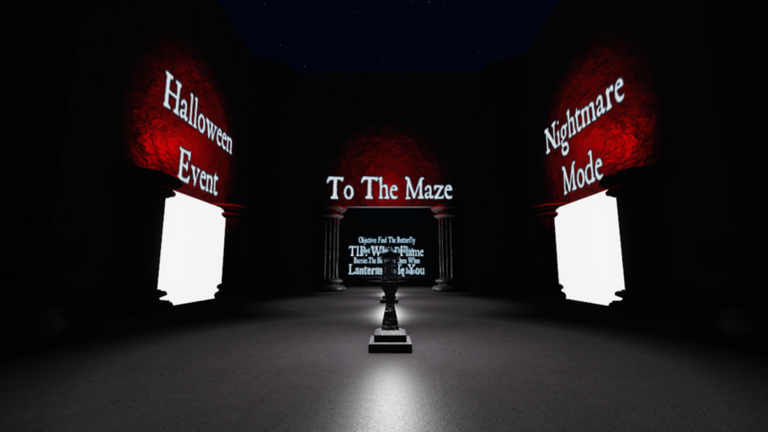
Start with Roblox’s official The Hollow announcement for the published event details and collection deadline. Open the official The Hollow hub to inspect your current objectives. If a badge is complete but an item still does not appear after rejoining and checking your inventory, use Roblox Support and include the experience link, item name, screenshots, and the exact error message. Never share your password or account recovery codes with anyone offering to “fix” a reward.
Frequently asked questions
Can I still claim Night 1–4 rewards in Roblox The Hollow?
Roblox announced that The Hollow rewards can be collected until noon Pacific time on November 2, 2026. Check the live hub to confirm whether each specific reward is still available and whether your account has met its requirements.
Do rewards get added automatically after I finish a maze?
Do not assume that. Check the quest status, return to the hub or claim point if prompted, and verify the item in your inventory.
What if I earned the badge but the UGC item is missing?
Rejoin the official experience, inspect the reward panel, and search your avatar inventory. If the item is still missing, save screenshots and contact Roblox Support. A badge alone does not prove every related item was successfully delivered.
Do I need Roblox Plus to claim all Night 1–4 rewards?
Not every event reward is a Plus benefit, but Roblox confirms that some event extras are reserved for active Plus subscribers. Check the requirement shown for the exact item instead of assuming every locked reward is free.
Are third-party reward lists always accurate?
No. They can be useful for route ideas, but reward names and steps may be outdated or disputed. Prefer Roblox’s official announcement and the live in-game panel for current requirements.
Bottom line
The fastest way to save your Night 1–4 progress is to audit completed quests, explicitly claim each unlocked item, and confirm it appears in your inventory before replaying anything. Roblox’s announced collection deadline is noon Pacific time on November 2, 2026, but each reward can have its own conditions. Verify the live panel, keep screenshots of any failed claim, and avoid relying on unconfirmed “last chance” rumors.
For more updates, visit our Roblox news and guides and read our Roblox Plus and Night 5 rewards guide.
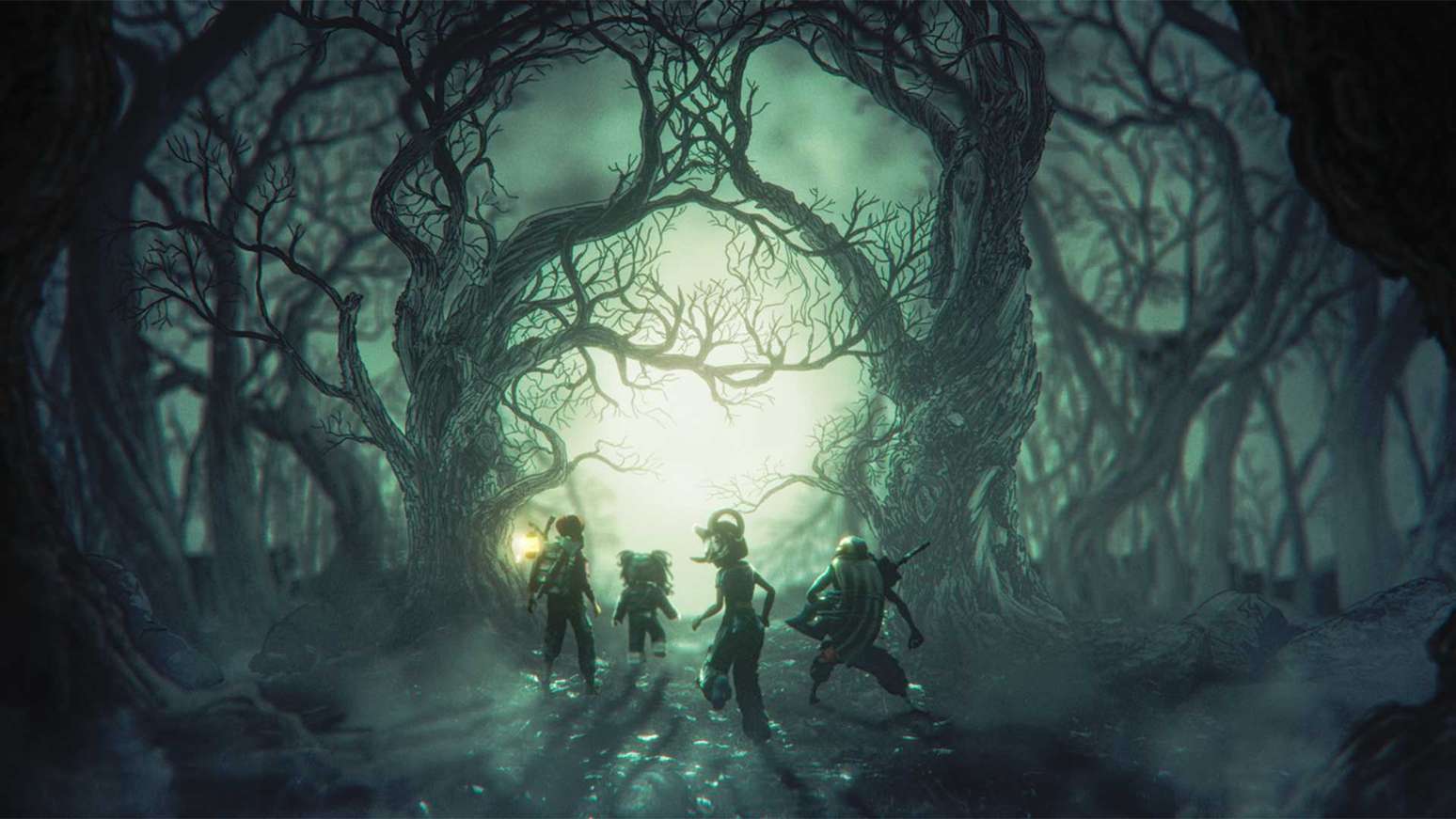
The Hollow is Roblox's nine-night Halloween survival event. Check the official event details and in-game quest panel for current reward requirements.
— Roblox Staff Official event announcement







