

Updated October 26, 2026. Smaller Roblox experiences can release milestone, Halloween, and community codes without getting the same attention as the biggest games. This roundup checks recent code reports for Grow a Chicken Fighter, Sell Fries!, and Destroy a Vault. Codes can expire or hit redemption limits quickly, so use the in-game result as the final test rather than treating any third-party list as a guarantee.
Quick answer: Try SPOOKYCHICKEN in Grow a Chicken Fighter, FreeCandy in Sell Fries!, and check the official Destroy a Vault Roblox description for the latest code spellings. Codes are game-specific and must be entered exactly as written.
Save or share this guide:
Latest codes at a glance
| Game | Code to try | Reported status | Important note |
|---|---|---|---|
| Grow a Chicken Fighter | SPOOKYCHICKEN |
Listed as added Oct. 25 | Reward details vary by tracker |
| Sell Fries! | FreeCandy |
Reported for 100 Candies | Lists disagree; it may be limited-use |
| Destroy a Vault | HALLOWEEN |
Appears in the public game description | Recheck the live listing before redeeming |
Timing note: This article is reviewed on October 26, 2026. The newest code reports we could substantiate were dated October 25; we could not confirm that all listed codes were released during this exact afternoon. We do not label a code “brand-new today” without evidence.
Grow a Chicken Fighter codes
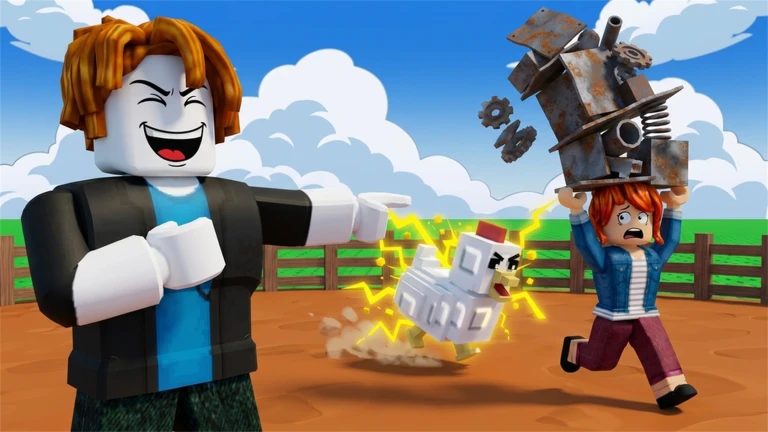
Grow a Chicken Fighter combines chicken collecting, training, and arena battles. A recent code tracker listed SPOOKYCHICKEN as a new addition on October 25, so it is the first one worth testing.
Codes to test
-
SPOOKYCHICKEN— recent Halloween-themed code; exact reward is not consistently documented. -
STORMCHICKEN— reported for 100 Amber Shards, 150 Charm Dust, and double Hatch Luck for 15 minutes. -
DINOCHICKEN— listed by a recent tracker; check the in-game reward message. -
CHICKENCLASH— reported for Arena Medals, Charm Dust, and a Hatch Luck boost. -
BATTLEREADY— reported for Charm Dust, a Royal Egg, and a Hatch Luck boost. -
ASCENDand50MVISITS— also appear on the recent list. -
EGGSCELLENT,LETMECOOK,SERGIOVERSE, andWELCOME— older codes whose status varies across trackers.
Code pages disagree about some older entries. Start with the newest one and stop trying a code once the game reports it as expired. To redeem, launch the game, complete the short tutorial if necessary, open the coupon/Codes button near the upper-left corner, paste the code, and press Redeem.
Sell Fries! codes

Sell Fries! starts as a food-service and upgrade game, then adds survival pressure after dark. Recent code guides disagree on the complete active list, so treat these as codes to test—not guaranteed rewards.
-
FreeCandy— reported for 100 Candies; one list reports 100 Candies and 100 Gems. -
CoolCode— reported for 100 Candies and 100 Gems. -
3000members— reported for three Class Spins. -
Halloween— reported for 100 Candies.
Older pages differ on codes such as Golden, FreeGems, and earlier member milestones; some mark them expired or disputed. Redeem the newest code first, then test the rest individually.
How to redeem Sell Fries! codes
- Join Sell Fries! on Roblox and finish the first order/tutorial if required.
- Open the Shop menu on the right.
- Scroll to Codes, paste the code exactly, and select Redeem.
- Look for a confirmation message and verify your balance or inventory.
Some codes are limited-use and may stop working before every player claims them. If one fails, verify capitalization and check the official game page or developer community before deciding it has expired permanently.
Destroy a Vault codes

Destroy a Vault is an incremental game about rolling for tanks, breaking vaults, turning gold into cash, and upgrading an army. Its public Roblox description has listed these codes:
MOREGEMSFIRSTAABUGFIX210MVISITSHALLOWEEN
Older snapshots show different code variants, so use the official Destroy a Vault page as the latest reference before redeeming. We are not assigning reward amounts where the developer's listing does not confirm them.
How to redeem Roblox game codes
There is no universal code box for every Roblox experience. Each game has its own redemption system, and a code from one title will not work in another.
- Open the exact game linked in this guide.
- Look for Codes, Gift, Coupon, Shop, or Settings. Some games unlock the feature after a short tutorial.
- Paste the code directly into the field, without extra spaces.
- Press Redeem or Claim and wait for the confirmation.
- Verify the reward in your balance, inventory, or boost timer.
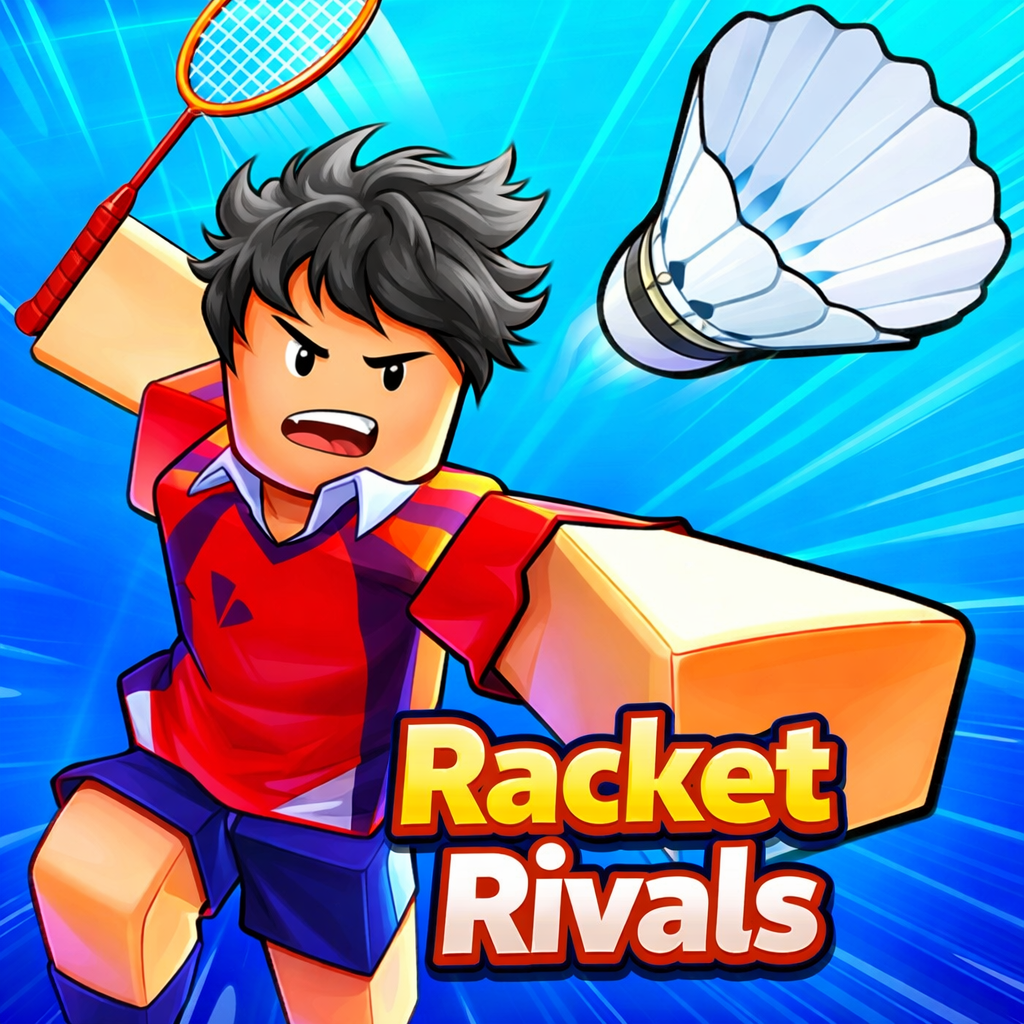
As another example of a smaller Roblox experience, Racket Rivals has its own official game page and developer community. We do not claim a working Racket Rivals code here unless a current code can be substantiated.
Why a code may not work
- Expired: seasonal and milestone codes may be short-lived.
- Redemption cap: some codes have a global use limit.
- Capitalization: enter uppercase letters, digits, and spelling exactly.
- Already claimed: most codes work once per account.
- Tutorial incomplete: some games hide the code button until the first objective is done.
- Old server: leave and rejoin after an update.
- Wrong experience: similar names and copied lists can mix codes from different games.
If a code still fails, stop repeating it and check the developer's official Roblox description, group, or announcement channel. Third-party trackers are useful for finding possible codes, but they cannot guarantee that a code will redeem on your account.
Code safety: avoid fake free-Robux offers
Legitimate game codes grant in-game rewards such as currency, spins, boosts, or items. They do not create free Robux through an external generator. Never enter your Roblox password, browser cookies, two-step verification code, or recovery code on a “code generator” website. Do not download an extension or file to reveal a code. If a page asks you to sign in outside Roblox or complete a survey to unlock rewards, close it and return to the official game page.
For general platform advice, visit Roblox Safety.
Frequently asked questions
What is the newest small Roblox game code in this roundup?
SPOOKYCHICKEN was listed as a new Grow a Chicken Fighter code on October 25, 2026. Test it in-game and check the developer's official channels for updates.
Are these codes guaranteed to work today?
No third-party list can guarantee that a code will redeem for every player at every moment. Codes can expire, hit a use limit, or have conflicting reports. The game's own redemption response is the final check.
Does FreeCandy work in Sell Fries!?
A guide updated October 23 reports FreeCandy for 100 Candies, while another list reports extra Gems. Because sources disagree and codes may be limited-use, try it in the Shop's Codes section.
Where do I enter Destroy a Vault codes?
Open Destroy a Vault on Roblox and follow its current in-game instructions. The public description lists codes, but the redemption menu can change.
Can a code from one Roblox game work in another?
No. Codes belong to the experience that issued them. A Grow a Chicken Fighter code will not redeem in Sell Fries! or another game.
Do Roblox codes give free Robux?
Game codes usually give in-game rewards, not Robux. Avoid sites that promise unlimited Robux or ask for your password.
How often should I check for codes?
Check when a game releases an update, reaches a like or visit milestone, or starts a seasonal event. The developer's Roblox description and official community announcements are usually better sources than an undated code list.
A five-minute code-check routine
When several games are posting seasonal updates at once, a repeatable process is more reliable than copying every list you see. Start with the game you actually plan to play today, then check its official Roblox description. A code printed there is a stronger lead than a code copied across multiple sites without a date. Next, compare the spelling with one recently updated tracker and note the tracker’s update date. If the sources disagree, mark the code as uncertain and test it only in the game’s own redemption menu.
Redeem one code at a time and wait for the game to confirm the result. This makes it easier to spot a typo or understand which code produced a reward. If the message says the code has already been used, that may mean it is account-limited rather than expired. If the message says invalid or expired, recheck the exact spelling and server version once; repeated attempts usually will not help. Keep a small note of the game, code, date tested, and result so you do not waste time trying the same failed entry later.
For codes that award temporary boosts, activate them when you can use the full duration. For example, a short luck or currency boost may be more valuable when you have time to complete several rounds rather than when you are about to leave. For inventory rewards, check the relevant inventory or currency counter after redemption instead of assuming the code failed because there was no large pop-up. Never pay Robux, share account credentials, or install a tool just to reveal a code. Legitimate code redemption should happen inside the experience or through a developer-controlled official process.
What to record when you test a code
- Game and code: keep the exact title and capitalization together.
- Check date: a code that worked yesterday may be capped today.
- Result message: note whether it says redeemed, already used, invalid, or expired.
- Reward: confirm the currency, item, or boost in your account.
- Source: save the official game page or developer announcement that supported the code.
This simple habit helps separate genuinely useful updates from stale reposts. It also makes future code roundups more accurate: an entry can be marked as recently checked, reported but unverified, or expired instead of being presented as a certainty.
Sources and further reading
- Grow a Chicken Fighter — official Roblox page
- Grow a Chicken Fighter code tracker, updated Oct. 25
- Sell Fries! — official Roblox page
- Pro Game Guides: Sell Fries! codes
- Destroy a Vault — official Roblox page
- Roblox Safety
Last reviewed: October 26, 2026. This article should be refreshed when a code status can be substantiated. If a code fails, treat the in-game response as the current status.







