
By Shivam Das · Updated October 28, 2026 · U.S. players
If you have been spending every session in The Hollow, there are other Roblox Halloween activities worth checking before you log off. Roblox’s official Halloween announcement specifically highlights Adopt Me! and Welcome to Bloxburg as games offering seasonal minigames and rewards. Their events use their own objectives and currencies, so a reward in one game does not automatically count toward The Hollow’s reward track. Roblox’s official announcement confirms these featured activities, but you should check each game’s live description and in-game event panel for what is available on your account tonight.
Quick answer: Start with Adopt Me!’s Halloween activities and Bloxburg’s Pumpkin Panic or Ghost Hunt, then check any reward or quest panel before spending time grinding. “Free rewards” here means items or in-game rewards earned through play; it does not mean free Robux, and availability can vary by event window, account, and server.
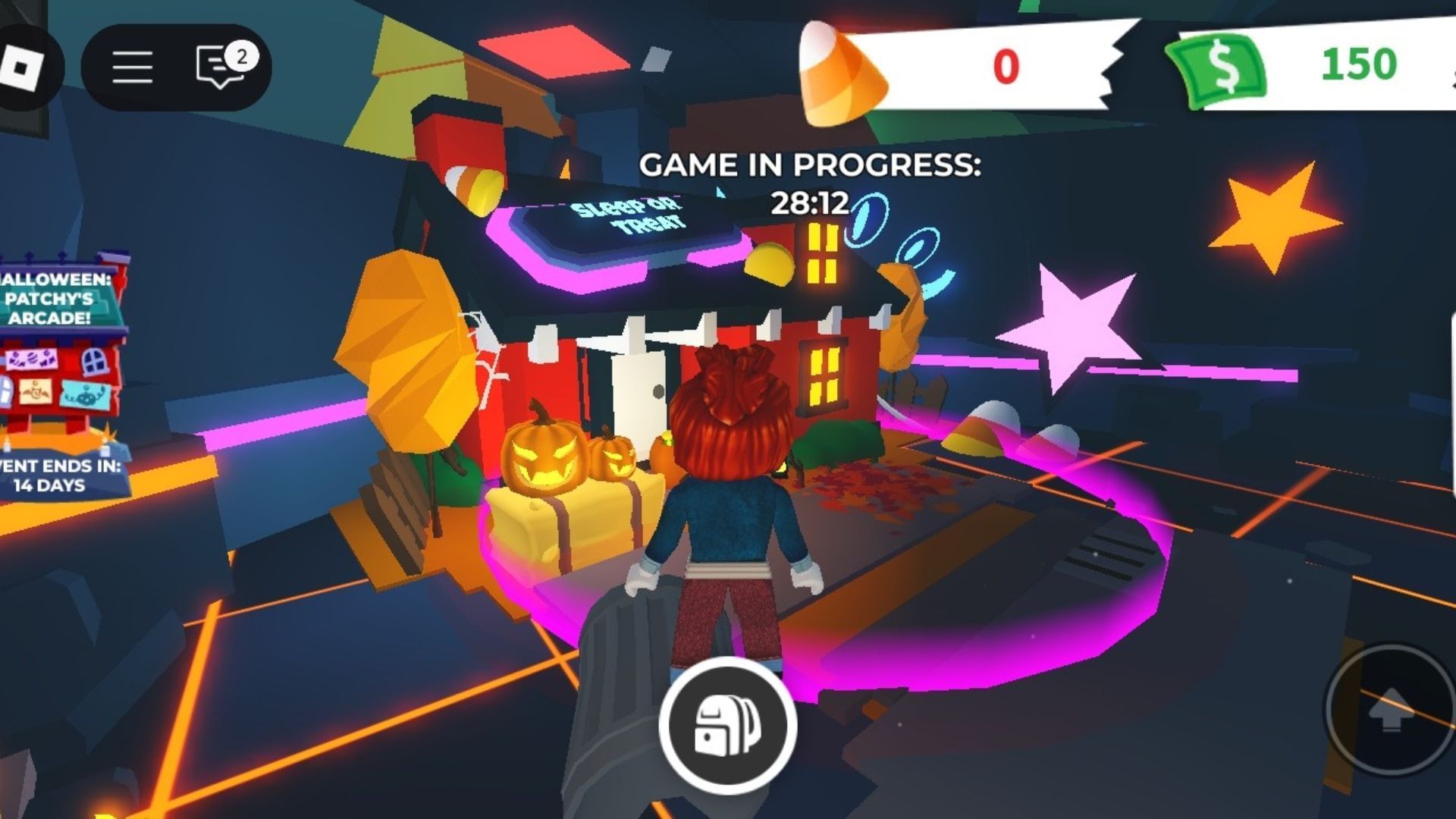
1. Adopt Me!: Check the Halloween event panel first
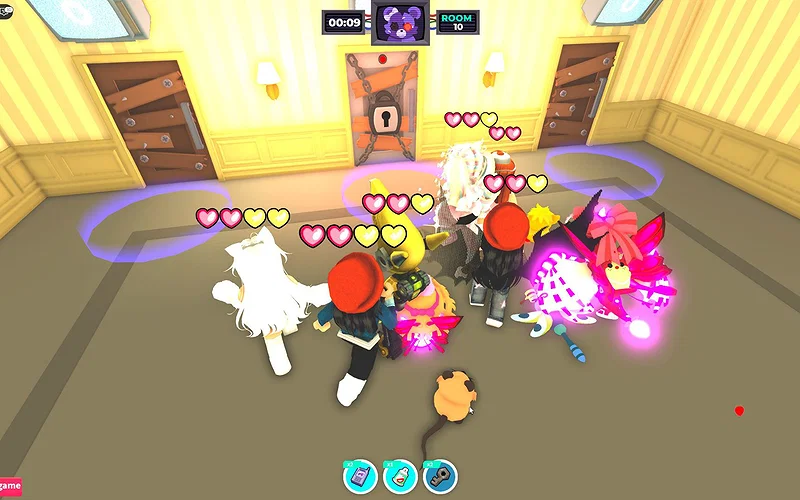
Adopt Me!’s official updates confirm that its 2026 Halloween season includes the Hauntlet 2 minigame and a later Where Bear? activity. In the October 23 update, the developers described Where Bear? as a team-based mode with Bear, Hunter, and Survivor roles, plus Candy Corn collection. The official notes are the safest source for the activity’s rules and item costs.
What to do tonight:
- Open Adopt Me! on Roblox and look for the current Halloween activity or event entrance.
- Read the current event instructions before queuing. Do not assume an older guide’s route, timer, or minigame is unchanged.
- Play the activity that is visibly available and check whether it awards Candy Corn, a sticker, a badge, or another item.
- Open the event journal or inventory afterward and confirm that the reward registered.
For current event details, read the developer’s official Where Bear? update notes and official Hauntlet update notes. These are more reliable than reposted “free item” lists, which may mix years or omit the cost of an item.
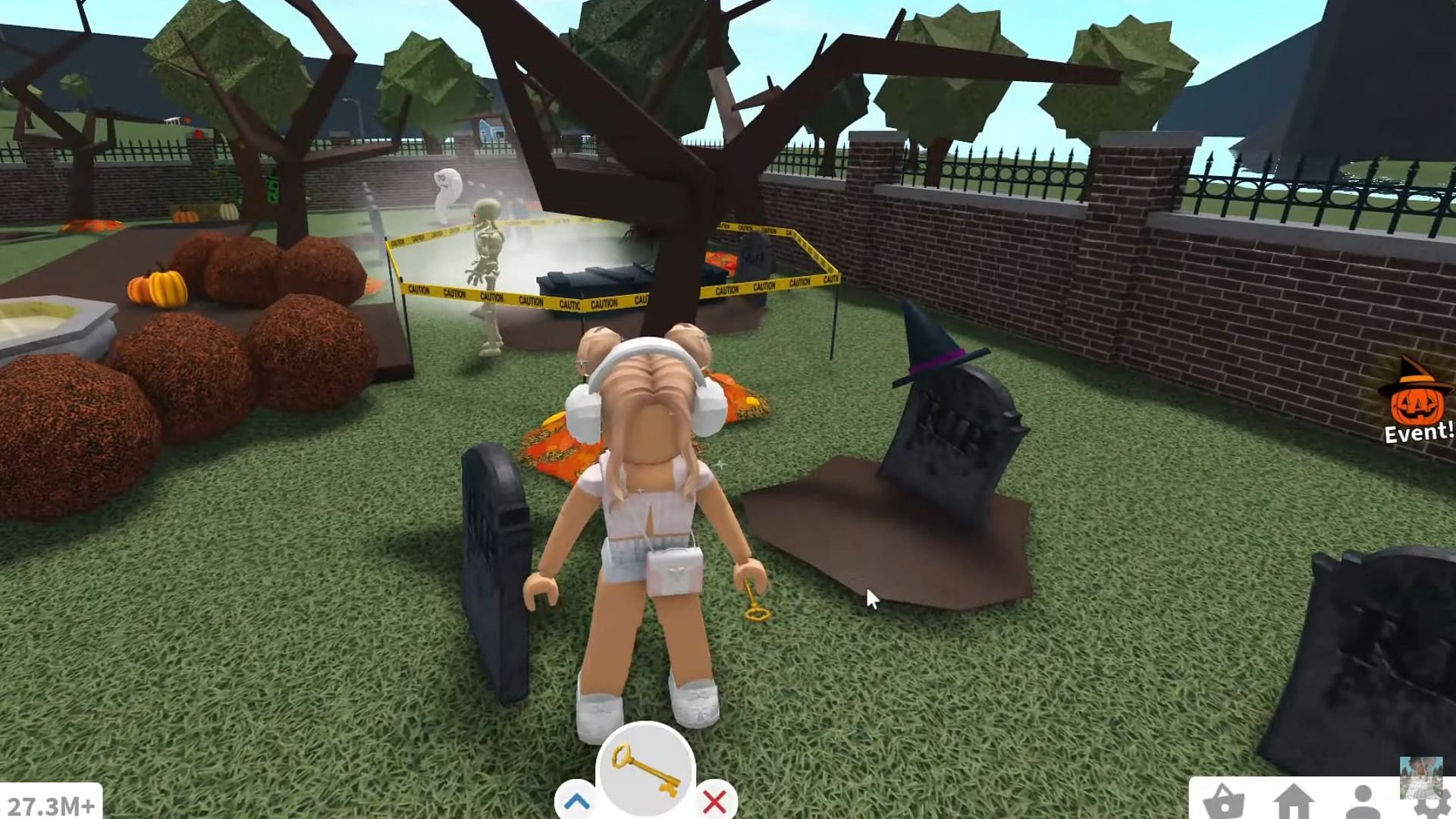
2. Welcome to Bloxburg: Look for Pumpkin Panic and Ghost Hunt
Roblox’s official Halloween announcement says Bloxburg’s seasonal event includes minigames such as Pumpkin Panic and Ghost Hunt, with personal and group rewards. That makes it a useful second stop if you want a different style of activity after a horror maze. The announcement does not publish a universal reward amount or guarantee that every activity will be available in every server at every moment.
Fast checklist:
- Join the official Welcome to Bloxburg experience.
- Look for the active Halloween event prompt, minigame sign, or quest list.
- If a group objective is available, invite a friend; if not, focus on the personal objective shown in your game.
- Check the reward screen before leaving so you know whether the activity paid out.
Do not rely on an old YouTube or social post for exact quest locations without checking its date. Seasonal maps and event prompts can change between years.
3. A third stop: Recheck Roblox’s event hub and seasonal listings
The Hollow remains the clearest platform-wide event to track because Roblox has publicly announced its schedule: the nine-night monster sequence ends with a live finale on October 31, and eligible rewards can be collected until noon Pacific time on November 2. The finale and reward-claim deadline are different milestones, so do not assume every claim window ends on Halloween night.
Visit The Hollow’s Roblox experience page and read the active quest panel. If you have already completed a floor, verify the badge or inventory item before replaying it. Our related guide, Best Order to Clear Floor 7 and Review Shop Items, covers a simple end-of-session checklist.

4. How to tell whether a reward is really free
Seasonal games often mix rewards earned through play with items that cost in-game currency or Robux. Before you start a long grind, check these details:
- Play-earned: the objective says to complete a minigame, quest, or event task to earn the reward.
- In-game currency: the item costs event currency, even if you can earn that currency by playing. It is not automatically a free instant claim.
- Robux purchase: the item has a Robux price. Skip it if you only want no-cost rewards.
- Limited-time claim: a deadline is displayed. Finish and claim the reward before that time.
- Unverified promise: a post asks for your password, sends you to a “free Robux generator,” or promises a reward code that is not listed by the developer. Do not use it.
5. A practical 30-minute route for tonight
If you only have half an hour, avoid trying to complete every game’s full event track. Use this order instead:
- First 3 minutes: open the official experience pages and confirm the Halloween event is visible.
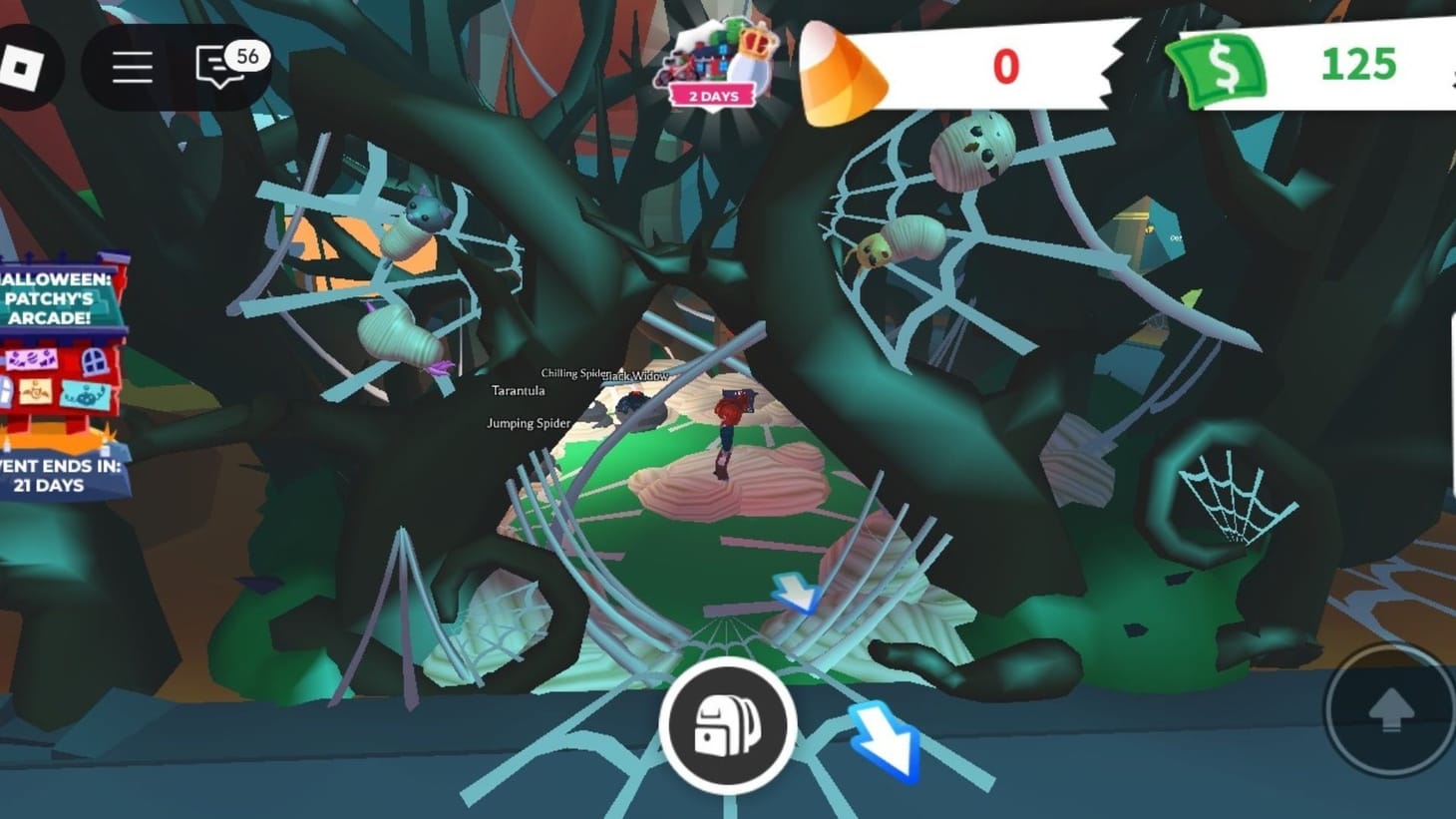
- Next 12 minutes: try the currently available Adopt Me! minigame or complete one clear event objective.
- Next 10 minutes: check Bloxburg’s active Pumpkin Panic or Ghost Hunt objective and complete one run if available.
- Final 5 minutes: verify your reward panels and inventory, then return to The Hollow only if you still have an unfinished quest.
This is a suggested time budget, not a guarantee that a full minigame can be completed in the allotted minutes. Queue times, group coordination, and the current event build can change the result.
Frequently asked questions
Which Roblox Halloween games have other rewards besides The Hollow?
Roblox’s official 2026 Halloween announcement highlights Adopt Me!’s Hauntlet activity and Welcome to Bloxburg’s Pumpkin Panic and Ghost Hunt minigames. Check the live game pages for the exact activities and reward availability tonight.
Are the rewards free?
Some rewards are earned by completing gameplay objectives, while other items may require event currency or Robux. Read the in-game item price and reward conditions before spending.
Does The Hollow end on October 31?
Roblox says the live finale is on October 31, but players can continue collecting eligible rewards until noon Pacific time on November 2, 2026. Verify and claim rewards before the published deadline.
Can I get free Robux through Halloween reward links?
Do not trust third-party “free Robux” generators or links that request your password. Use official Roblox experiences and developer announcements, and never share account credentials to claim a seasonal item.
What if an advertised minigame does not appear?
Check the current game description, in-game event panel, and official developer notes. The event may have rotated, changed, or be unavailable in your current session; do not assume an old screenshot proves that it is live now.
Reporting note: Roblox’s official newsroom confirms the featured seasonal activities and The Hollow reward deadline. Exact live-server availability, reward quantities, and individual account eligibility should be checked in-game; this guide does not claim a live server audit.