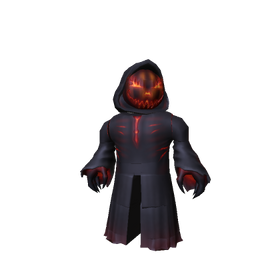
For U.S. Roblox players · October 29, 2026 · By Shivam Das
Quick answer: If The Hollow stutters during a chase, first identify whether it is frame-rate lag, network delay, or a server/experience slowdown. On mobile, try switching Roblox graphics from Auto to Manual (if available), lowering quality a few steps, closing demanding apps, letting an unusually hot phone cool, and testing a stable connection. These steps may improve device-side performance, but they cannot guarantee a faster monster or fix server-side trouble.
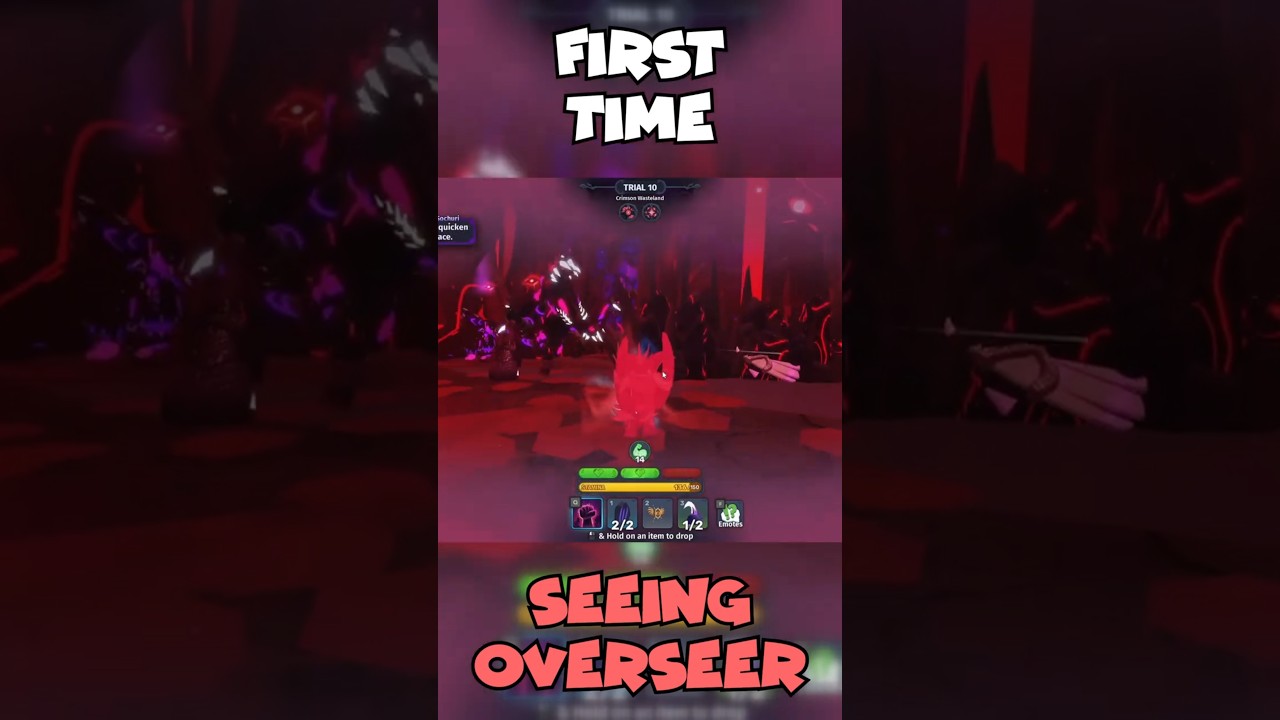
The Inspector and The Overseer come from different horror experiences, and a chase that feels faster is not proof that one monster has a higher speed. Frame drops can make movement look abrupt; network delay can make a character appear to jump forward; and an actual game mechanic can change reaction time. This guide separates those possibilities so mobile players can troubleshoot without relying on unverified chase-speed claims.
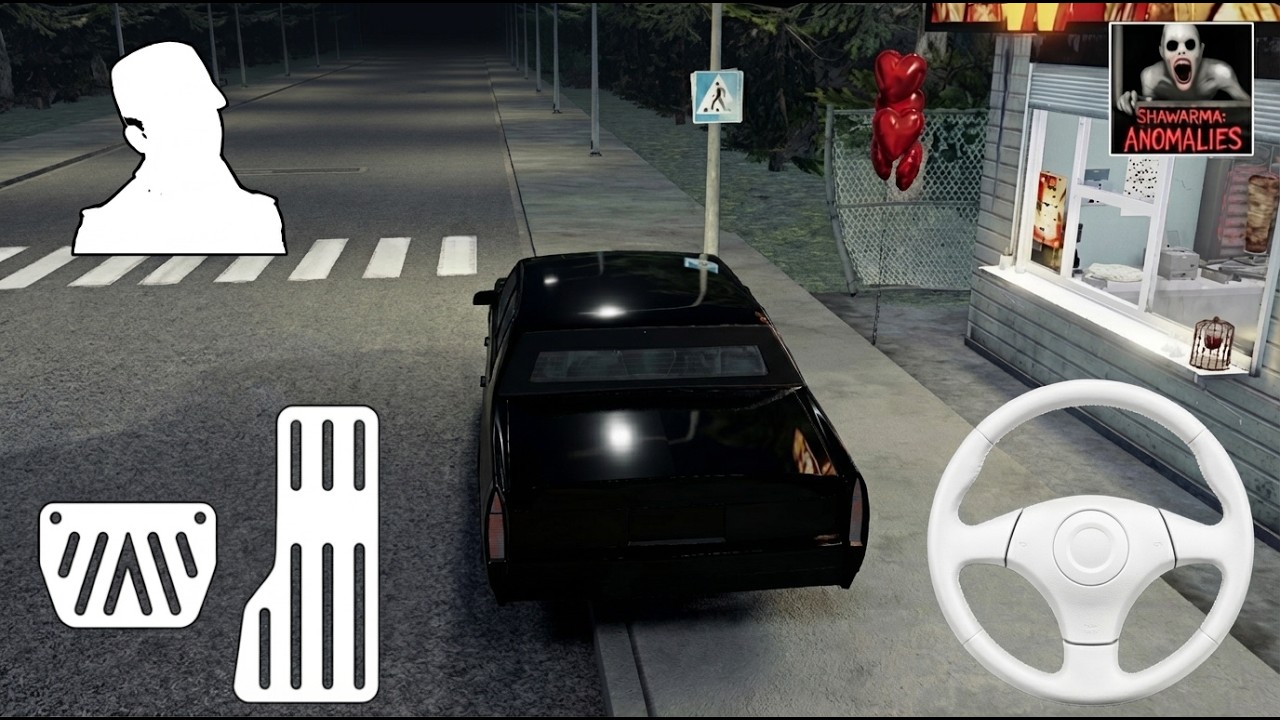
Is The Inspector actually faster than The Overseer?
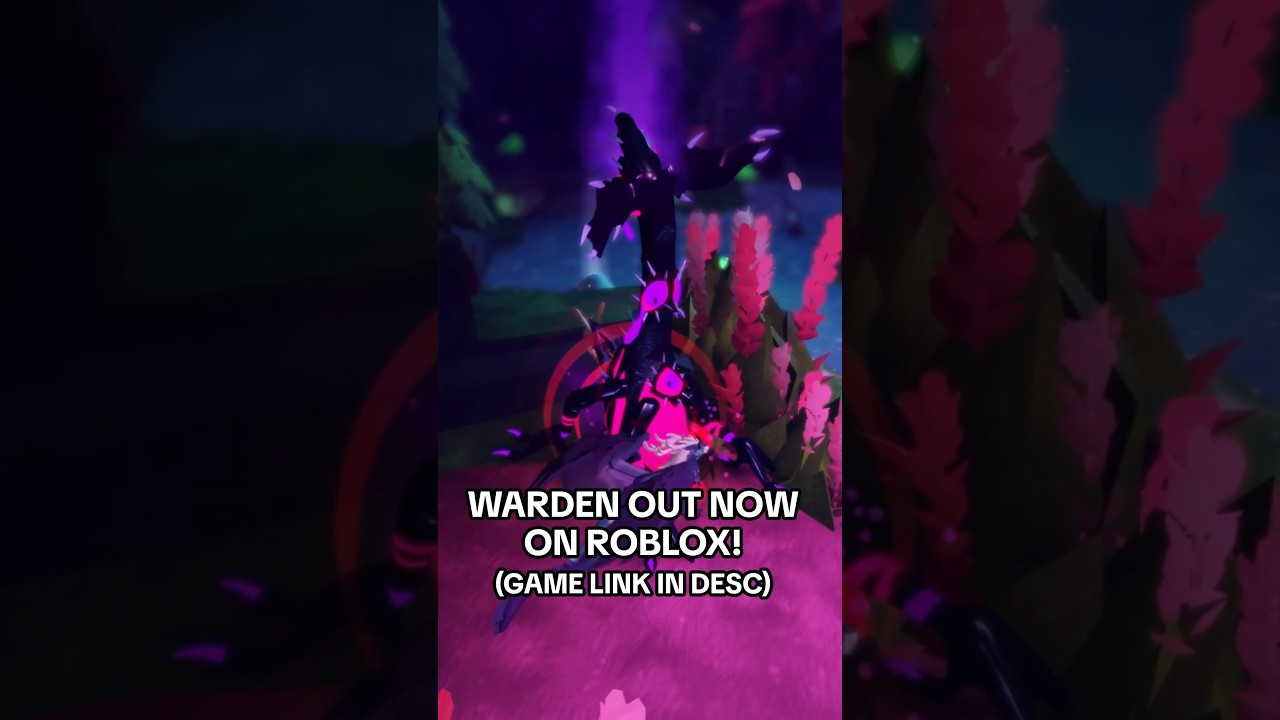
We could not verify official Roblox statistics comparing either monster’s chase speed, acceleration, detection radius, or mobile behavior. Roblox confirms that The Inspector from Scary Shawarma Kiosk and The Overseer from WARDEN are included in The Hollow, but its event announcement does not publish technical chase stats. Rules from the original games do not automatically prove how characters behave in the crossover.
A claim such as “The Overseer is 20% faster” would be misleading without repeatable tests or developer documentation. Check the live event and treat exact speed claims as unverified unless a reliable source shows a controlled comparison.
Roblox’s official event announcement · The Hollow on Roblox.
Identify the type of lag first
| What you notice | Possible cause | First test |
|---|---|---|
| Camera motion is choppy or frames visibly skip. | Graphics / frame-rate lag | Lower graphics quality and close demanding apps. |
| Monsters or players jump positions; doors respond late. | Network delay | Try a stable connection and pause large downloads. |
| The whole session freezes or several players are affected together. | Server or experience slowdown | Check Roblox Status and compare another experience. |
| Performance worsens as the phone heats up. | Possible thermal or system pressure | Take a break, let the device cool, and retest. |
Roblox Support separates network, graphics, and system lag. Lowering graphics may help rendering, but it will not necessarily fix weak Wi-Fi or a slow server. Read Roblox Support’s lag troubleshooting guide.
Mobile settings to try before another chase
1. Change graphics from Auto to Manual
Open the Roblox in-experience menu and select Settings. If Graphics Mode is set to Auto and Manual is available, switch to Manual and move Graphics Quality down a few steps. Test the same area again before lowering it further. Start low-to-middle if possible: the goal is smoother movement while retaining enough detail to see doors, clues, and turns. Menu wording can vary by device and app version.
2. Close demanding background apps
Close apps you do not need, such as video editors, screen recorders, downloads, or other games. If the phone becomes unusually hot, pause and let it cool in a ventilated place. Do not use extreme cooling methods.
3. Stabilize the connection
If visuals remain smooth but the monster appears to teleport, interactions arrive late, or your avatar snaps back, investigate the connection. Move closer to Wi-Fi, pause large downloads on the same network, or compare with a stable mobile-data connection if available. Avoid repeatedly switching networks mid-run.
4. Rejoin only after a quick comparison
If the problem seems limited to one server, rejoining once may help. Consider whether leaving could lose progress. If the slowdown repeats across fresh servers but other Roblox experiences work normally, the issue may be specific to The Hollow.

How to compare The Inspector and The Overseer fairly
- Keep the setup consistent. Use the same device, graphics setting, and connection when possible.
- Record the visible start point. Include the objective, your character, and the monster before the chase begins.
- Compare a measurable interval. Use the same kind of landmark or distance where possible; do not infer speed from a dramatic camera angle.
- Separate frame drops from movement. If the video stutters, you cannot confidently measure speed from that section.
- Repeat the test. One run may be affected by pathing, patrol timing, or server conditions.
Until a controlled comparison or reliable developer source is available, we cannot confirm a universal Inspector-versus-Overseer speed ranking. Players can still improve responsiveness by fixing device and network issues.
Official support and event links
Use Roblox’s support guide for graphics and connection troubleshooting, and check the live event hub for current objectives. Creator footage can show one session, but it does not establish that every mobile player has the same issue.
Roblox Support: Reduce lag and speed up play · Roblox Status · Roblox on X.

Frequently asked questions
Is The Inspector faster than The Overseer in The Hollow?
We could not verify official speed statistics or a controlled comparison. Source-game behavior is not proof of crossover mechanics.
What is the best mobile setting for Roblox chase lag?
If available, switch Graphics Mode from Auto to Manual and lower Graphics Quality a few steps. Close demanding apps and test again. No single setting is guaranteed to work on every phone.
Will lower graphics fix ping?
Usually not. Lower graphics mainly helps rendering performance. If players teleport or interactions are delayed, investigate network stability and check whether the issue is server-specific.
Should I use a third-party FPS booster?
No third-party booster is required for these steps. Avoid modified clients, unknown downloads, and tools that ask for your Roblox password, session cookie, or verification code.
Where can I check official event details?
Start with Roblox’s event announcement and the live The Hollow experience. The announcement confirms the monsters’ inclusion but does not publish a technical speed comparison.
Sources
- Roblox Newsroom: The Hollow Halloween survival event
- Roblox Developer Forum: The Hollow announcement
- Roblox Support: How to Reduce Lag and Speed Up Play
- The Hollow official experience page
- The Inspector source-game gameplay reference
- WARDEN source-game gameplay reference
Editorial note: This is a new article and does not update an older post. The five images are distinct visual references; some show source-game or general Roblox context, not verified footage of the live Hollow floors. No unverified chase-speed figure or universal fix is presented as fact.