
For U.S. Roblox players · Updated October 26, 2026 · By Shivam Das
Quick answer: The best way to style a Night 5 reward from The Hollow is to build around one visual theme—ghostly, witchy, or monster-inspired—then add one older event accessory instead of stacking every spooky item at once. A current community guide lists Phantom in the Code as the Night 5 maze reward, but Roblox’s official announcement does not publish a complete item-by-item reward list. Check the live event board before assuming a name or claim method is confirmed.
Roblox’s 2026 Halloween event, The Hollow, adds a new maze and monster across nine nights. Players earn avatar items by completing event quests in the hub and participating experiences. Roblox says eligible rewards can still be collected until noon Pacific time on November 2, 2026; the live finale is planned for October 31. The deadline matters more than any outfit trend: claim the reward in-game first, then experiment with your avatar look.
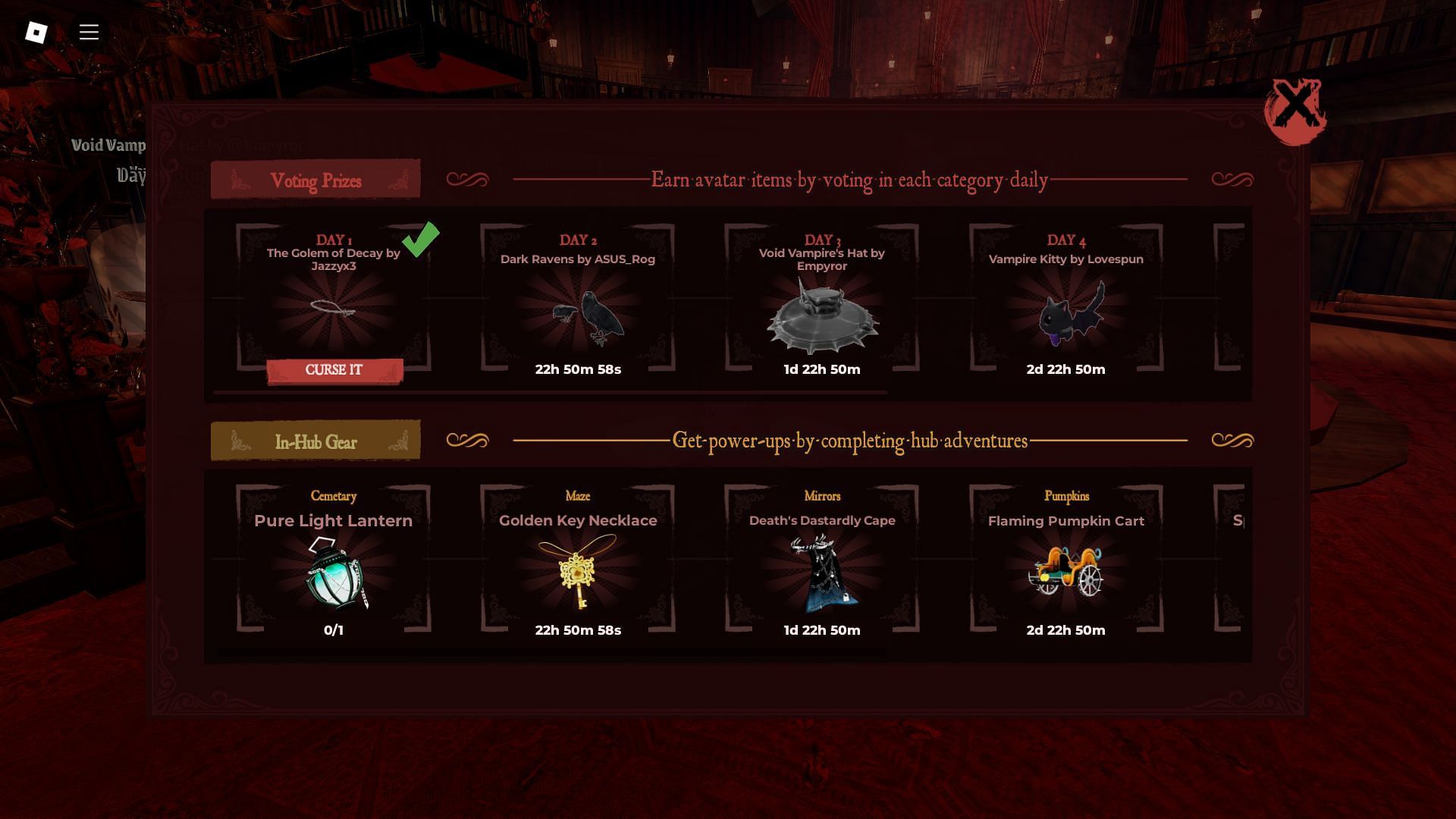
What is confirmed about Night 5?
Roblox’s official event announcement confirms the nine-night format, the participating horror-game worlds, quest-based avatar rewards, and the November 2 collection deadline. It does not list every Night 5 item by name. A recently updated third-party guide identifies Phantom in the Code as the Night 5 maze reward, while another tracker reports newly appearing reward badges and accessories. Treat those item-level details as reported, not as an official Roblox checklist, until the in-game reward panel confirms them.
Start at the official The Hollow experience, read the active objective, and use the event’s own claim prompt. Do not buy a similarly named Marketplace item just because a guide calls it a reward: Roblox separates quest-earned items from paid Halloween Marketplace cosmetics and Roblox Plus perks.
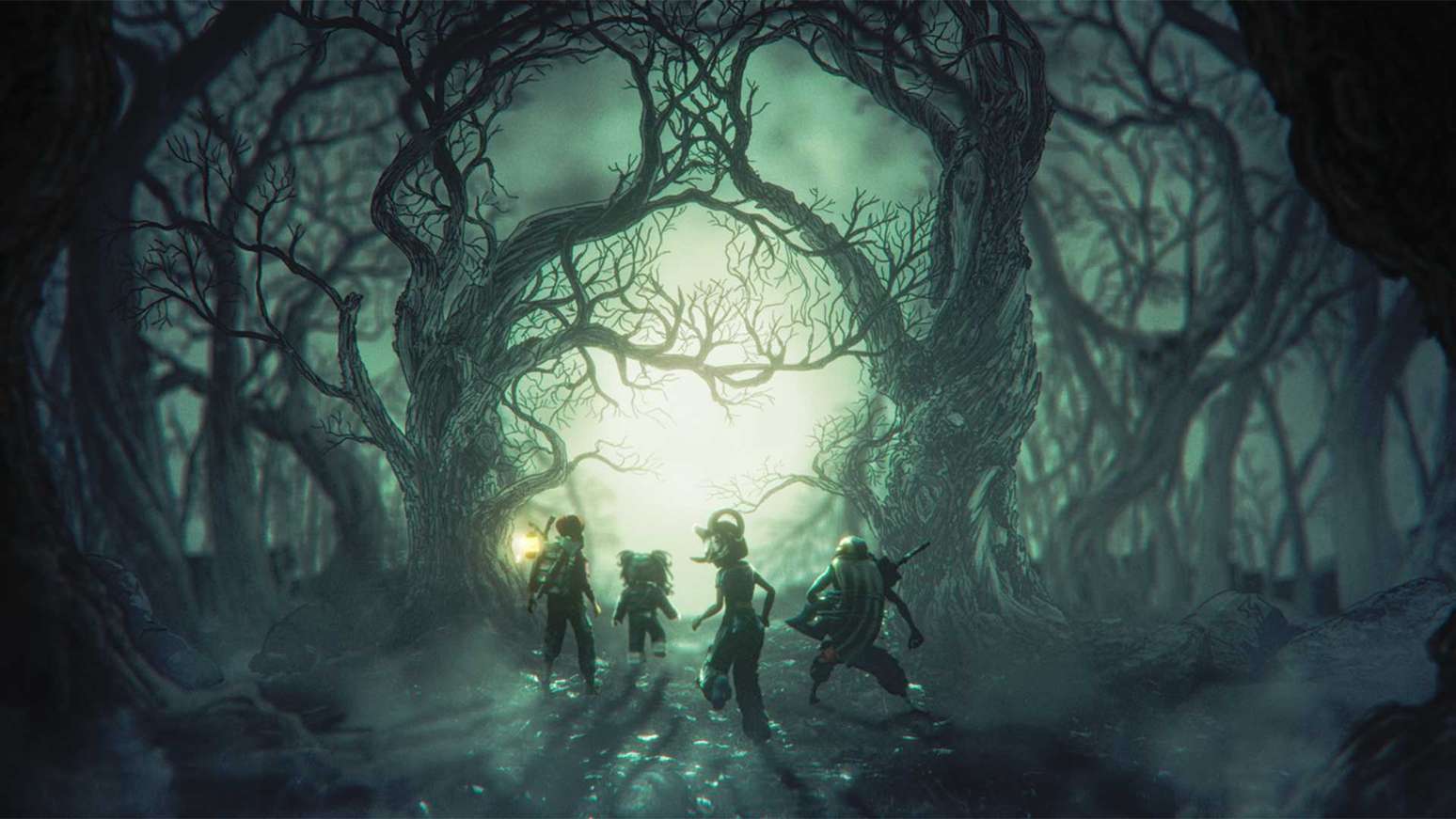
Three outfit pairings that work with older Hollow rewards
1. Phantom-style reward + Lord Umberhallow BLOXikin
If the Night 5 item you earn has a spectral, shadowy, or code-themed look, pair it with Lord Umberhallow BLOXikin, an older Hollow reward reported in event guides. Keep the palette dark and let one bright detail—such as a pale face, glowing accent, or high-contrast accessory—carry the outfit. This pairing works best when the newer item is the focal point and the older reward adds atmosphere rather than competing for attention.
2. Witchy Night 5 accessory + Witch’s Brew-nado
For a playful Halloween look, use Witch’s Brew-nado as the theme anchor and add just one Night 5 accessory that fits the same color story. Green, purple, black, and smoky effects usually read as one intentional set. Avoid adding several unrelated hats or oversized back accessories; too many large silhouettes can hide the reward you actually want people to notice.
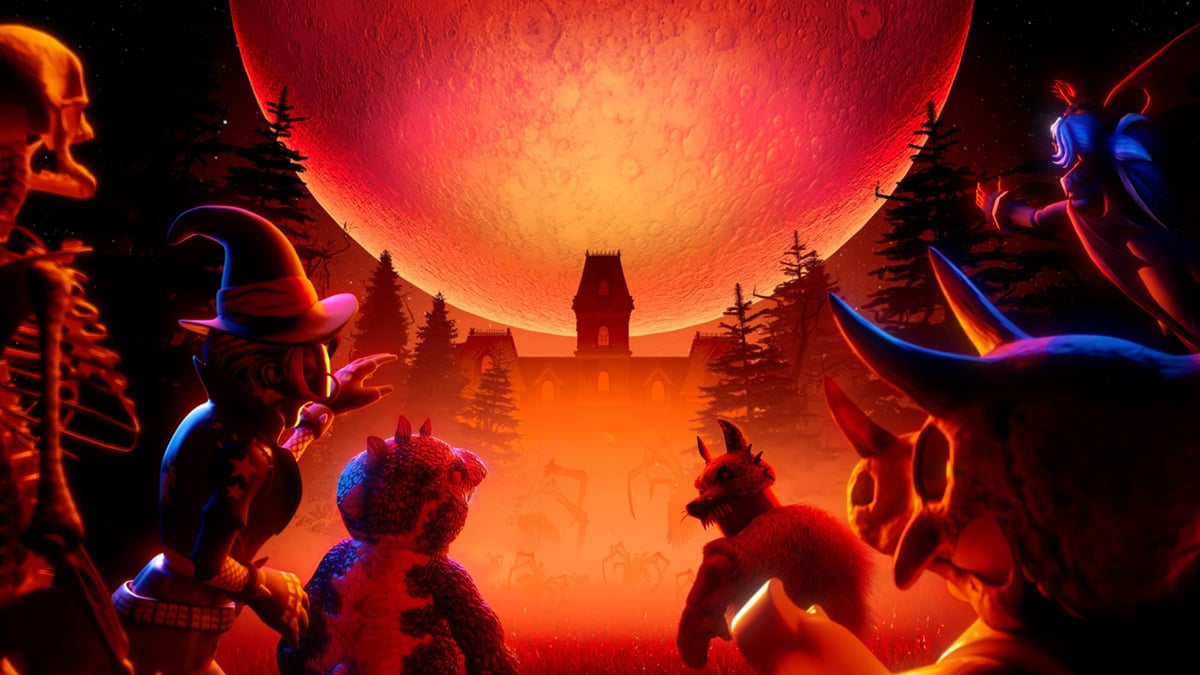
3. Monster-inspired Night 5 reward + Festering Felix or Incorporeal Incorporated
If your Night 5 reward has a creature, mask, or eerie silhouette, try pairing it with one older monster-themed item such as Festering Felix or Incorporeal Incorporated. Keep the body outfit simple so the face and accessory shapes remain readable. This is especially useful for screenshots: a clean silhouette is easier to recognize in a small profile image than a crowded avatar build.
These are styling suggestions, not a claim that Roblox has officially bundled the items together. Availability, ownership, and item names should be checked in your account and in the live event before you spend time recreating a look.

How to claim Night 5 rewards without missing a step
- Enter the official event hub. Use Roblox’s own experience page rather than a third-party “free item” link.
- Read the active Night 5 objective. Follow the in-game instructions; don’t rely on a route copied from a different floor or an older server.
- Finish the objective and reach the claim prompt. Completing a maze and actually claiming the reward may be separate actions.
- Check your inventory. Open Roblox’s Avatar/Customize area and look for the item before repeating the entire run.
- Save proof if something fails. Capture the completed objective, reward prompt, and inventory screen, then contact Roblox Support if the item still does not appear.
Do not share your password, browser cookies, or account verification codes with anyone offering to “force” a reward into your inventory. A free UGC claim should never require handing over account access.
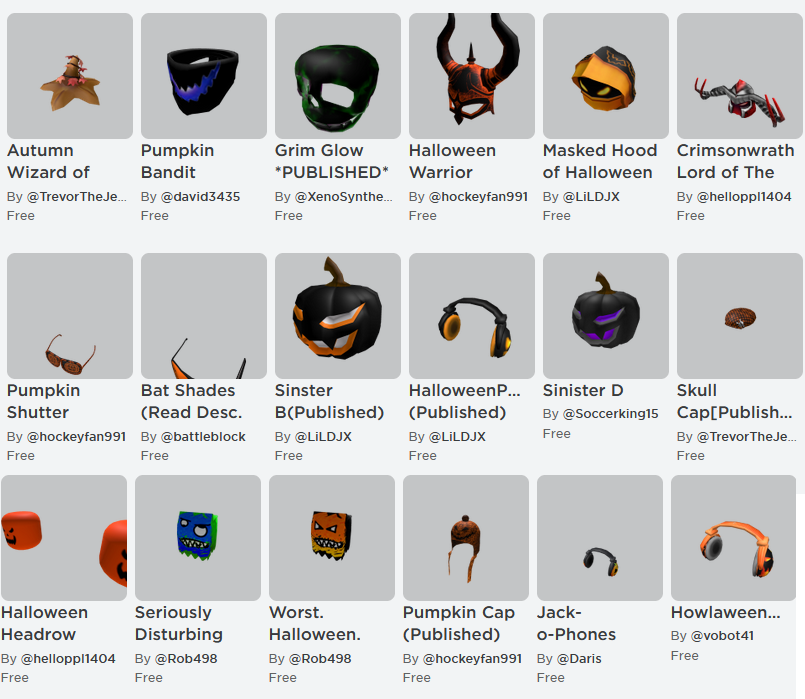
Where the older reward references come from
Third-party event roundups have listed earlier Hollow rewards including Lord Umberhallow BLOXikin, Witch’s Brew-nado, Festering Felix, and Incorporeal Incorporated. The names are useful for styling ideas, but the safest source for your own inventory is still the reward panel and your Roblox account. For event timing and the official rules, read the Roblox newsroom announcement and the official Roblox Developer Forum announcement. For a reported item-by-item guide, compare it with the live game rather than treating it as definitive.
Internal guide: Browse more Roblox coverage in the Vervado Roblox blog.
Frequently asked questions
What is the Night 5 free UGC item in The Hollow?
A current third-party guide lists Phantom in the Code as the Night 5 maze reward. Roblox’s official launch announcement does not provide a complete reward-by-night list, so verify the item name in the live event before relying on a guide.
Can I claim Night 5 rewards after the Halloween finale?
Roblox says players can continue collecting eligible event rewards until noon Pacific time on November 2, 2026. The finale is October 31, so the finale and the reward deadline are not the same thing.
Are all Halloween avatar items free?
No. Quest rewards can be earned through event participation, while some Halloween Marketplace items are paid and Roblox Plus includes separate subscriber benefits. Check the item’s price and source before assuming it is free.
Why is my claimed item missing?
Check that the objective completed, that you used the claim prompt, and that you are viewing the correct Avatar/Customize inventory. If it remains missing, save screenshots and contact Roblox Support rather than repeating an unverified “fix.”
Editorial note: Item names and unlock methods can change or be reported before Roblox confirms them. This guide separates official event timing from third-party item reports and recommends checking the live reward panel.







