
Quick answer: The fastest way to audit your Roblox The Hollow rewards is to check four places separately: your Roblox avatar inventory, your badge list, The Hollow hub’s reward/claim prompts, and any partner-game quest progress. A completed maze or earned badge does not always mean every related cosmetic or Ticket reward has been claimed. Roblox says eligible event rewards can be collected until noon Pacific Standard Time on November 2, 2026, so check your account now instead of relying on memory.
U.S. player update: October 27, 2026. Roblox’s official announcement confirms The Hollow is a nine-night Halloween event with a live finale planned for October 31 and a reward-collection window through November 2. It does not publish a complete account-by-account missing-reward list, so this is a practical audit checklist—not a claim that most players are missing a specific item. Read the official Roblox event announcement.

The four reward buckets to check
Before replaying a floor, identify which kind of reward you are looking for. The Hollow mixes maze rewards, partner-game quests, Tickets, and special event activities. Those tracks do not all use the same claim flow.
| Reward type | Where to verify it | What to do if it looks missing |
|---|---|---|
| Floor maze UGC and badge | Avatar inventory, badge list, and hub reward prompt | Confirm the relic was returned to the elevator and inspect the matching item category. |
| Partner-game quest UGC | The partner experience’s quest status, then The Hollow hub | Confirm the objective finished and return to the hub to collect any prompted reward. |
| Tickets from event badges | The Hollow hub’s redeem/confirm prompt and Ticket balance | Return to the hub and check for a badge-conversion prompt before repeating the quest. |
| Ticket-shop items | Shop purchase status and avatar inventory | Check the shop receipt/status and the right accessory category; these are different from free maze rewards. |
| Ghost-launcher or special activity items | Event activity prompt and avatar inventory | Confirm the relevant activity condition was met; these are not automatically awarded by every maze clear. |
TechWiser’s event guide separates daily maze rewards from partner-game UGC quests and special Ghost UGC activities, while Roblox’s official announcement describes the broader event and its deadline. Use the in-game claim prompt as your account-specific source of truth. See a third-party overview of The Hollow’s free UGC tracks.
Step 1: Check your avatar inventory by category
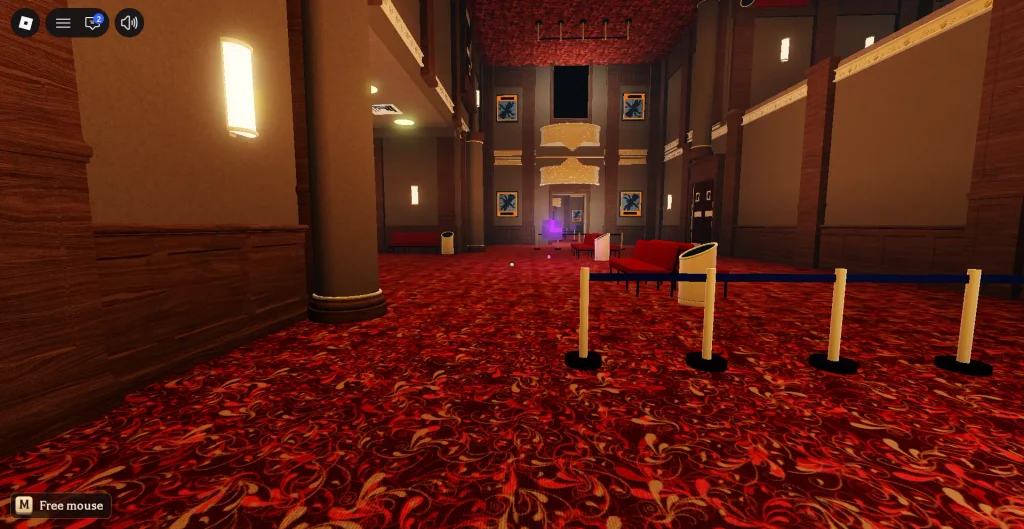
Open Roblox’s Avatar Editor or inventory and search for the item by name if you know it. If you do not remember the exact name, inspect likely categories such as hats, face accessories, shoulder accessories, back accessories, and other relevant accessory types. A reward can be owned but easy to overlook when you only scan the first page of recently added items.
- Search the item name, not only the event name.
- Check more than one accessory category.
- Look for the item in Customize/owned items as well as the event hub display.
- Do not buy a second copy or spend Tickets just because the item is not visible in the first inventory screen.
Step 2: Match each floor badge to its cosmetic
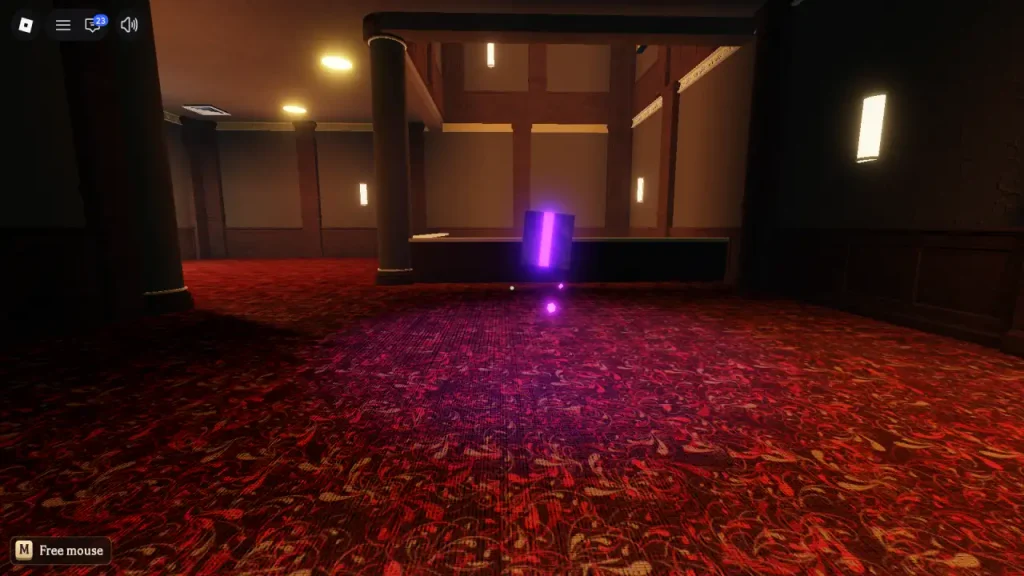
For a floor reward, ask three questions: Did you finish the puzzle? Did you collect the Relic and return to the elevator? Did the game show a completion or reward prompt after you reached the hub? If the run ended before the return step, a solved puzzle alone may not be enough to register the clear.
Maze layouts and puzzle details can change between runs, so do not copy a random player’s answer without checking your own room. On Floor 3, for example, the gravestone ages and symbol order are randomized; the reliable method is to calculate the ages shown in your run and select the three youngest in the correct order. Read the Floor 3 puzzle guide if that is the reward you are checking.
Step 3: Audit partner-game quests separately
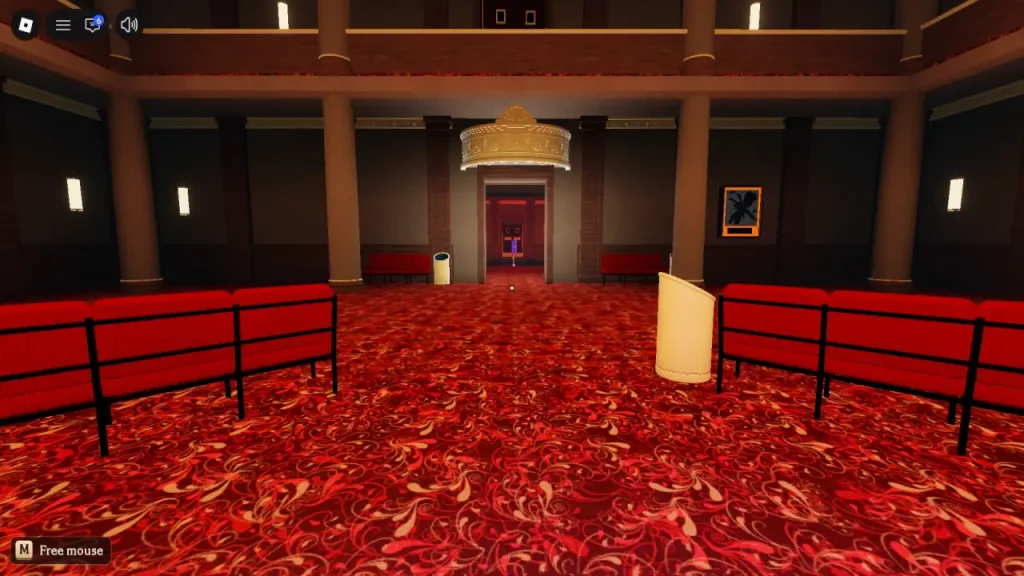
The Hollow also sends players into participating Roblox experiences. These quests can award a separate UGC item, event badge, and sometimes Tickets or an in-game item. Completing a theater maze does not prove that a partner-game quest is complete, and finishing a partner quest does not necessarily mean its reward was claimed back in The Hollow.
- Open the partner experience from the official event hub or its quest portal.
- Check the quest tracker for a completed objective, not just progress toward it.
- Return to The Hollow hub after the quest and watch for a claim or confirmation prompt.
- Check the badge list and inventory after claiming.
- If a reward is missing, write down the quest name and the exact step that registered before attempting the whole quest again.
Step 4: Confirm Tickets were actually redeemed
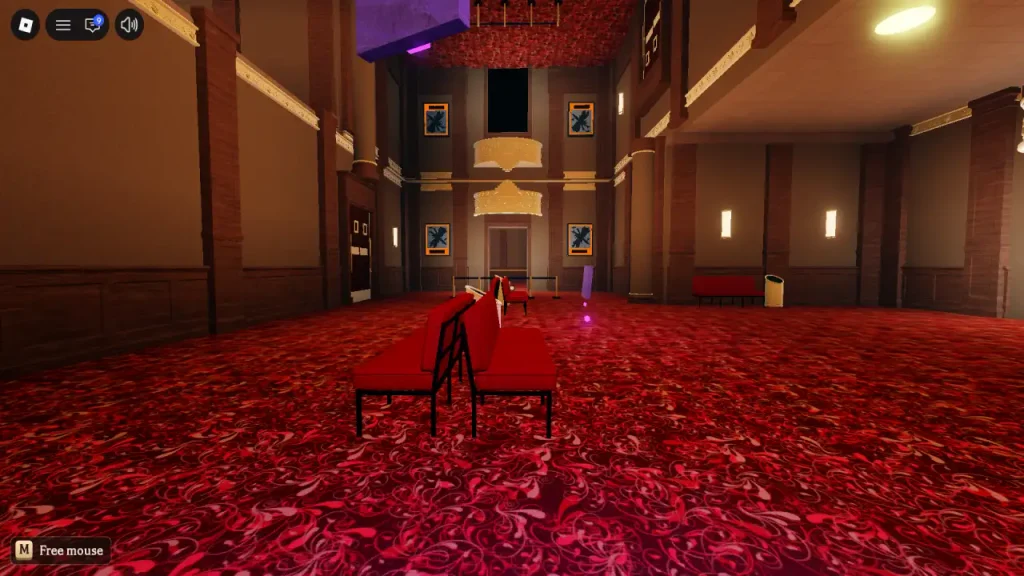
Tickets are a separate balance used in The Hollow’s shop. If a partner-game badge or event activity should grant Tickets, return to the hub and check for a redeem/confirm prompt. Then compare the balance before and after. Do not assume that owning a badge automatically means its Ticket reward has been converted.
Also separate free earned UGC from items purchased with Tickets. A shop cosmetic may require a purchase even after you have enough Tickets; an event maze cosmetic follows a different claim path. Before you spend, verify the item name, current price, and whether you already own it.
A 10-minute Hollow rewards audit
- Minutes 1–2: Open your avatar inventory and search for the most important event items you wanted.
- Minutes 3–4: Check your badge list and note which floor or partner-game badges are absent.
- Minutes 5–6: Return to The Hollow hub and inspect the reward board, claim prompts, and Ticket balance.
- Minutes 7–8: Reopen only the partner quests that still show incomplete progress.
- Minutes 9–10: Make a short missing-reward list and prioritize the most valuable or time-sensitive items first.
This is a suggested audit schedule, not a guarantee that every missing item can be earned in ten minutes. Some quests require a full match, a long run, or multiple objectives.
Before the November 2 deadline
Roblox says eligible The Hollow rewards can be collected until noon Pacific Standard Time on November 2, 2026. The live finale on October 31 is a separate milestone. Do not wait for the finale to check your inventory, and do not assume every floor or quest will follow the same claim flow. Confirm availability and status in the live hub.
For related help, see our four checks for a missing Floor 6 reward, the late-joiner catch-up guide, and the Ticket value ranking after Night 6.
FAQ: The Hollow missing rewards
Why is my Hollow item missing if I finished the maze?
You may have solved the puzzle but not completed the relic return or hub claim step, or the item may be listed in a different inventory category. Check the badge, objective tracker, and reward prompt before repeating the entire floor.
Does earning the badge automatically give me Tickets?
Not always in the way players expect. Return to The Hollow hub and check for a redeem or confirm prompt, then verify your Ticket balance.
Can I claim the same free UGC item twice?
Event UGC is generally a one-per-account claim. If you already own the item, look for another unclaimed reward rather than replaying only to obtain a duplicate.
Are the event rewards still available after the finale?
Roblox’s official announcement says eligible rewards can be collected until noon Pacific Standard Time on November 2, 2026. Check the live hub for the current availability of each specific reward.
What should I do if a badge appears but the cosmetic does not?
Refresh the inventory, search the exact item name, inspect other accessory categories, and return to the hub to check for a claim prompt. If it remains missing, capture your badge and quest status and contact Roblox support rather than using third-party “reward unlock” sites.
Bottom line
Do a four-part audit before replaying The Hollow: inventory, badges, hub claim prompts, and partner-game quest status. This separates genuinely unfinished rewards from items that are owned but hard to find or waiting for a claim confirmation. With the official reward window ending November 2, prioritize what is still missing and avoid spending time or Tickets on something your account already has.
Reporting note: The event structure and November 2 reward deadline are confirmed by Roblox. The checklist is a practical troubleshooting workflow; Roblox has not published a universal account-by-account list of missing rewards.