
When an attack in The Mimic seems to connect from too far away—or a dodge still ends in a hit—it is tempting to call the boss hitbox broken. But one frustrating run does not prove there is a game-wide bug. Arena hazards, attack timing, latency, character position, and the boss’s actual damage window can all make a hit feel unfair. Here is a practical checklist for players who want to clear a boss fight without wasting another run.
Quick answer: Rejoin a fresh server, check your connection, keep a little more distance than the visual attack suggests, dodge sideways rather than straight backward, and record a short clip if the same attack repeatedly hits you outside its apparent range. The official Roblox game page identifies The Mimic as a CTStudio experience and warns players about loud sounds, flashing lights, and jumpscares.

First, work out whether it is a hitbox issue
Players often use “hitbox” to describe several different problems. A boss may have a larger damage area than its visible model, an attack animation may linger after the visual cue, or network delay may make a hit appear to land after you moved away. A collision with an arena object can also interrupt a dodge and leave you inside the danger zone.
- One hit in one run: treat it as a timing or positioning problem first.
- The same attack hits from the same spot repeatedly: test the encounter again from a different angle and distance.
- Several players reproduce the same result in different servers: save clips and report the repeatable steps; that is stronger evidence of a possible bug.
Five fixes to try before restarting the whole chapter
1. Rejoin a fresh server
Leave the experience normally and join again. If the issue disappears, it may have been a temporary server or connection problem. If it continues, test one variable at a time instead of repeatedly restarting without changing anything.
2. Dodge across the attack, not into it
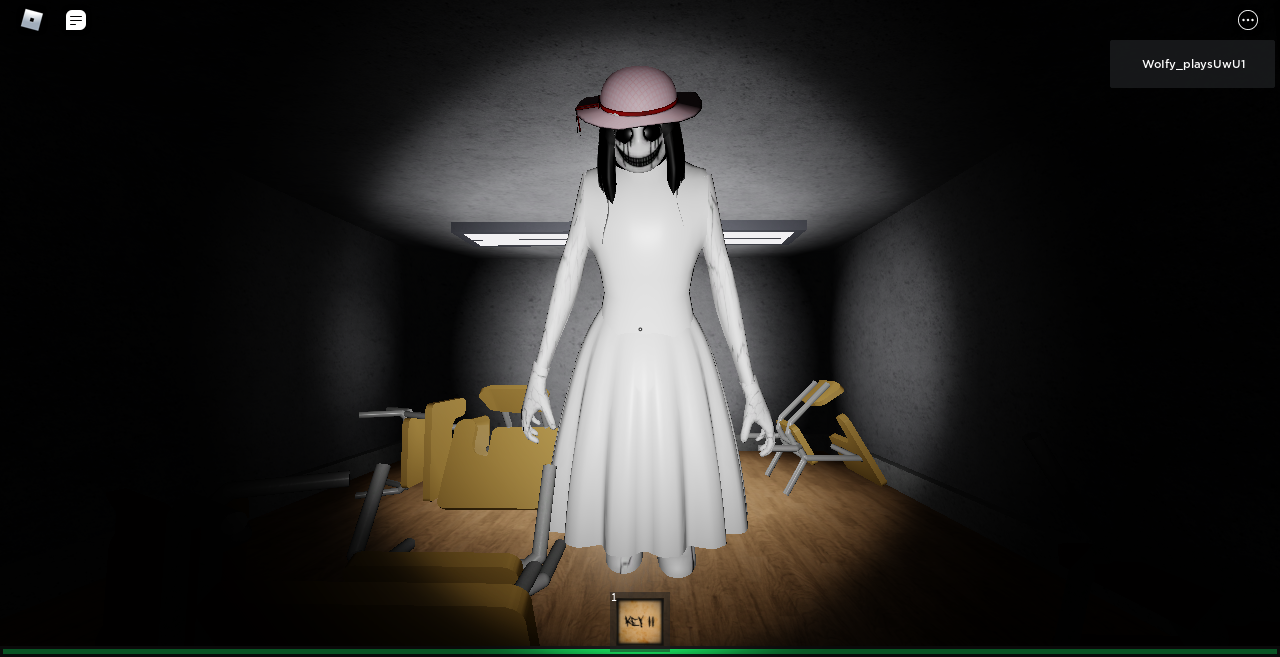
When a boss swings or lunges, moving straight backward can keep you inside a wide forward-facing attack. Try a clean lateral dodge, then continue moving until the animation finishes. Do not cut back toward the boss just because its model appears to have passed you.
3. Use the attack cue as your signal
Do not judge danger only by the boss model’s outline. Watch for the wind-up, floor warning, sound cue, or other telegraph associated with that encounter. Move as soon as the cue begins, and wait until the attack clearly resolves before approaching again.
4. Check your frame rate and connection
Close downloads and unnecessary browser tabs, use a stable connection, and lower graphics settings if the game is stuttering. On mobile, avoid playing while the device is overheating. A brief freeze at the wrong moment can make a reasonable dodge look late.
5. Reproduce the hit before reporting it
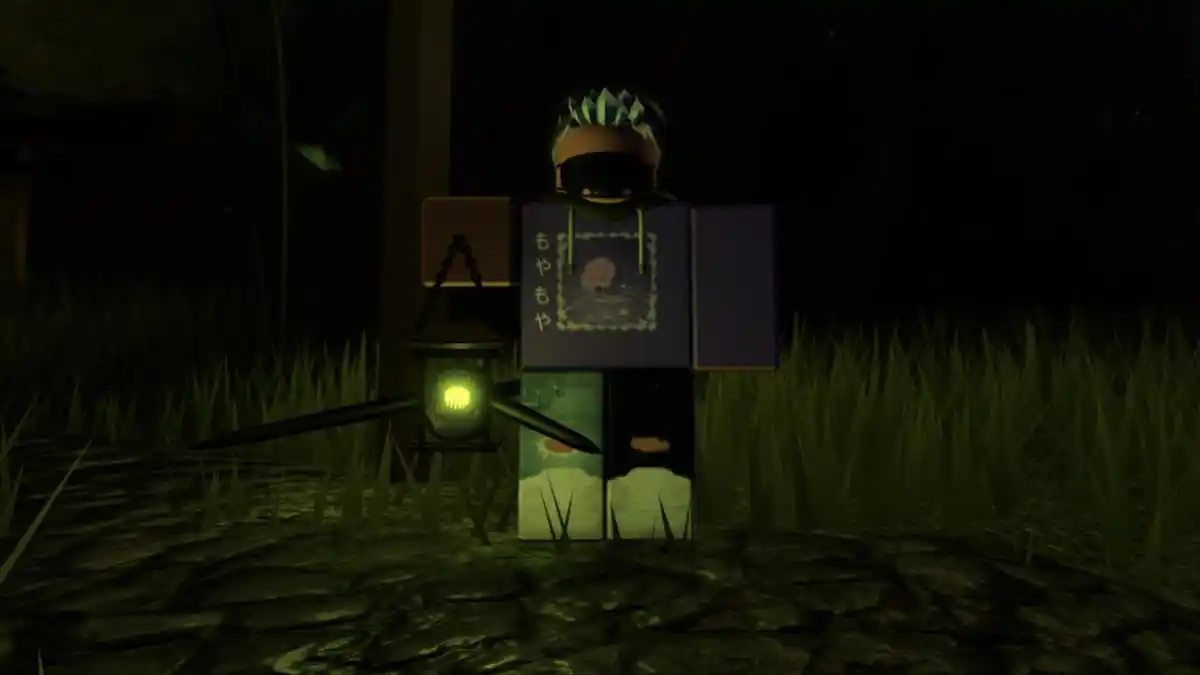
If you believe an attack is registering outside its intended range, capture a short clip showing the attack cue, your position, and the moment damage occurs. Note the chapter or boss, platform, server conditions, and whether teammates saw the same thing. Report reproducible evidence through the game’s official community channels instead of relying on an unsourced claim that hitboxes are universally broken.
Boss-fight habits that improve your odds
Learn one attack at a time. Keep enough room to move sideways, avoid corners that can trap your avatar, and do not sprint constantly if the encounter rewards controlled movement. In multiplayer, spread out when possible so one player’s panic movement does not drag the group into the same hazard. If the fight has a recovery window, use it to reposition rather than chasing damage during an active attack.
How to report a possible hitbox bug
Use a concise report: “In [chapter/boss], [attack] hit me while I was [position/action]. It happened [number] times on [platform], and I reproduced it in [server conditions].” Attach a clip if the community reporting channel allows it. Keep the lead-up in the recording; the cue and your movement are often the most useful evidence.
For visual reference, this full-boss-fights walkthrough on YouTube can help players compare attack patterns, although older footage may not reflect every current version or balance change.
Frequently asked questions
Are The Mimic boss hitboxes confirmed to be broken?
This guide does not treat a broad hitbox failure as confirmed. Repeatable clips and matching reports are needed to distinguish a bug from timing, latency, or positioning.
What is the fastest fix to try first?
Rejoin a fresh server, then test the same attack while dodging sideways and leaving extra distance. Change one thing at a time.
Should I keep restarting the boss fight?
Only after testing a specific adjustment. If the same hit happens repeatedly under similar conditions, record it and report the details instead of endlessly retrying.
Where can I play the original game?
Use the official The Mimic Roblox experience by CTStudio and check its creator community for current announcements.
This article offers troubleshooting steps, not a claim that a newly confirmed hitbox bug is affecting all players. Game behavior can change with updates, so verify the encounter in your current session.







