
Updated October 26, 2026 · For U.S. Roblox players · By Shivam Das
Taking damage the moment you appear near a monster can feel like an unfair instant loss—especially during a timed horror run. But players reporting “spawn damage” in a The Mimic fight should separate what they saw from what caused it. As of this review, I could not verify an official CTStudio notice confirming a widespread spawn-damage bug tied to Roblox’s The Hollow event. Roblox has confirmed that Hiachi from The Mimic is one of the nine monsters featured in The Hollow, but its event announcement does not document this specific damage issue. Read Roblox’s official event announcement.
Quick answer: If your health drops immediately after a respawn or a transition, capture the moment, check whether the character was still inside an attack range, and test again in a fresh server. A short recording and a repeatable sequence are more useful than assuming every instant hit is a confirmed bug.
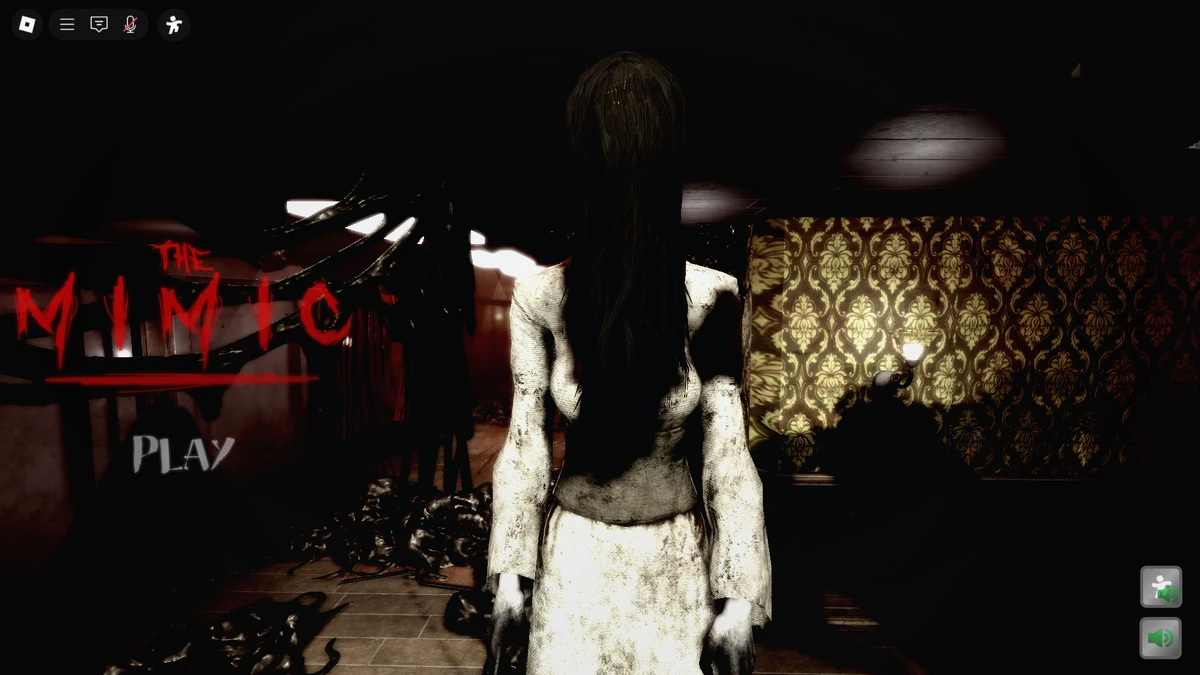
What is confirmed—and what is still a player report?
Roblox’s October 21 event post says The Hollow introduces a different monster each day over nine days and names Hiachi from The Mimic in its lineup. It does not say that players are guaranteed to encounter a particular damage glitch, nor does it publish a workaround for one. That distinction matters: a few clips can reveal a problem worth investigating, but they do not establish how widespread it is or prove the cause.
The official The Mimic experience page is the best starting point for the original game, while the The Hollow event hub is the right place to check the event itself. If a community guide claims a universal fix, look for a reproducible clip or a developer statement before relying on it.
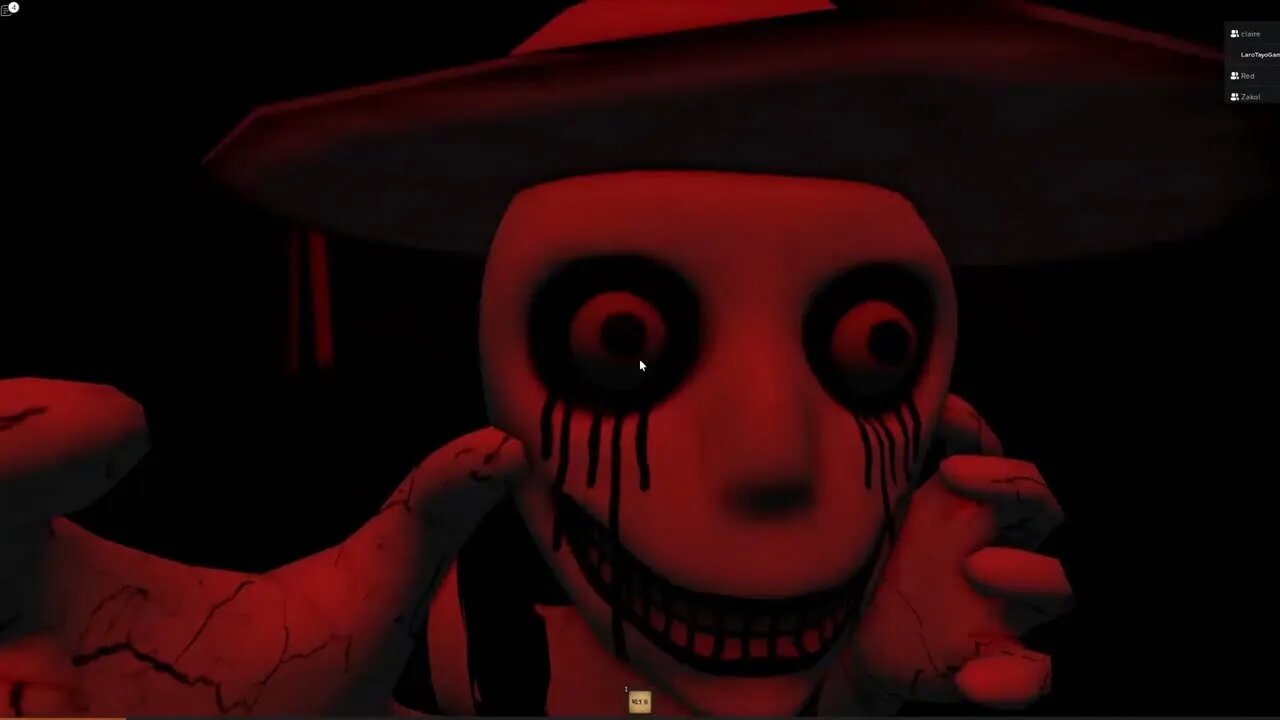
Why damage can appear to happen at spawn
1. The enemy was already close when control returned
A respawn, checkpoint reload, cutscene, or room transition can put a player near an active threat. If the enemy’s attack continues while the screen fades or the player regains control, the first visible moment may look like damage happened at spawn. Check the last second before the health bar changes, not just the frame where you reappear.
2. Network delay makes the hit appear late
Latency can make the client’s animation and the server’s registered state look out of sync. If the hit lands after a pause, other players rubber-band, or the damage timing changes between servers, connection delay is one possible explanation—not a confirmed diagnosis. Try a stable connection and compare a second server before drawing conclusions.
3. A transition or collision may be involved
Players can sometimes reappear too close to geometry, a moving enemy, or an attack effect. If the same spot triggers damage repeatedly, note the exact room, checkpoint, enemy, and route. If it only happens once, it may be a timing issue rather than a repeatable map problem.

Try this troubleshooting sequence
- Record one clean attempt. Capture the room, health before and after, enemy position, and whether the hit happens before you can move.
- Rejoin a fresh server. If the issue disappears, the first server may have been in an unusual state. This is a test, not a guaranteed fix.
- Change the approach. On the next attempt, wait briefly after loading and move away from the enemy’s apparent attack path. Do not assume waiting makes every spawn safe.
- Compare devices or network conditions. If possible, check whether the same sequence occurs on another device or a steadier connection.
- Report reproducible evidence. Include your platform, approximate time, server behavior, the location, and a short clip. Use Roblox’s official support page for platform/account issues and the game creator’s official community channels for game-specific reports.

What evidence would confirm a real bug?
The strongest evidence is a repeatable sequence: the same spawn point, the same timing, visible health loss before the player can act, and multiple attempts showing the same result. A video should include the seconds before the transition and the health display afterward. If several unrelated players can reproduce it under similar conditions, that makes the report more actionable—but only a developer confirmation or a verified fix note would establish the official status.
Avoid downloading “fix” executors, scripts, or third-party tools. They are not a reliable way to repair a game issue and can put your account or device at risk. Keep testing inside Roblox and use official reporting routes.
Frequently asked questions
Is The Mimic spawn damage an officially confirmed bug?
I could not verify an official developer or Roblox notice confirming a widespread spawn-damage bug as of October 26, 2026. Treat individual clips as reports until a repeatable test or official statement clarifies the issue.
Does The Hollow officially feature Hiachi from The Mimic?
Yes. Roblox’s official October 21 announcement lists Hiachi from The Mimic among the nine monsters featured in The Hollow event.
What should I do if I lose health before I can move?
Record the transition, check the enemy’s position, test a fresh server, and note whether the result repeats. Include the platform and location when reporting it.
Will changing servers fix the issue?
It may help you test whether the behavior is server-specific, but it is not a confirmed universal fix.
Where can I check official event information?
Use the official The Hollow hub and Roblox’s event announcement. Community reports can be useful leads, but they should not replace official confirmation.
Editorial note: Reviewed October 26, 2026. This guide distinguishes official event details from unverified player reports. It will need an update if CTStudio or Roblox publishes a specific bug notice or fix.







