

Quick answer: If you want more Halloween event Tickets without spending the whole night in a maze, start with The Hollow’s Visit Games panel and prioritize objectives that clearly show a worthwhile Ticket payout and look manageable for you. An October 24 guide documented eight partner-game tiles offering 20 Tickets each, including Fisch, PARANORMAL, Sell Lemons, Clean Crew, Survive Overnight in a Mega Store, Tower Defense Simulator, +1 Speed Keyboard Escape, and Toons Universe. Because community guides have also reported different amounts on other tasks, the reward shown inside your current hub is the number to trust.
Updated October 27, 2026. Roblox’s official Halloween event, The Hollow, opened October 22 and allows players to keep collecting rewards until noon Pacific Time on November 2. The official announcement confirms the event, its nine-night survival format, and quest rewards; exact Ticket payouts for partner games are being tracked by third-party guides and can change. This guide separates those reported payouts from official event facts.
The key strategy is not to chase the game with the biggest name. It is to find a task with a clear payout, a short or familiar objective, and a reliable way to redeem the reward after returning to The Hollow. A 20-Ticket task you can finish confidently may be a better use of your time than a complicated challenge with an unclear requirement.
Table of Contents
- How The Hollow Tickets work
- The best reported partner-game options
- How to pick a better return today
- How to claim your Tickets correctly
- Ticket math and reward planning
- Mistakes that can cost you Tickets
- Deadline and current-status checks
- Frequently asked questions
How The Hollow Tickets Work
The Hollow is Roblox Presents’ platform-wide Halloween survival event. Its main experience has a changing maze and a new monster each day, while separate quests across participating Roblox experiences offer additional ways to earn event rewards. Tickets are an event currency used in the hub’s shop; completing an objective and receiving its badge or item are not necessarily the same step as redeeming the Ticket reward.
Roblox’s official event announcement confirms the event dates and quest-based rewards, but it does not publish a fixed payout table for every partner-game objective. Recent independent guides report that many Visit Games quests award 20 Tickets, while another guide notes that some visible tasks may show 10 or 20. So use online lists to find candidate games, then check the amount on the tile in your own hub before starting.
If your main goal is collecting cosmetics as well as event currency, our related guide to free avatar items from smaller Roblox games explains how to verify item status and avoid misleading “limited” claims.
Small Halloween Games and Partner Quests to Check First
The following games appeared in an October 24 report of The Hollow’s Visit Games panel. That report listed 20 Tickets for each of the eight tiles below, for 160 Tickets if all eight rewards were available and claimed. Treat this as a dated snapshot, not a guarantee that every tile or payout remains unchanged on October 27.
| Game shown in the reported list | Reported payout | Why it may be worth checking |
|---|---|---|
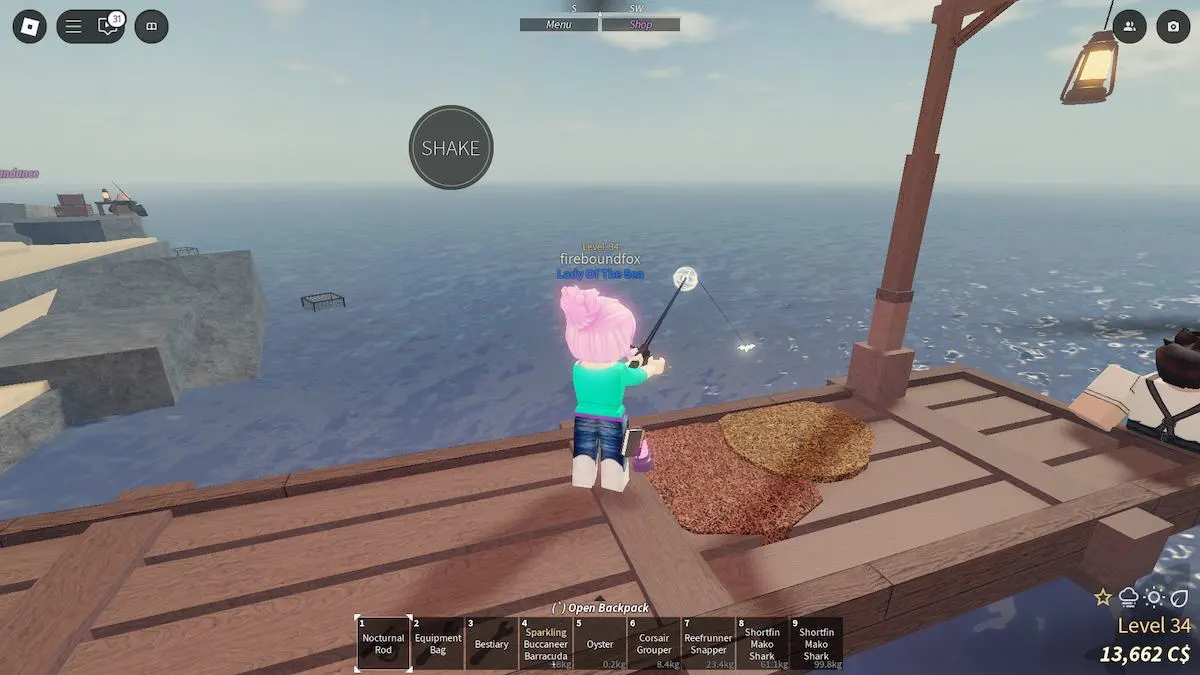
| Fisch | 20 Tickets | A good first check if you already know the game and can follow its event objective quickly. |
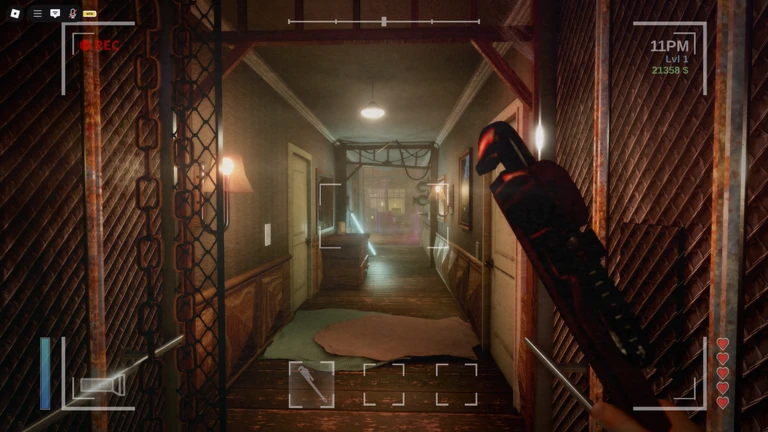
| PARANORMAL | 20 Tickets | Worth checking if you are comfortable with a short horror-exploration task. |
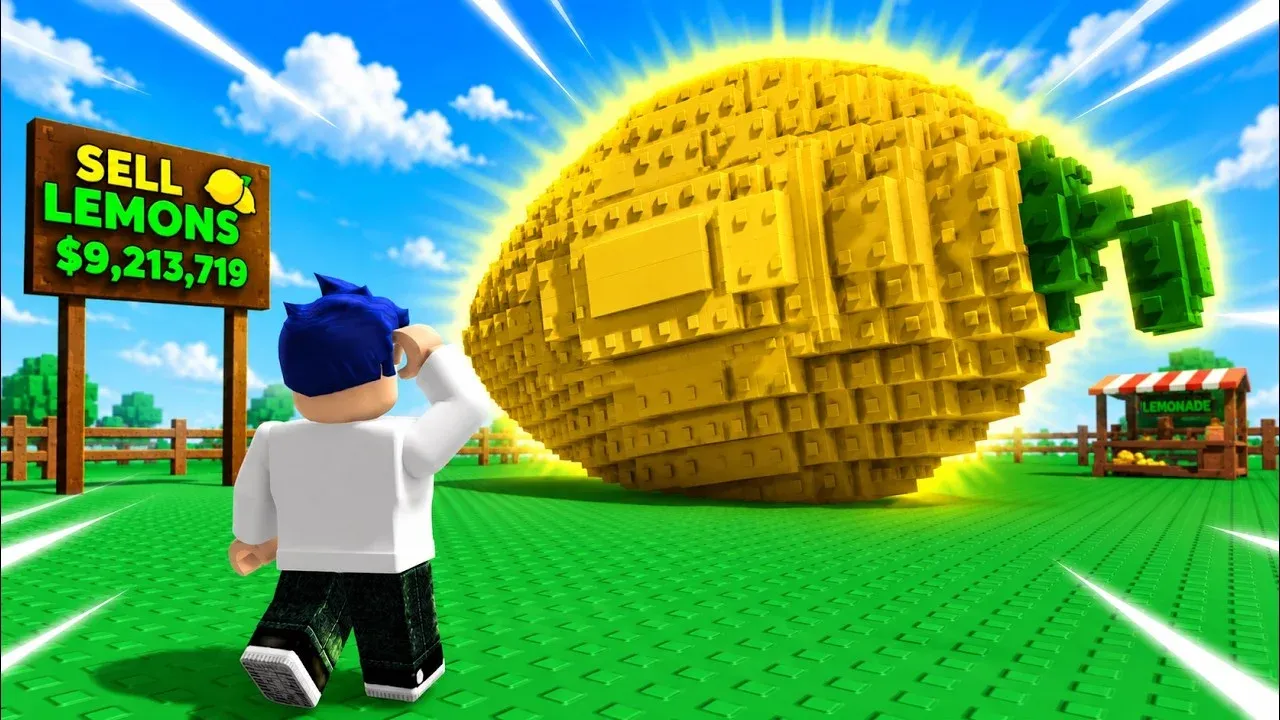
| Sell Lemons | 20 Tickets | A non-horror tycoon-style option to check if you prefer a lighter change of pace. |
| Clean Crew | 20 Tickets | Try it if its current objective and controls are straightforward for you. |
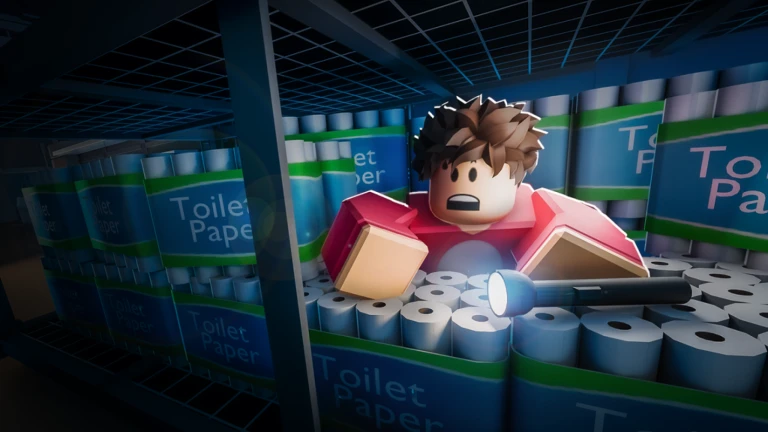
| Survive Overnight in a Mega Store | 20 Tickets | Another candidate for players who prefer a survival objective. |
| Tower Defense Simulator | 20 Tickets | May suit players who already understand its wave-based gameplay. |
| +1 Speed Keyboard Escape | 20 Tickets | Check the objective first if you prefer movement or escape challenges. |
| Toons Universe | 20 Tickets | A different genre to consider if the current quest fits your play style. |
Source for the reported payouts: AllThingsHow’s October 24 Visit Games list. The Click’s Ticket guide also explains the hub’s Ticket menu and badge-redemption flow. Game tiles and rewards can change, so the current in-game display takes priority over this table.


How to Pick a Better Ticket Return Today
“Better return” is best measured as the number of Tickets you actually receive for the time and effort required—not by the game’s popularity or how dramatic its thumbnail looks. Use this simple ranking method before committing to a quest.
- Check the payout on the tile. Compare the Ticket amount displayed in Visit Games. If one tile says 20 and another says 10, the 20-Ticket option gives more Tickets for one completed quest, assuming similar effort.
- Prefer objectives you understand. If you already play Fisch, Tower Defense Simulator, or Toons Universe, familiarity may help you finish faster than learning a new game from scratch.
- Read the objective before teleporting. Note whether you need to collect something, finish a round, survive, earn a badge, or return to a specific area. Do not assume merely joining a game is enough.
- Estimate the time honestly. A 20-Ticket task that takes five minutes is a better time return than a 20-Ticket task that takes half an hour. That is a planning rule, not a promise about the actual duration of any quest.
- Redeem the reward before moving on. Return to The Hollow and use the relevant badge or redemption menu. Confirm that your Ticket balance increased before starting the next game.
For example, if four current tasks each display 20 Tickets and all four are completed and redeemed successfully, the total would be 80 Tickets. Five such tasks would produce 100 Tickets. These are simple calculations based on the displayed amount—not a guarantee that every task will remain available or award that amount.
How to Claim Tickets Without Missing a Step
- Open The Hollow. Join the official Roblox Presents experience from its Roblox game page.
- Open the Ticket menu. Look for the Ticket icon and select the Visit Games section.
- Choose a listed experience. Check the objective and the displayed payout before using the teleport option.
- Complete the exact task. Follow the game’s current event prompt; do not rely on an old walkthrough if the in-game instructions differ.
- Return to the hub. Look for the reward or badge redemption menu. If the badge appears but the Ticket total has not changed, check whether a separate Redeem or Confirm action is required.
- Verify your balance. Check the Ticket counter before you spend Tickets in the shop or start another quest.
Some players may already have completed an objective before discovering The Hollow. Independent guides report that previously earned event badges can sometimes be redeemed after visiting the game from the hub, but this may depend on the objective. If the reward does not appear, revisit the in-game task panel and check the current instructions rather than assuming the Tickets are lost.
Ticket Math and Reward Planning
Before grinding, choose the item you want and compare its current price in The Hollow’s shop with the rewards you can realistically finish. Do not use an old screenshot as the final price list: the event has rotating unlocks, and third-party guides may capture different days or panels.
| If your current tile shows… | Successful quests | Potential total |
|---|---|---|
| 20 Tickets each | 2 | 40 Tickets |
| 20 Tickets each | 4 | 80 Tickets |
| 20 Tickets each | 5 | 100 Tickets |
| 10 Tickets each | 5 | 50 Tickets |
Use the table as a calculator, not as an event promise. If the hub shows a different payout, calculate with that amount. Remember that completing a quest, earning a badge, receiving Tickets, and claiming an avatar reward may be separate actions. Verify each one.
Mistakes That Can Cost You Tickets
- Assuming every quest pays the same. Recent reports do not agree on every payout. Read the current tile.
- Leaving before the objective is complete. A game visit alone may not trigger the reward.
- Forgetting to redeem. Return to The Hollow and check the redemption menu instead of assuming the Ticket credit is automatic.
- Confusing a badge with Tickets. A badge may be proof of completion, but still check the Ticket counter and any separate claim prompt.
- Trusting a random code site. Do not share passwords, cookies, two-step verification codes, or backup codes to claim a reward. Use Roblox’s built-in systems and official experience pages.
- Spending before checking your target reward. Compare the current shop price and your balance before buying.
Deadline: Check the Hub Before November 2
Roblox says players can continue collecting The Hollow rewards until noon Pacific Time on November 2, 2026. That gives players a limited window to complete objectives and claim eligible rewards. Because your local time zone may differ, check the official event page and the hub’s own notices rather than converting the deadline from an old social post.
Roblox’s official newsroom article confirms the event timeline and nine-monster format, while third-party reports provide more detail about the Ticket list. Start with the Roblox announcement, then verify live objectives and amounts inside The Hollow.
Frequently Asked Questions
Which small Roblox games give the best Ticket returns in The Hollow?
An October 24 report listed Fisch, PARANORMAL, Sell Lemons, Clean Crew, Survive Overnight in a Mega Store, Tower Defense Simulator, +1 Speed Keyboard Escape, and Toons Universe at 20 Tickets each. The current hub may differ, so check the payout displayed today.
Do all The Hollow partner games pay 20 Tickets?
Do not assume so. Some guides report 20-Ticket objectives, while other reported panels have shown 10- and 20-Ticket amounts. The current Visit Games tile is the most useful check for your account.
Do I need to finish The Hollow maze to earn partner-game Tickets?
The event includes both the main survival experience and quests in participating games. Partner-game objectives are a separate route described in community guides; open Visit Games in the hub to see which tasks are available to you.
Why did I get a badge but no Tickets?
Check whether a separate redeem or confirm step is required in The Hollow. Reopen the reward menu, verify the badge is recognized, and check the Ticket balance again before repeating the objective.
Can I claim Tickets for a game quest I completed earlier?
Some guides report that previously earned event badges can be redeemed after visiting the partner experience from the hub. It may depend on the quest, so check the current redemption menu instead of assuming every old badge qualifies.
When does The Hollow event end?
Roblox says players can continue collecting rewards until noon Pacific Time on November 2, 2026. The live finale is scheduled for October 31. See the official Roblox newsroom announcement for the confirmed timeline.
Bottom Line
The smartest Ticket strategy is to compare the payout shown on each current Visit Games tile, choose a task you can finish efficiently, and verify the redemption in The Hollow before moving on. Fisch, PARANORMAL, Sell Lemons, Clean Crew, Survive Overnight in a Mega Store, Tower Defense Simulator, +1 Speed Keyboard Escape, and Toons Universe were all listed in a recent report, but the in-game panel—not a dated article—is the final authority on today’s amount. Complete your chosen quests and claim eligible rewards before the November 2 deadline.
Reporting note: Event dates are based on Roblox’s official announcement. Partner-game payout examples are attributed to independent guides and are marked as reported snapshots because the official newsroom post does not publish a full Ticket payout table.



