
For U.S. Roblox players · Updated October 27, 2026 · By Shivam Das
Quick answer: The listed 2026 Steal An Egg Halloween Dimension window ended October 24, and Halloween Part 2 ended October 25. If an event egg, pet, currency balance, or reward seems missing, confirm the exact item name and whether the game still exposes a claim or inventory screen. Do not assume every limited-time feature remains available after its event listing ends.
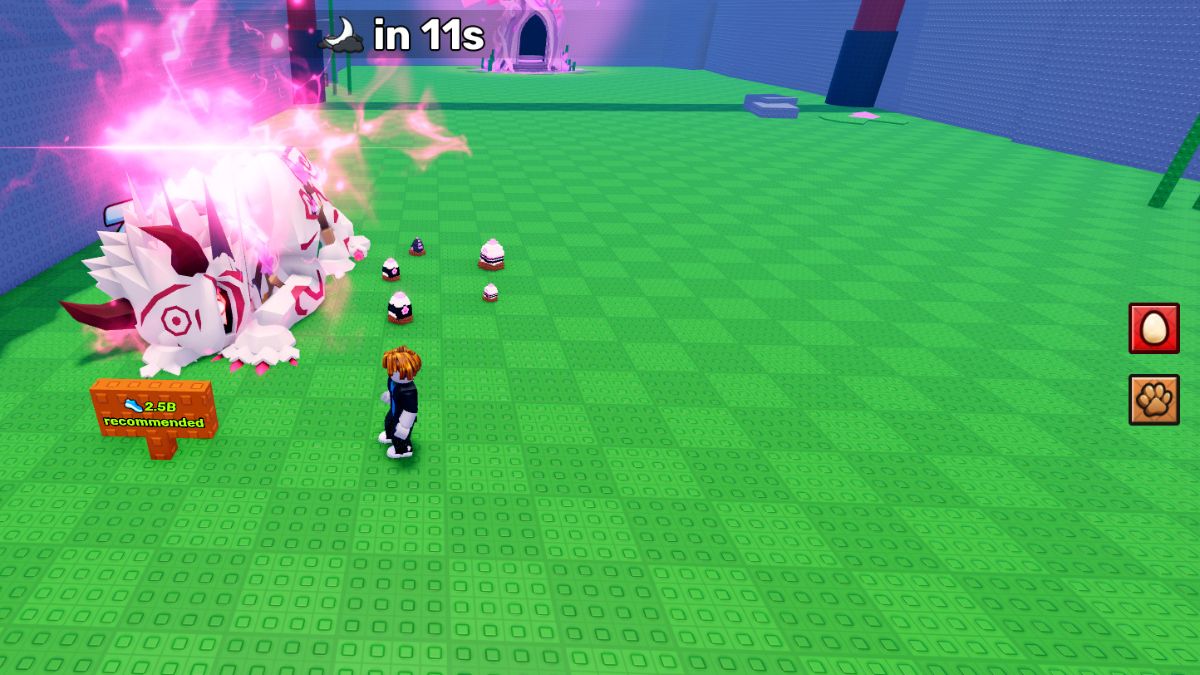
Did the Steal An Egg Halloween event end?
The event listings reviewed for this update show Halloween Dimension ending October 24, 2026, at 14:00 UTC (10 a.m. Eastern / 7 a.m. Pacific). The separate Halloween Part 2 listing ran through October 25 at 16:34 UTC (12:34 p.m. Eastern / 9:34 a.m. Pacific). Those are the listed event windows, not a guarantee that every map element, shop item, or reward was removed at the same instant.
Check the official Steal An Egg Roblox experience for the current game state. If a Halloween portal or shop is still visible in your server, rely on its live prompts rather than an older guide.
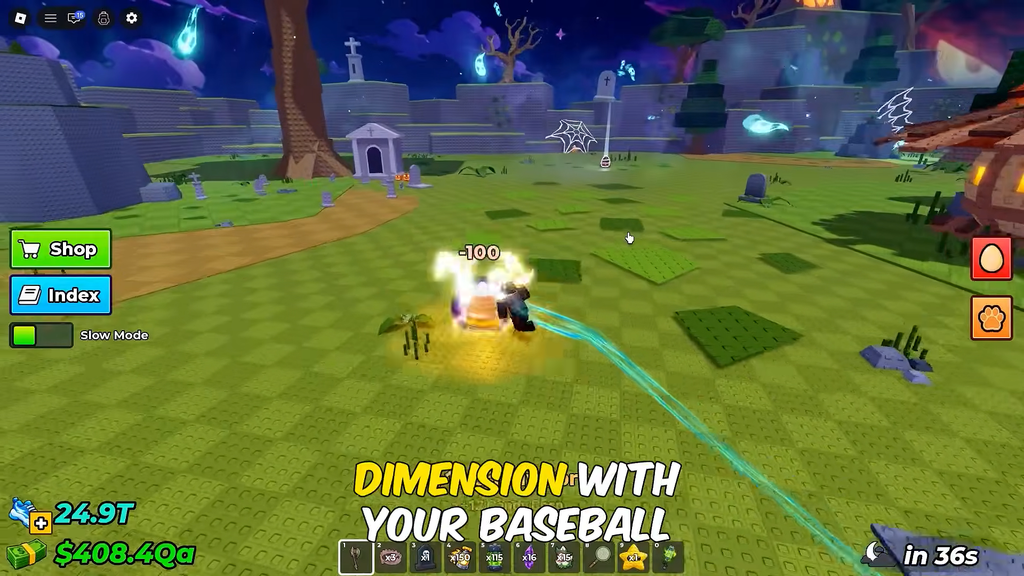
What to check if a Halloween reward is missing
1. Search your inventory using the exact item name
Open the relevant inventory, pet index, or collection screen and search carefully. Check whether the reward appears under another category, is unclaimed, or needs to be equipped separately. A missing equipped item is not always the same as a missing owned item.
2. Rejoin once and check the same account
Leave the experience, rejoin, and inspect the relevant screen again. Confirm you are using the Roblox account that completed the activity. Rejoining can refresh a stale interface, but it is not a guaranteed fix for a reward that was never granted.
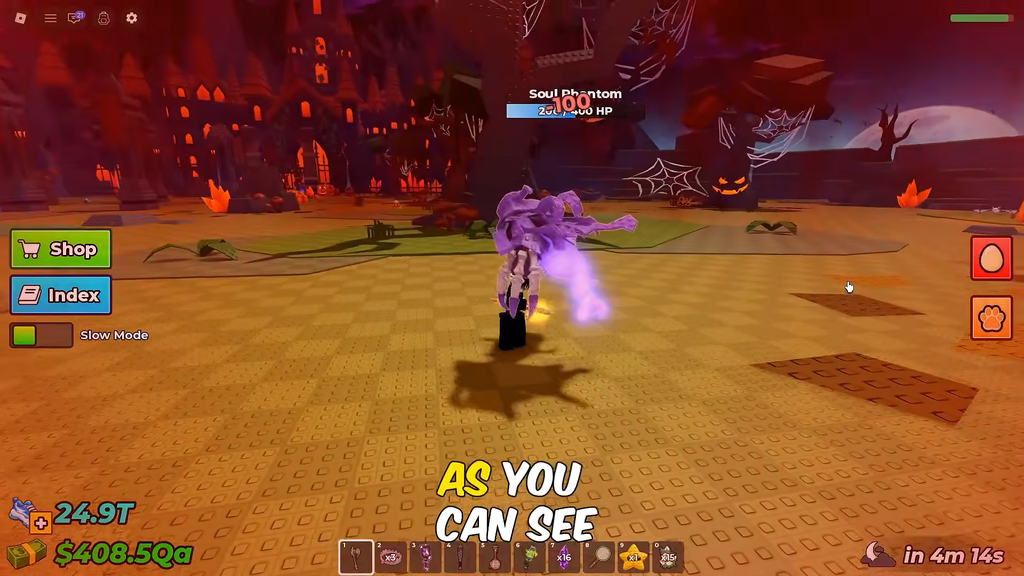
3. Separate event currency from permanent inventory items
Currency, event-shop stock, quest progress, and permanent pets may follow different rules. Do not assume unused Candy Corn automatically converts, carries forward, or can still be spent. Check the current shop and any in-game notice for the actual rule before drawing conclusions.
4. Keep evidence before contacting support
- Capture the exact item name and the screen where it should appear.
- Note the approximate time, server session, and activity you completed.
- Keep any visible success message or reward animation screenshot.
- Describe what you expected and what the inventory currently shows.
- Do not post account details publicly.
5. Use official support if the issue persists
If the item still appears missing after rejoining and checking the correct inventory, use Roblox Support for account or platform issues. For game-specific reward rules, also look for the experience developer’s official announcements. Never share passwords, verification codes, or recovery codes with anyone offering an inventory fix.
What is confirmed, and what still needs checking?
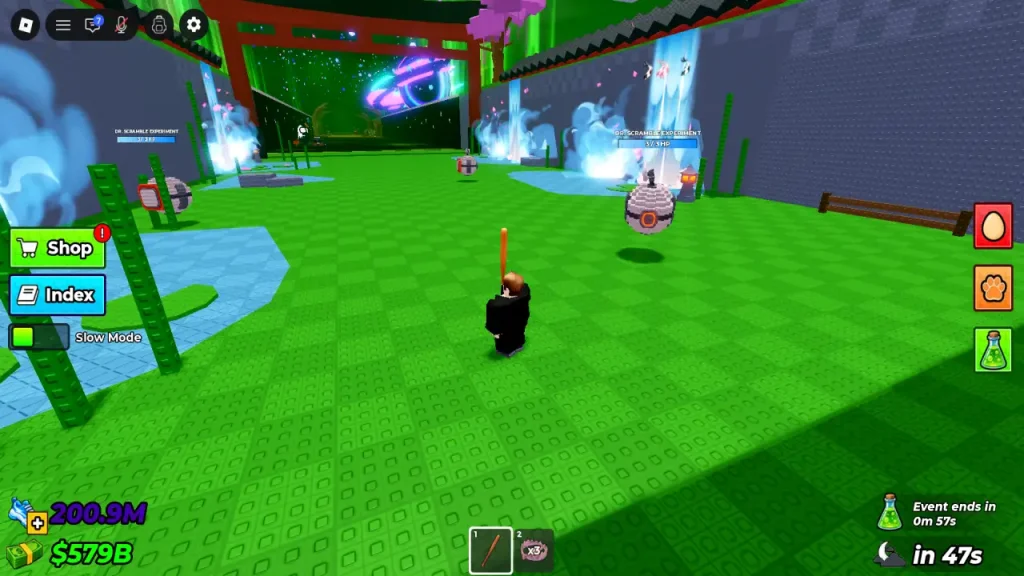
Public event schedules record separate Halloween Dimension and Halloween Part 2 windows in October 2026. They do not establish that every reward automatically transfers, that all event currency is converted, or that a missing item has a universal fix. Treat any specific drop rate, conversion promise, or “guaranteed claim” tip as unverified unless it appears in the live game or a developer announcement.
Frequently asked questions
Can I still enter the Halloween Dimension?
The listed event window has ended. Whether any related area or feature remains accessible must be verified in the live experience; the schedule alone cannot confirm current access.
Will my unused Candy Corn automatically convert?
Do not assume so. Check the game’s current event notice or developer announcement for a confirmed conversion rule.
What should I do if a pet or egg is missing?
Search the exact name in the correct inventory, rejoin once, confirm you are on the account that earned it, and save evidence if it remains missing. Avoid third-party “fix” tools that request login information.
Is there a guaranteed fix for every missing Halloween reward?
No universal fix is confirmed here. The next step depends on whether the item was granted, claimed, equipped, or removed with an event feature.
Sources and live checks
- Official Steal An Egg Roblox experience
- Steal An Egg event schedule
- Halloween event listing and past-event status
- Roblox Support
Editorial note: Updated October 27, 2026. Event availability, inventory behavior, and reward rules can change; verify current information in the live experience.







