U.S. Roblox players · Updated October 28, 2026 · By Shivam Das
Quick answer: If you have one evening to chase free Roblox avatar rewards, start with The Hollow’s current floor and its event quest board, then finish any partner-game quests you can complete quickly. Treat Adopt Me!’s Hauntlet and Welcome to Bloxburg’s Halloween minigames as separate seasonal activities—not guaranteed The Hollow UGC sources. Roblox confirms those side events are running, but it does not promise that playing them automatically awards The Hollow items.
The efficient route is not “play every Halloween game.” It is “claim the rewards with the clearest requirements first, verify each claim, then use leftover time on side events.” That approach avoids spending the whole night in a long quest while leaving a limited-time Hollow reward unclaimed.
The best one-night route, in order
1. Check The Hollow hub before launching another game
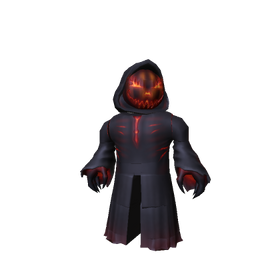
Open the official The Hollow experience. Read the active floor objective, check the reward display, and note any unclaimed badge or item. Roblox describes The Hollow as a nine-night survival event with changing mazes and monsters, plus quest-earned rewards. The official reward-collection deadline is noon Pacific time on November 2, 2026.
2. Complete the current floor and claim the reward
For October 28, check the hub’s live floor display rather than relying on an old guide. The daily floor, puzzle instructions, and reward status can move as the event updates. Follow the in-game clue, complete the objective, return to the claim point if prompted, and verify that the item or badge appears in your account before leaving.
3. Do the shortest high-confidence partner quest next
The Hollow also connects players with participating experiences. The event’s partner quests may award their own avatar items or Tickets, but requirements differ by game. Use the hub’s current quest instructions, and do not assume a badge, Tickets, and UGC are the same reward. If a task needs a long multi-stage run and you have only a short session left, mark it as a second-session target instead of sacrificing a reward you can claim now.
4. Spend leftover time on separate Halloween side events
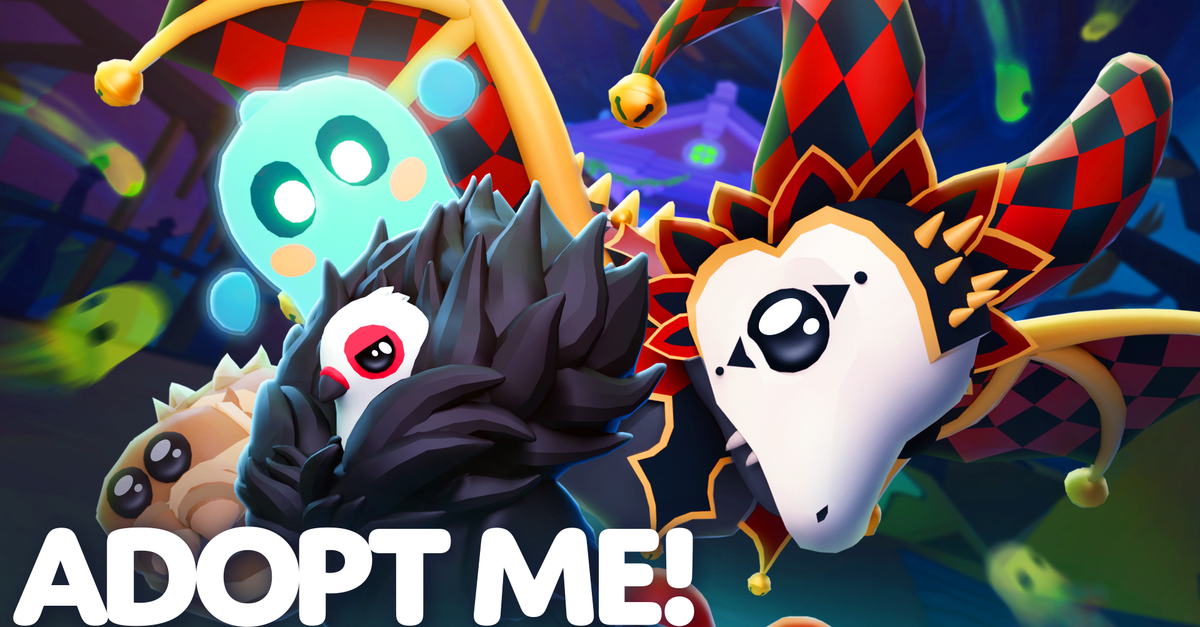
Roblox’s official announcement highlights Adopt Me!’s returning Hauntlet minigame and Welcome to Bloxburg’s Halloween activities, including Pumpkin Panic and Ghost Hunt. These are useful seasonal stops if you enjoy them, but they are separate game events. Check each game’s own event board for its reward, requirements, and deadline; do not count those rewards as The Hollow UGC unless the game explicitly identifies them that way.
One-evening checklist
- First 5 minutes: Open The Hollow and list the current floor reward, partner quests, and any shop item you still want.
- Next 20–40 minutes: Attempt the current floor objective. This is a planning estimate, not an official completion time; puzzles and retries vary.
- Next 20–45 minutes: Choose one partner quest with a clear, achievable requirement. Check whether the reward is UGC, a badge, or Tickets.
- Next 10 minutes: Return to the hub and verify that each reward registered. Check your avatar inventory and badges where relevant.
- Remaining time: Try Hauntlet or Bloxburg’s seasonal minigames if they are available and you want their separate rewards.
These time blocks are a suggested schedule, not measured game data. If a floor or partner quest takes longer, stop and reassess rather than assuming you must finish every activity in one sitting.

What is actually free—and what is not?
Roblox says The Hollow awards exclusive UGC and other rewards through quests. The announcement also mentions Halloween avatar items for sale on the Marketplace, which is a different category. Before claiming anything, check whether the item is marked as a quest reward, requires Tickets, needs a subscription benefit, or is a paid Marketplace item. Never spend Robux because a third-party guide casually calls an item “free.”
Some community walkthroughs report specific item routes, but a route should be treated as provisional if it is not confirmed by Roblox or the current in-game objective. The safest proof is that the event itself names the requirement and the reward appears in your account after completion.

Deadlines to keep in mind
The Hollow’s live finale is scheduled for the morning of October 31, 2026. Roblox says players can continue collecting event rewards until noon Pacific time on November 2. The finale and the reward deadline are different milestones, so do not wait until the finale to check your unfinished claims.
For Adopt Me! and Bloxburg, check their own official event notices and in-game timers. A separate event may use a different schedule, currency, or claim method.
Frequently asked questions
Can I earn every free UGC item in one night?
Not necessarily. Quest length, skill, unlock conditions, and the number of rewards still missing vary by player. The route above prioritizes checking and claiming the most time-sensitive Hollow rewards first.
Do Adopt Me! Hauntlet and Bloxburg Halloween quests count as The Hollow quests?
No such automatic link is confirmed in Roblox’s announcement. They are separate seasonal activities. Follow each game’s own reward instructions.
Should I buy a Marketplace item to finish the route?
No. A paid Marketplace cosmetic is not required by the general route described here. Check the item’s price and label before purchasing anything.
When does The Hollow reward window end?
Roblox says players can continue collecting rewards until noon Pacific time on November 2, 2026. Confirm your remaining claims inside the event hub before that deadline.
Sources and verification
- Roblox Newsroom: The Hollow Halloween survival event — official event format, quest rewards, finale, reward deadline, and mentions of Adopt Me! and Bloxburg seasonal activities.
- Roblox Developer Forum announcement — official event details.
- Adopt Me! official Hauntlet 2 notes — separate seasonal activity information.
- The Hollow on Roblox — verify the current floor and live in-game instructions.
Image note: The images above are real game or seasonal visuals used for context; some illustrate the games generally rather than the exact 2026 quest screen. They are not evidence of a specific reward requirement. Updated October 28, 2026.