
Updated October 26, 2026 · For U.S. Roblox players
If you played Roblox’s The Hollow during its first four nights, do a quick reward audit before moving on to Night 5. Revisit the official event hub, check your quest and reward screens, and confirm that anything you earned is claimed or present in your Roblox inventory. Roblox says event quests award exclusive UGC and other rewards, and the official event announcement gives players until noon Pacific time on November 2, 2026 to collect rewards.
Accuracy note: Roblox’s official announcement does not list a verified item-by-item “Night 1–4 unclaimed rewards” checklist. This guide does not invent item names, ticket totals, or guaranteed nightly drops. Use the in-game reward panel as the final authority for your account.
Open the official The Hollow experience on Roblox · Read Roblox’s official event announcement
Table of Contents
- Quick answer
- What Roblox has confirmed
- Night 1–4 reward audit checklist
- How to claim safely
- What to do if a reward is missing
- The November 2 deadline
- Frequently asked questions
Quick Answer: What to Claim First
Start with rewards already unlocked but not yet collected, then check quest objectives still marked incomplete. Reopen The Hollow and inspect the on-screen quest, badge, and reward interfaces; then check your Roblox avatar inventory for items you believe you earned. A creator stream, fan-made list, or social post is not proof that an item was granted to your account.
What Roblox Has Confirmed About The Hollow Rewards
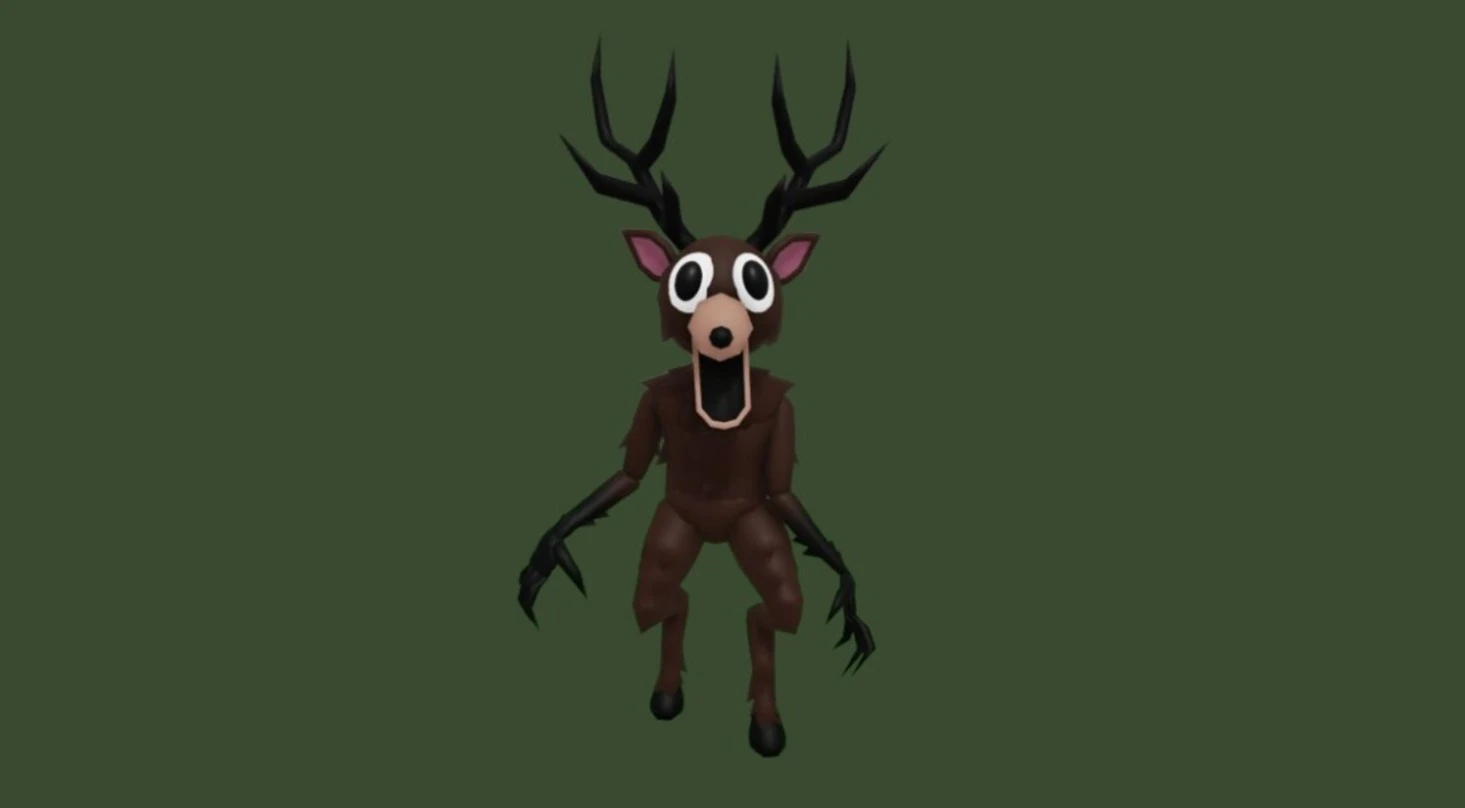
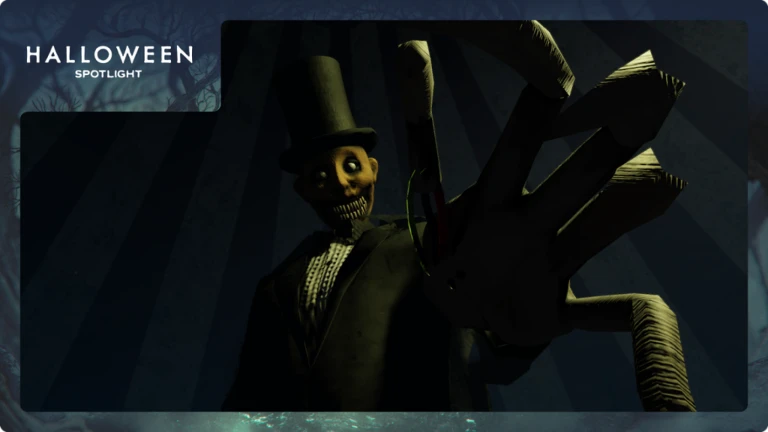
Roblox announced The Hollow as a platform-wide Halloween survival event that opened October 22, 2026. It features a different monster across nine nights, and players earn exclusive UGC and other rewards by completing quests. Roblox says the live finale begins October 31 and reward collection remains available until noon Pacific time November 2.
The finale date and the reward-collection deadline are different. Use the remaining days to revisit unfinished objectives and claim available rewards instead of assuming the finale is the last opportunity.
Night 1–4 Reward Audit Checklist
1. Reopen The Hollow and review progress
- Join from the official Roblox experience page.
- Open the quest or progress interface and look for objectives marked complete, ready to claim, or still in progress.
- Claim rewards wherever the game presents an explicit claim action.
- Wait for the interface to update before leaving.
2. Check the first-night objective
Review any objective you remember completing on opening night. If the reward is displayed as available, claim it and verify the result. If the interface shows no reward or a requirement remains incomplete, do not assume simply entering the event granted an item.
3. Check the second-night objective
Repeat the process for the next night’s quest or progress entry. Use your own game status as the record; another player’s screenshot may show a different account, stage, or event state.

4. Check third- and fourth-night entries
Look for completed objectives that have not been claimed, progress bars that stopped short, and reward descriptions requiring an extra action. If a quest takes place in a participating experience outside the main hub, follow the instructions shown by Roblox or that experience, then return to The Hollow to see whether progress synced.
5. Verify your Roblox inventory
Inspect the relevant avatar inventory categories after claiming. An item in a promotional graphic or another player’s avatar is not proof that it is in your inventory. If the hub says a reward was granted but it is not visible, allow the account state to refresh, then rejoin and check again.
How to Check and Claim Rewards Safely
- Use the official link. Start at The Hollow on Roblox, not a third-party reward generator.
- Read each objective. Requirements may differ; one completed quest may not clear every reward.
- Claim before leaving. Use the in-game claim action and wait for a confirmation or updated status.
- Check inventory. Confirm the item appears in your Roblox account.
- Record unresolved issues. Note the quest name, time, platform, and error message before retrying or contacting support.

What If a Reward Is Missing?
Distinguish an unclaimed reward from an uncompleted quest. If the objective is incomplete, follow its instructions. If it is complete but unclaimed, look for a claim action. If the interface says the reward was granted but inventory does not show it, rejoin and recheck before assuming the item is permanently lost.
If the issue persists, use Roblox’s official support resources and describe the steps you completed. Never give your password, one-time verification code, or account cookie to anyone offering to “restore” a reward. Avoid external sites promising free Robux or requiring a Roblox login outside Roblox.
Roblox’s announcement lists 99 Nights in the Forest, DOORS, Dandy’s World, Piggy, Scary Shawarma Kiosk, Animal Hospital, The Mimic, Demonology, and Warden among the participating experiences. Check exact quest requirements in the relevant game instead of inferring them from its name.
The November 2 Reward Deadline
Roblox’s official event announcement says players can continue collecting rewards until noon Pacific time on November 2, 2026. The live finale is scheduled for October 31, but that is not the published reward-collection cutoff. Use the remaining time to resolve incomplete quests, claim available items, and verify inventory.
Do not wait until the final minutes to investigate a missing reward. Check the event hub for current instructions and updates, and follow the latest in-game information over older screenshots or unofficial guides.
Related Roblox Guides
Frequently Asked Questions
Can I still claim rewards from The Hollow’s first four nights?
Roblox says reward collection remains open until noon Pacific time November 2, 2026. Check the official event hub for the rewards available to your account and their requirements.
Has Roblox published exact names for every Night 1–4 reward?
The official announcement confirms exclusive UGC and other quest rewards but does not provide a verified item-by-item list for Nights 1–4. This guide avoids assigning unverified names to specific nights.
Do I get an item just by entering The Hollow?
Roblox says players earn exclusive UGC and rewards by completing quests. Follow the instructions displayed in the experience; do not assume entry alone grants every reward.
Is October 31 the final day to claim rewards?
No. Roblox identifies October 31 as the live-finale date and says players can continue collecting rewards until noon Pacific time November 2, 2026.
What should I do if a completed quest does not grant its reward?
Recheck the quest status, claim prompt, and avatar inventory; then rejoin and try again. If the issue persists, document the quest and error and use official Roblox support. Never share passwords or verification codes.
Are Roblox Plus benefits the same as free quest rewards?
No. Roblox describes additional benefits for active Roblox Plus subscribers, including a profile frame, background, and item-gifting launcher. Those subscription benefits are distinct from quest rewards.
Final Takeaway
The best way to avoid missing an early The Hollow reward is to audit your own quest state—not rely on an unverified list. Revisit the official hub, claim every reward the game marks available, check inventory, and resolve issues before November 2. Roblox’s announcement is the source of truth for event timing; the in-game interface is the source of truth for your account’s claim status.
Editorial note: Checked against Roblox’s public event announcement on October 26, 2026. Specific nightly reward names and individual claim requirements are not presented as confirmed unless Roblox shows them directly.







