
Quick answer for U.S. players: Missing Night 5 does not automatically mean you should give up on The Hollow. Roblox confirms that its 2026 Halloween event runs through a nine-day monster rotation, with a live finale on October 31 and rewards collectible until noon Pacific Time on November 2, 2026. However, Roblox’s official announcement does not explicitly guarantee that every missed night or reward can be replayed. Open the live event hub and check the floor selector and reward board before assuming Night 5 is still available.
That distinction matters on Monday, October 26. The event is in progress, and online guides do not always agree about which floor stays open or how late rewards can be claimed. The safest catch-up plan is to verify what your account can access, prioritize rewards you can still earn, and avoid spending time on a route that the game no longer offers.
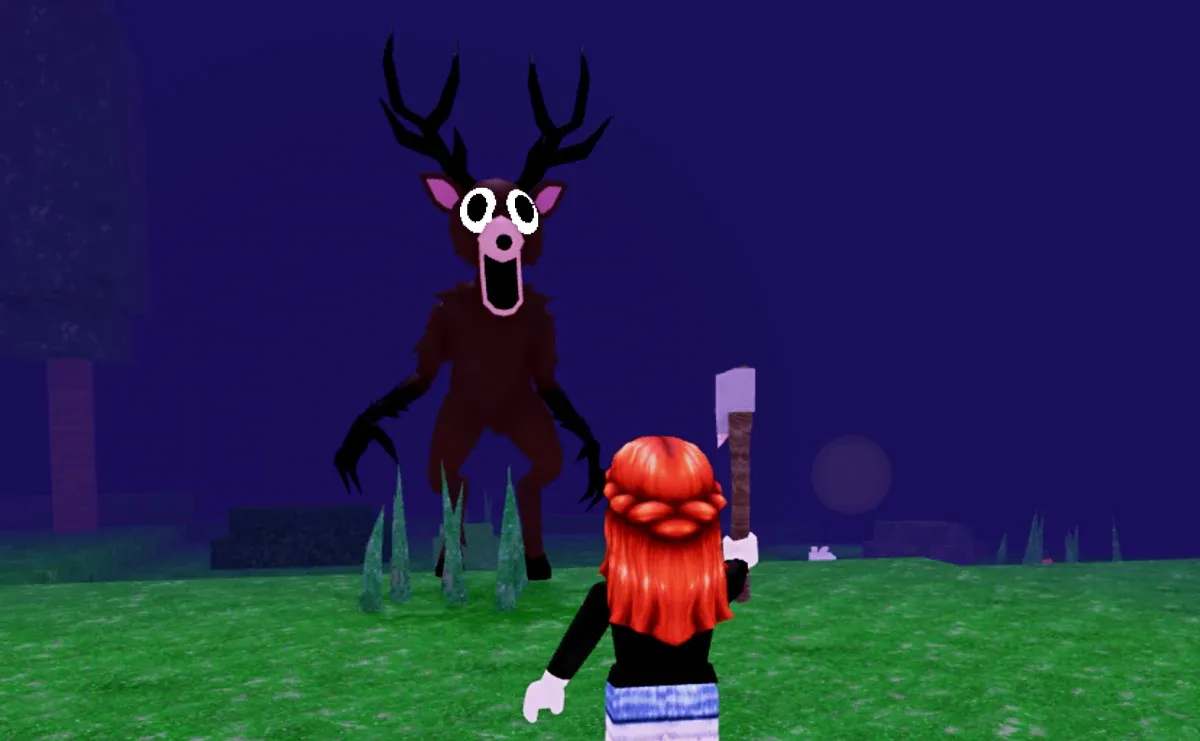
What is confirmed about The Hollow’s schedule?
Roblox’s official announcement says The Hollow opens at 2 p.m. Pacific Time on October 22, features a different monster each day for nine days, and has a live finale on October 31. Players can continue collecting rewards until noon Pacific Standard Time on November 2. The announcement does not spell out whether every past maze can be replayed or whether a missed reward is guaranteed to remain available.
Use these dates as the planning framework:
- October 22–30: the nine-day monster rotation.
- October 31: the live finale for all players.
- November 2, noon PST: the official reward-collection deadline.
Read the official Roblox event announcement for the confirmed schedule. For the game itself, use the The Hollow experience page and inspect the live hub rather than relying on an old guide alone.
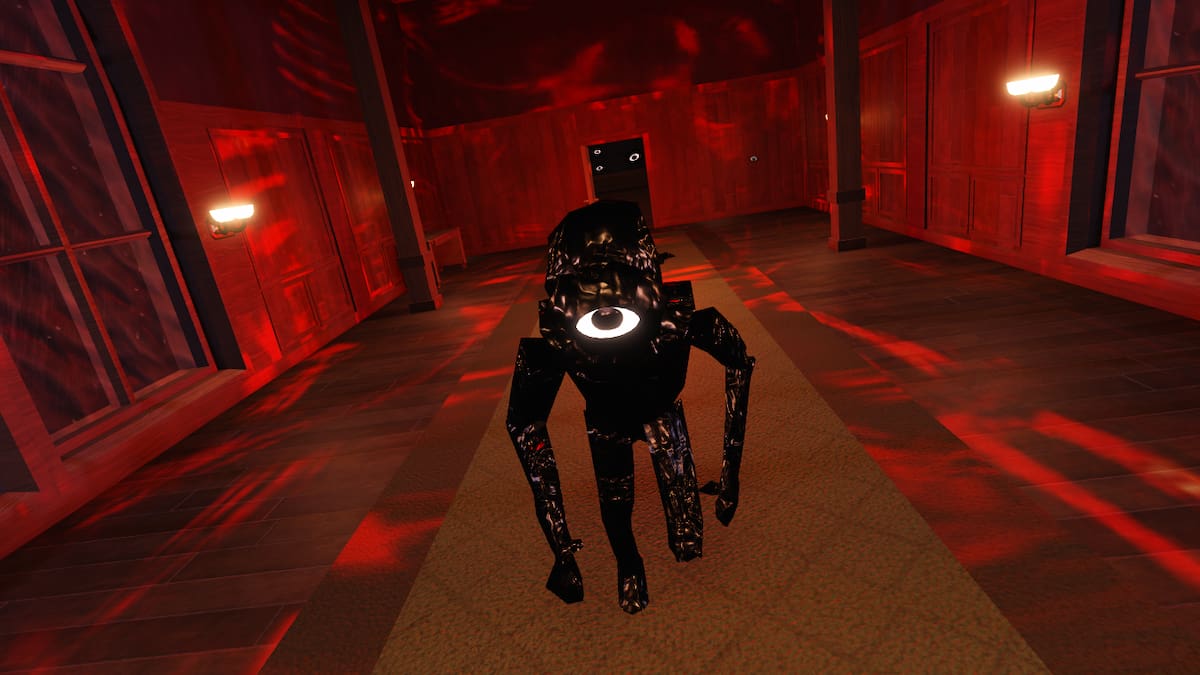
First, check whether Night 5 is still playable
Before planning a full catch-up session, join The Hollow and check the elevator, floor list, quest board, and reward display. Look for a direct option to enter the missed floor. If the floor opens and the objective is active, attempt it; if the interface marks it closed or offers no route, do not assume a third-party guide can override that restriction.
- Open The Hollow from Roblox. Make sure you are in the official experience, not a fan-made copy.
- Inspect the floor selector. Look for Night 5 or the corresponding floor and see whether it can be entered.
- Check the reward board. Confirm the exact reward, its requirement, and whether the claim button is active.
- Complete the listed objective. If the floor is playable, follow its current in-game instructions rather than an outdated walkthrough.
- Return to the hub and verify the claim. Check that the badge, UGC item, or other reward actually registered before leaving.
If you cannot enter the missed floor, check Roblox’s event page and official announcements for updates. Do not assume that a countdown to the overall reward deadline means every daily activity is still replayable.

If Night 5 is closed, use this catch-up priority list
If the missed floor is no longer accessible, shift your time to objectives that the live hub still offers. This is a practical checklist, not a promise that any specific reward remains available.
- Claim rewards you have already earned. Return to the event hub and check every open reward display. Completing an objective and claiming its reward may be separate steps.
- Play the currently available floor. Follow the live floor selector. Do not rely on a fan schedule if the in-game board says something different.
- Complete any open side quests. The official announcement confirms that quests award exclusive UGC and other rewards, but it does not publish a complete item-by-item recovery policy.
- Spend earned event currency before the cutoff. If the hub offers a reward shop or exchange, review the available items and prioritize rewards you actually want. Confirm prices in-game.
- Leave time for the finale. Roblox has announced a live finale for October 31. Check the official event page for current details as the date approaches.
A realistic catch-up plan for busy players
If you have only 20–30 minutes, do not spend the whole session searching for an unverified secret route. Use this order:
- First 3 minutes: open the official event hub and confirm which floor and reward actions are currently available.
- Next 15–20 minutes: complete one available objective you can realistically finish. If Night 5 is open, start there; if not, move to an open floor or quest.
- Final 5 minutes: return to the hub, claim any unlocked reward, and check your inventory or badge list.
For a longer session, make a short list of missing rewards and verify each requirement in the hub before attempting it. Keep a note of what you have claimed so you do not repeat completed objectives unnecessarily. For more event context, see our Roblox event timing and expired-code checklist and guide to checking claims about Roblox side-quest accessories.

What not to trust when catching up
- “Every missed night is definitely replayable.” Roblox’s official announcement does not guarantee this. Confirm access in the live hub.
- “All rewards disappear on October 31.” Roblox says reward collection continues until noon PST on November 2, even though the live finale is October 31.
- “You need Roblox Plus to finish the event.” The official announcement says Plus subscribers receive early hub access and additional perks; it does not say a Plus subscription is required for general event access.
- “Use this outside website to claim your item.” Be cautious with pages asking for your password, browser cookies, scripts, or Robux to unlock a supposedly free event reward. Use Roblox’s official experience and account interface.
Bottom line: skipping Night 5 is not a reason to panic
The most useful next step is to check the actual floor selector and reward board. Roblox has confirmed that The Hollow’s reward-collection window remains open until noon PST on November 2, 2026, but it has not publicly guaranteed that every missed night can be replayed. If Night 5 is available, attempt it and confirm the reward registers. If it is closed, focus on open quests, rewards you can still claim, and the remaining event schedule instead of wasting time on unverified workarounds.
Frequently asked questions
Can I replay Night 5 after skipping it?
Roblox’s official announcement does not explicitly confirm replay access for every missed night. Check the floor selector in The Hollow and follow the current in-game availability.
When is the last day to collect The Hollow rewards?
Roblox says players can continue collecting rewards until noon Pacific Standard Time on November 2, 2026. The live finale is scheduled for October 31.
Do I need Roblox Plus to catch up?
Roblox says Plus subscribers get early hub access and additional perks. Its event announcement does not say Plus is required for general access; regional age and access rules may vary.
What should I do if the reward does not appear in my inventory?
Return to the hub, revisit the reward display, and confirm the objective and claim steps are complete. If the item still does not appear, consult Roblox’s official help resources rather than sharing account credentials with a third-party site.
Editorial note: Event access and reward availability can change. The event schedule above is based on Roblox’s official October 21, 2026 announcement; replayability of individual missed nights is not stated there and should be checked in-game.







