Updated October 27, 2026. Minecraft Java Edition players can now test real-time path tracing through the new NVIDIA RTX Remix beta—but this is not a one-click graphics toggle for every PC. The release targets a specific game version, requires a GeForce RTX 30-series or newer GPU, and is still a technology showcase with known compatibility limits. The practical question is not only whether your PC can launch it, but whether it can deliver a stable experience in the worlds you actually play.
Quick answer: You need Windows 10 or 11, Minecraft Java Edition 1.21.1, a GeForce RTX 30-series or newer graphics card, NVIDIA driver 616.92 or newer, an internet connection during installation, and roughly 5 GB of temporary free storage. NVIDIA recommends 16 GB of system memory. Meeting these requirements makes you eligible to try the beta; it does not guarantee a particular frame rate in every world. Official project and requirements.
RTX Remix for Minecraft: the requirements that matter
| Component | Beta requirement | What it means |
|---|---|---|
| Operating system | Windows 10 or Windows 11, x64 or ARM64 | This is a Windows-focused setup, not a console or macOS install. |
| Game version | Minecraft Java Edition 1.21.1 | Do not assume a newer Java version or Bedrock Edition will work. |
| Graphics card | GeForce RTX 30-series or newer | Older GTX cards and non-RTX GPUs are outside the stated requirement. |
| NVIDIA driver | 616.92 or newer | Update the driver before troubleshooting a launch problem. |
| Memory | 16 GB RAM recommended | This is a recommendation, not a promise that every lower-memory system will fail. |
| Storage | About 5 GB free during installation; about 3 GB remains in use | Leave temporary room for the archive and unpacked components. |
| Internet | Required while the installer runs | Plan to be online during setup. |
These are the published baseline requirements from the project’s own README and player guide. The installer sets up Java 21, Fabric and the RTX Remix runtime, so most players do not need to install those pieces separately. Read the official playing guide before changing an existing modded installation.
Which RTX cards are worth trying?
The published floor is the GeForce RTX 30-series. That includes cards such as the RTX 3060, RTX 3070 and RTX 3080 families, as well as newer RTX generations. But the requirement is a compatibility floor, not a performance ranking. A faster GPU will generally give you more room to experiment with render distance and quality, while a lower-tier card may need conservative settings and a less demanding scene.
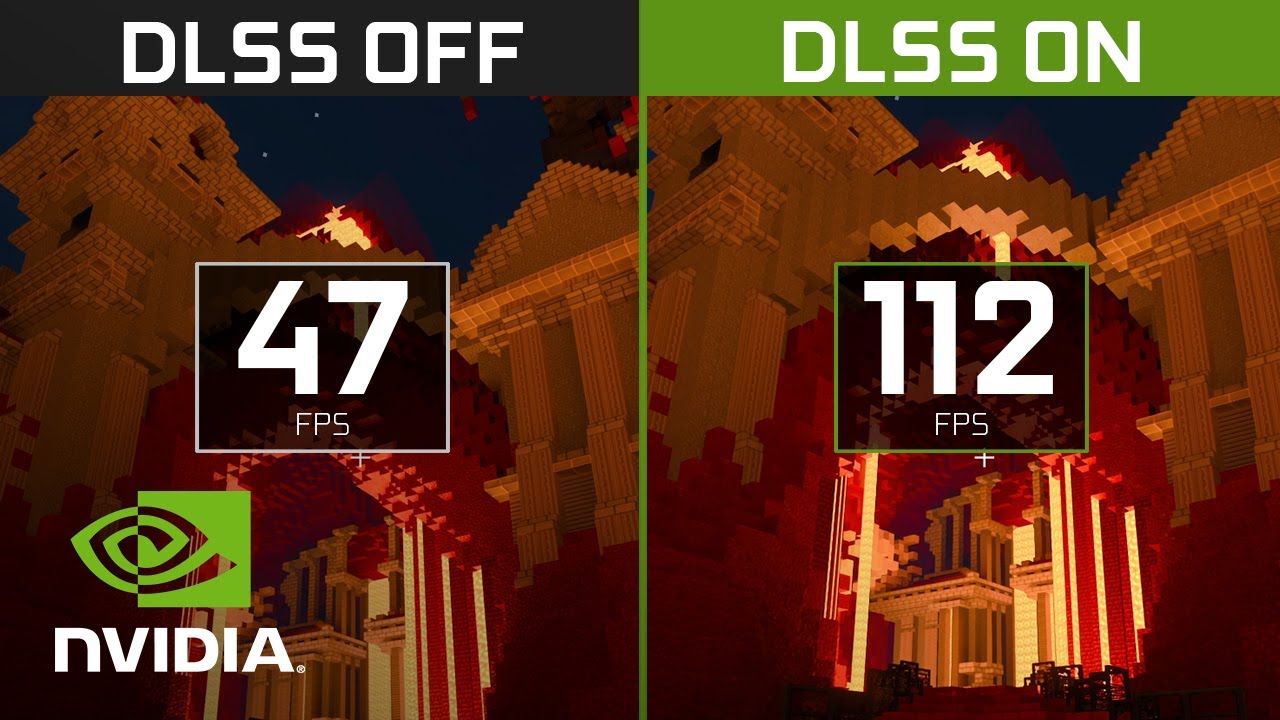
There is no reliable universal FPS number to promise here. Performance can change with resolution, render distance, world complexity, the active lighting profile, background applications and the exact GPU. The public beta documentation does not establish a single guaranteed frame rate for each RTX model. Treat any FPS figure without a matching system, settings and test scene as anecdotal rather than a benchmark you can bank on.
Why an RTX 30-series card does not guarantee smooth gameplay
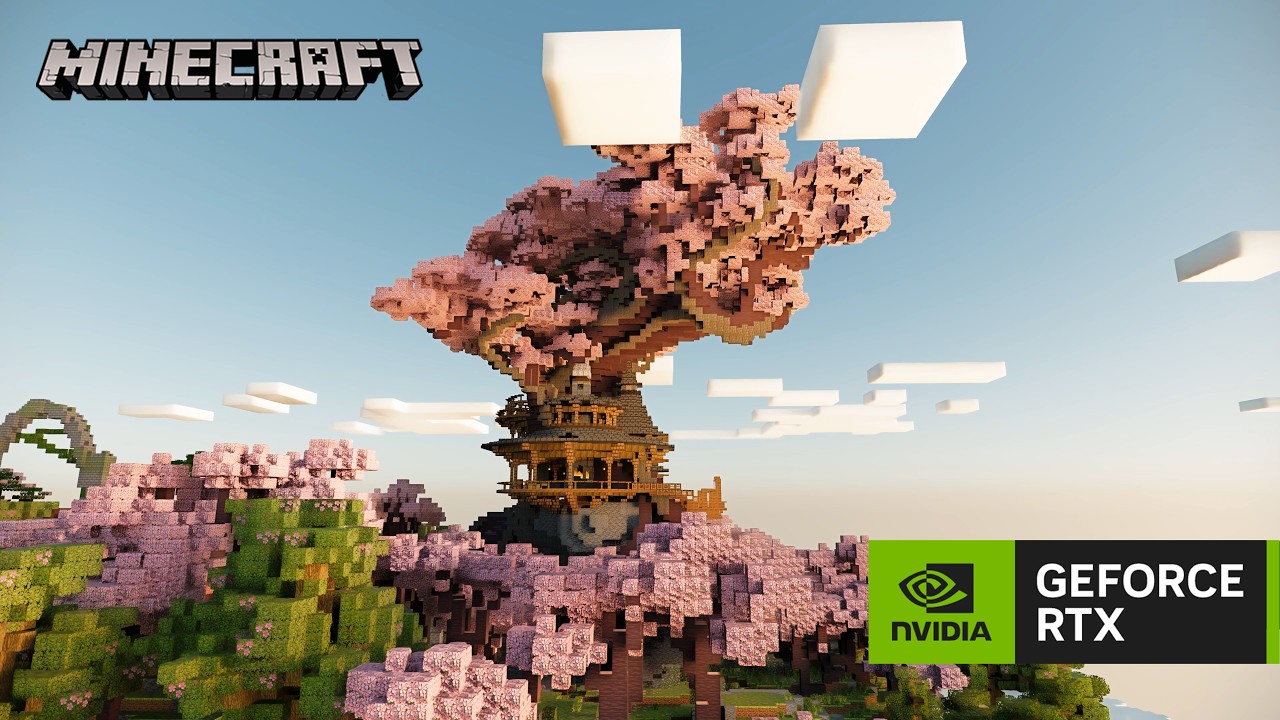
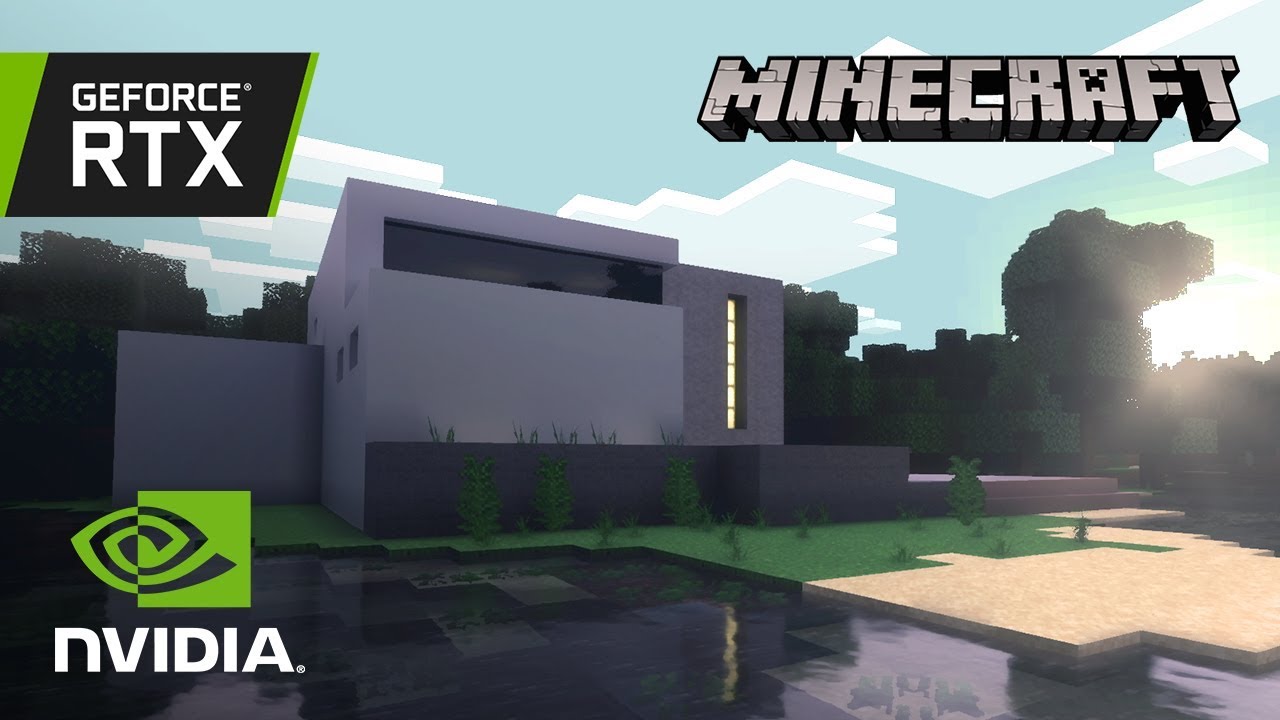
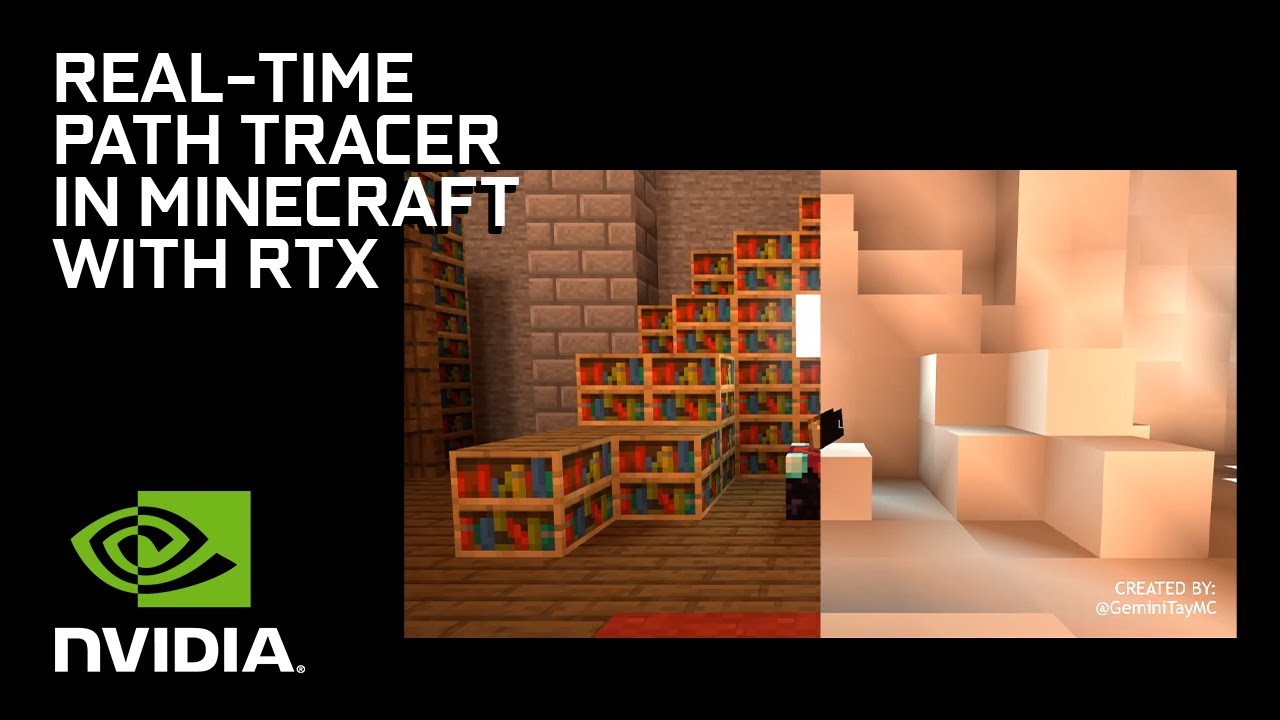
Path tracing calculates how light travels and bounces through a scene. That can create more convincing indirect light, shadows and reflections, but it also adds substantial rendering work. A quiet, compact showcase scene may behave very differently from a huge survival base with many builds, a busy village, complex terrain or additional mods.
The RTX Remix team says the beta was tuned against one showcase world made by BlockWorks. Other mods have had limited testing, especially mods that alter rendering or the chunk pipeline. The team also warns that blocks, mobs, dimensions and situations outside the showcase may look wrong or run slowly. That is why “it launches” and “it runs smoothly for my normal playthrough” are two different tests. See the beta’s stated limitations.
How to check whether your PC is a good candidate
- Confirm the exact GPU. Open Task Manager, select Performance, then GPU, or use the NVIDIA app. Check the model name rather than relying on a laptop’s marketing label.
- Check your driver version. Install an NVIDIA driver at version 616.92 or newer, then restart if the installer requests it.
- Use a separate game profile. Keep the beta isolated from your everyday modded instance where possible. It targets Java Edition 1.21.1, not every version you may have installed.
- Start with the showcase world. The project was tuned around that world, making it the fairest first test before loading a large personal save.
- Let the first launch finish. Setup unpacks the runtime, and the renderer compiles shaders. The first launch can take longer than normal; a temporarily dark, flat or incomplete-looking scene may be part of shader preparation.
- Test one setting at a time. Start with a moderate render distance and conservative quality, then change one option at a time. Compare the same location and camera angle so the result is meaningful.
The official release archive and installation steps are on the RTX Remix for Minecraft releases page. The documented quick setup is to extract the archive, run install.bat, follow the menu, then launch the NVIDIA RTX Remix for Minecraft profile. Download only from the project’s official release page.
How to tell whether path tracing is actually running
Once the world is loaded, the project guide recommends typing /rtx status in chat. Check that Renderer Initialized and SDK Available both report true. You can also press F8 to toggle path tracing off and back on, then compare the same scene. Use the in-game RTX Remix settings for distance, frame rate, sky, lighting and materials; the runtime’s separate graphics settings provide the quality-tier controls.
Common problems—and what to try first
- The game will not launch: Verify Java Edition 1.21.1, Windows compatibility, the driver baseline and that the Microsoft account owns Java Edition.
- The first launch appears frozen: Wait for the runtime to unpack, especially if the game is installed on a hard drive. The first launch is slower by design.
- The world looks dark or unfinished: Give shader compilation time to settle before judging the result.
- Another mod breaks rendering: Test a clean beta profile. Mods that alter rendering or chunk delivery may conflict with the renderer.
- Performance is inconsistent: Test the showcase world, reduce render distance and close GPU-heavy background apps. Record the GPU, resolution and settings when comparing results.
If you need to report a bug, the official guide lists the relevant logs and crash files. Include a short description of the steps that caused the problem and whether it happens in a clean profile. That gives maintainers more useful information than saying only that the game is broken.
Privacy note before you install
The project says the mod itself does not collect data. However, the bundled RTX Remix runtime can send basic session and system information and crash reports to NVIDIA. Its first-use guide presents these options enabled by default, and you can change them in the Permissions tab of RTX Remix Graphics Settings. Review those choices during first launch if you prefer to limit diagnostic sharing.
Frequently asked questions
Can I run RTX Remix for Minecraft on a GTX graphics card?
The published requirement is a GeForce RTX 30-series or newer GPU. GTX cards are not listed as supported hardware for this beta.
Does it work with Minecraft Bedrock Edition?
No. This beta targets Minecraft Java Edition 1.21.1. Do not confuse it with the older Minecraft with RTX experience associated with Bedrock on Windows.
Is 16 GB RAM mandatory?
The project recommends 16 GB of system memory. It does not publish a guaranteed performance profile for every system below that recommendation, so results may vary.
Will the beta work with my full modpack?
Not necessarily. The developers say other mods have received limited testing and that mods affecting rendering or chunk processing may conflict. Begin with a clean profile.
Is this an official Mojang or Microsoft Minecraft release?
No. The project explicitly states that it is not an official Minecraft product and is not approved by or associated with Mojang or Microsoft.
The bottom line
If you have a GeForce RTX 30-series or newer GPU, the current NVIDIA driver, Windows 10 or 11 and Minecraft Java Edition 1.21.1, your PC meets the published starting requirements. For the best first impression, install the beta in a separate profile and test the BlockWorks showcase world before expecting a large survival save or a heavily modded setup to behave the same way. The beta is promising, but smooth performance still depends on the exact system and scene—not just the RTX badge on your graphics card.
Author: Shivam Das. Requirements and limitations checked against the official project documentation and NVIDIA RTX Remix release notes on October 27, 2026.
Sources: RTX Remix for Minecraft project · Player installation guide · Release downloads · NVIDIA RTX Remix release notes