By Shivam Das | Updated October 27, 2026
Quick answer: Minecraft on Nintendo Switch 2 brings the native console version together with Vibrant Visuals enabled as the default graphics experience. Players should notice more directional lighting, stronger shadow detail, atmospheric fog, and more convincing water reflections. These changes make caves, forests, coastlines, and sunset travel more visually rich, but they do not change survival mechanics—and Vibrant Visuals is unavailable in some situations, including split-screen and certain Marketplace content.
Today’s Switch 2 launch is more than a sharper-looking version of the familiar block world. For survival players, the biggest difference is how the environment communicates time, depth, and atmosphere. A shaded forest can feel denser, a cave entrance can look more dramatic, and water can reflect the changing sky. Those are meaningful presentation upgrades, but players should not mistake prettier lighting for new combat systems or better loot.
What Vibrant Visuals changes on Switch 2
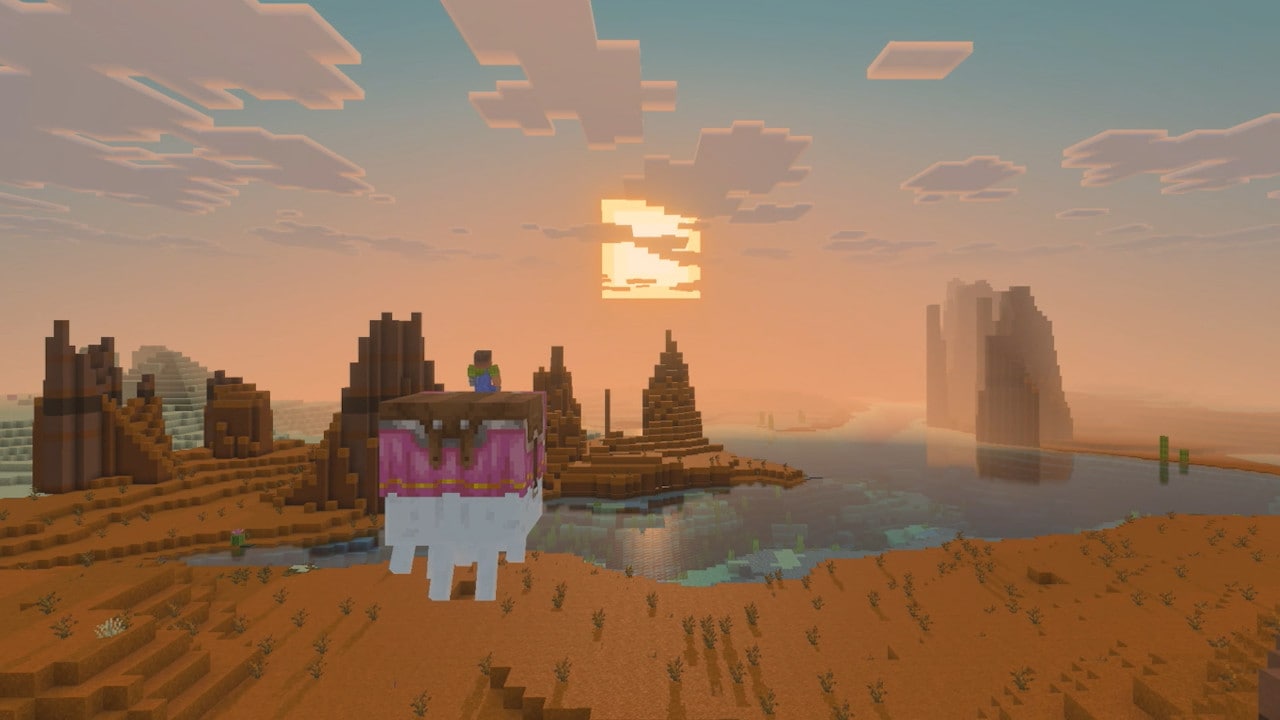
Mojang describes Vibrant Visuals as a major graphics upgrade, with directional lighting, volumetric fog, and improved environmental presentation. On Switch 2, it is enabled by default. Rather than replacing Minecraft’s familiar block-based art, the rendering update changes how that world is lit and how surfaces respond to light.
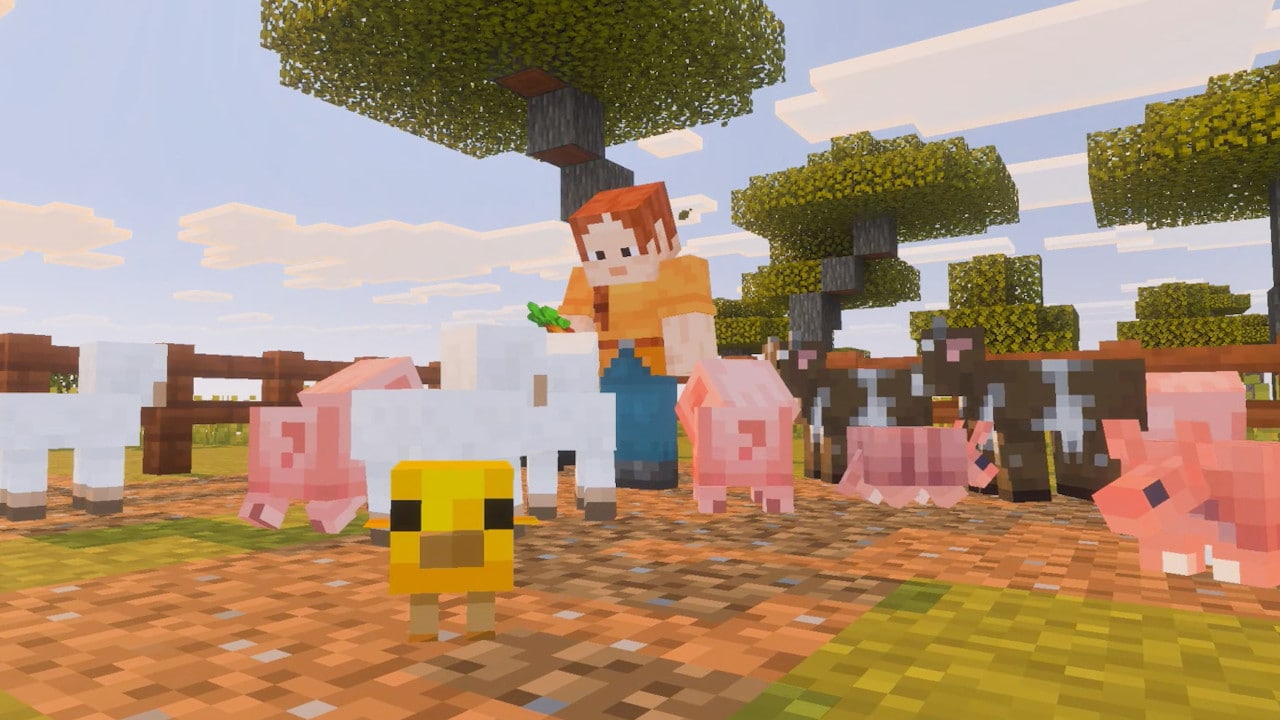
- Lighting and shadows: Sunlight and shade give terrain more visual depth, especially around trees, cliffs, and structures.
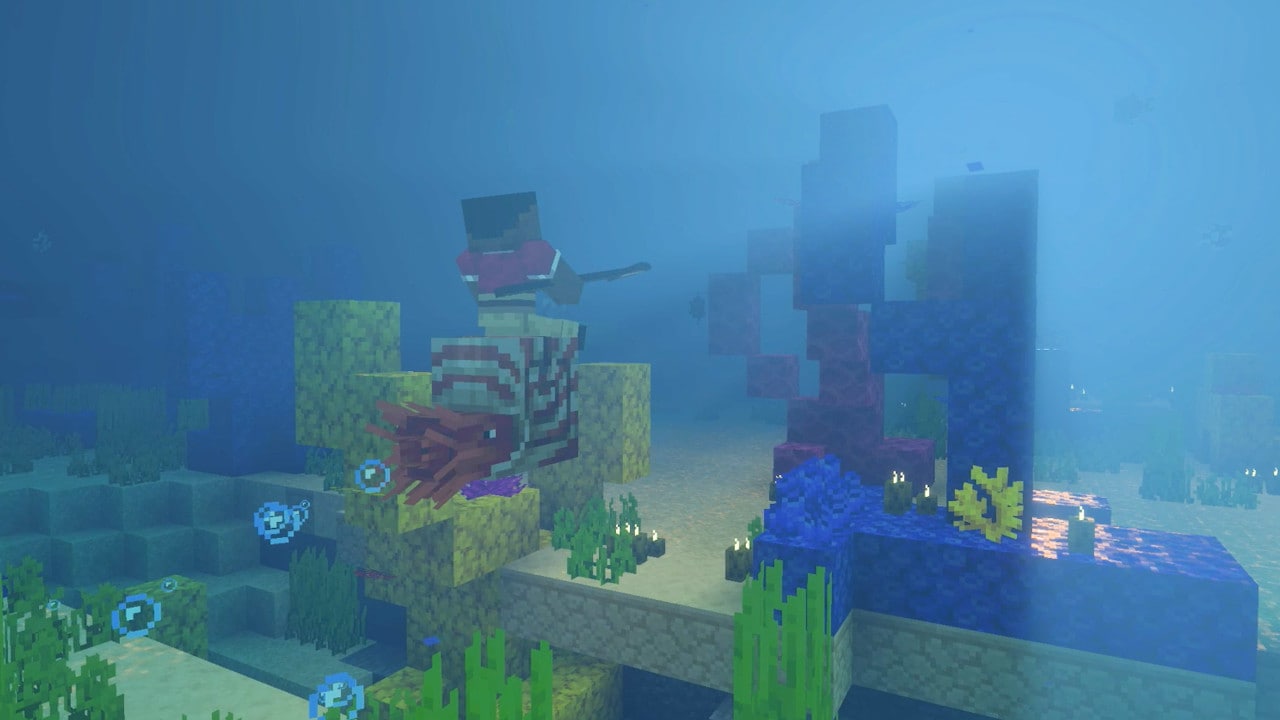
- Water: Reflections and light beneath the surface make lakes and underwater areas feel less flat.
- Atmosphere: Fog and distant scenery can create stronger separation between foreground and background.
- Biomes: The same block palette can feel different at sunrise, in a shaded forest, or near water at dusk.
Why survival players may notice the difference first
Survival is built around moving through environments with limited resources. Visual atmosphere can make a familiar route feel more legible and memorable, but it should not replace basic preparation. Bring enough light sources, keep track of exits, and do not assume a dark area is safe simply because shadows look more natural.
Caves and underground routes
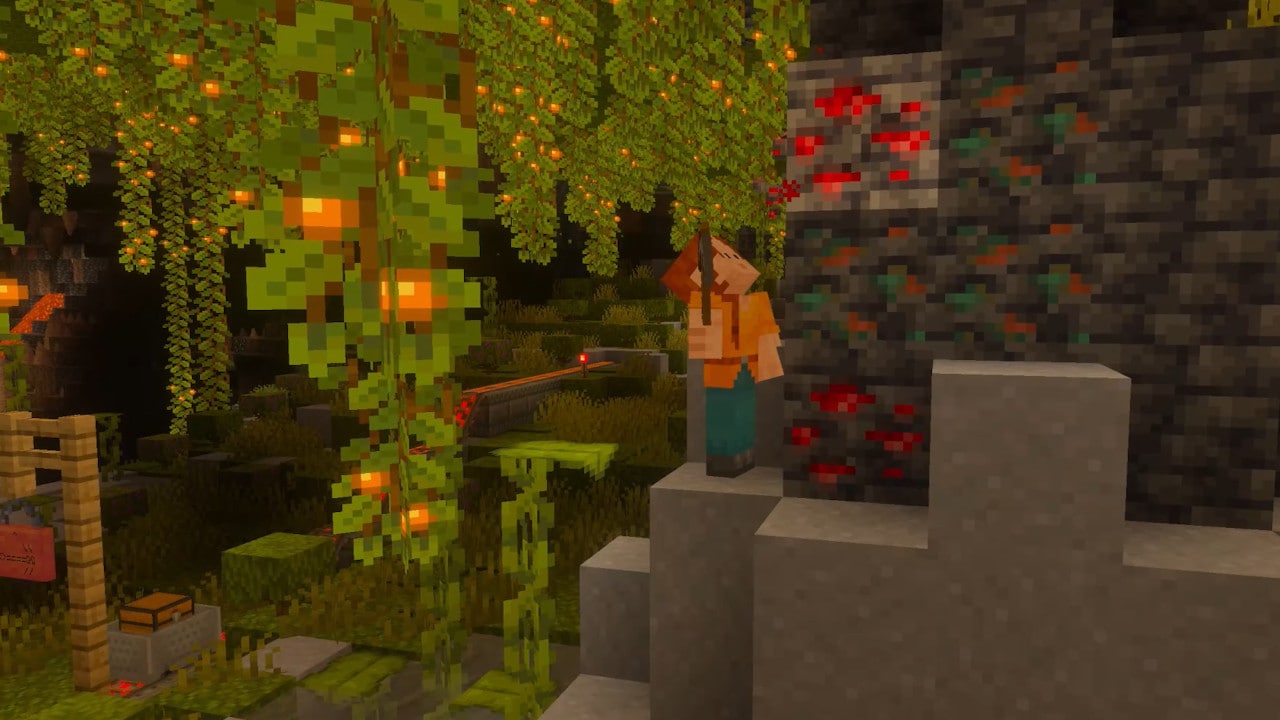
Better shadowing can make entrances, ledges, and room shapes stand out differently. Still, players should use torches or other light sources to mark explored paths. A graphics upgrade is not a reliable navigation system, and visual contrast may vary by display settings and the environment.
Water crossings and coastlines
More expressive reflections can make shorelines and underwater exploration look richer. For practical survival, the usual rules still apply: watch your air supply, check nearby hostile mobs, and avoid assuming that a bright reflection means an area is shallow or safe.
Does it improve gameplay or just graphics?
The important distinction is that Vibrant Visuals is a presentation upgrade, not a new survival ruleset. It does not, by itself, promise stronger weapons, different mob behavior, extra drops, or changes to hunger and crafting. Players who enjoy building may appreciate the way sunlight and shade affect screenshots; players focused on progression should treat it as a visual enhancement rather than a tactical advantage.
That distinction matters for comparisons with ray tracing on PC. Vibrant Visuals is Minecraft’s built-in graphics mode and should not be described as identical to every third-party shader or PC ray-tracing setup. The Switch 2 version is designed for the console, and its exact look depends on the supported game mode and content.
Important limitations before you start
Nintendo and Minecraft note that Vibrant Visuals is not available in some gameplay, including split-screen and certain Marketplace worlds or content. That means players should not expect every world or session to look identical. If the graphics mode is unavailable in a particular activity, it does not necessarily mean the console or game is malfunctioning.
For a fair comparison, use the same world, time of day, camera angle, and display settings where possible. Compare a sunny outdoor area, a shaded forest, and a water scene. That approach is more useful than comparing unrelated screenshots captured in different biomes or at different times.
Watch the official Switch 2 announcement
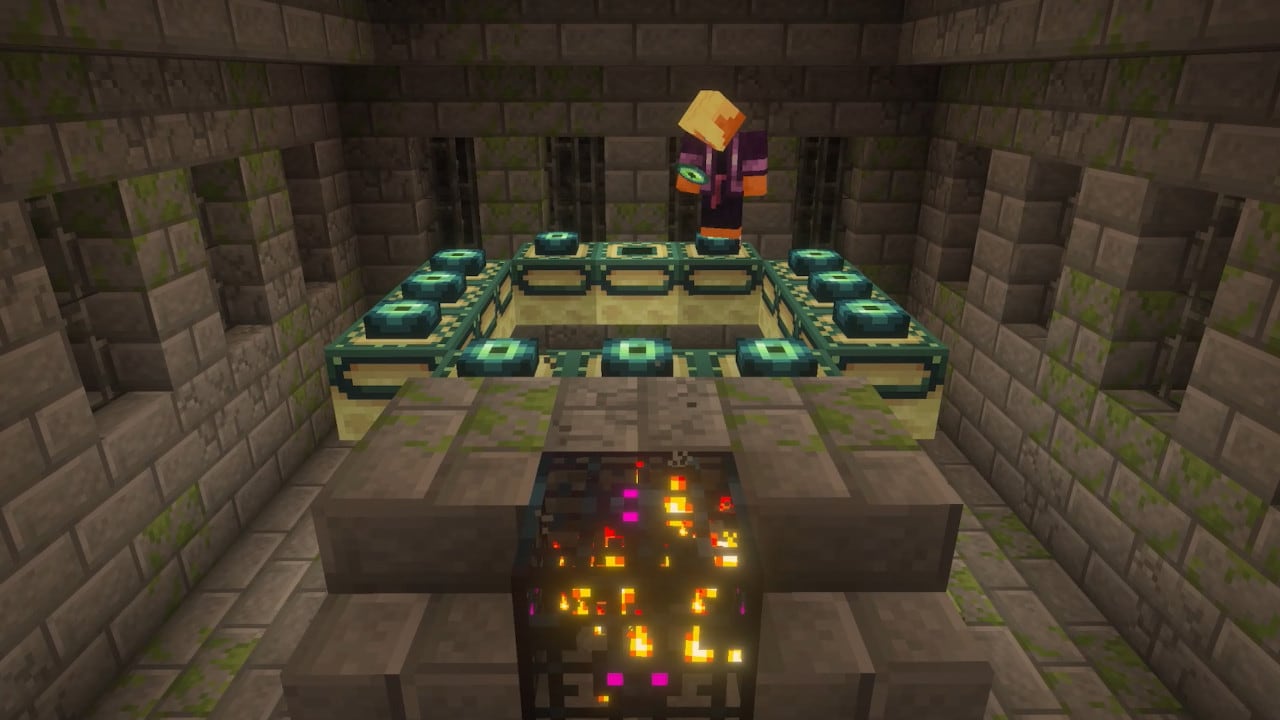
Nintendo of America’s official announcement video shows the Switch 2 version and its visual direction. Watch the original video below, then compare its scenes with your own game rather than assuming every environment will render identically.
What should returning Switch players do?
If you are moving from the original Switch version, first check the official upgrade information and make sure your worlds are backed up or transferred using the supported process. Start with a familiar world so you can compare the look and confirm your settings. If you mainly play split-screen or rely on a specific Marketplace world, check whether Vibrant Visuals is supported in that mode before expecting the full effect.
For more on the launch and upgrade path, read our Minecraft Switch 2 free digital upgrade guide. For official details, consult the Minecraft announcement, the official upgrade and edition details, and Nintendo’s launch announcement.
Frequently asked questions
Is Vibrant Visuals enabled by default on Minecraft for Switch 2?
Yes. Minecraft’s official announcement says Vibrant Visuals is the default graphics experience for the native Switch 2 version, although some gameplay and Marketplace content do not support it.
Does Vibrant Visuals change survival gameplay?
It is a graphics enhancement, not a change to core survival mechanics. Do not expect it to change crafting, combat damage, mob drops, or hunger simply because the lighting looks different.
Will Vibrant Visuals work in split-screen?
No. The official caveat says Vibrant Visuals is unavailable in some gameplay, including split-screen. Other exceptions can include certain Marketplace worlds and content.
Is Vibrant Visuals the same as PC ray tracing?
Not necessarily. Vibrant Visuals is Minecraft’s built-in graphics mode, while PC ray tracing and third-party shader setups can use different technologies and produce different results.
What is the best way to compare the new visuals?
Use the same world and camera angle, then compare a sunny landscape, a shaded forest, a cave, and water. Keep in mind that time of day, display settings, and supported content can change what you see.
Author: Shivam Das. Sources: Minecraft.net and Nintendo.com official announcements. This article describes visual features and documented limitations; it does not claim that lighting changes survival mechanics.