
If your Hiachi-related badge or reward is missing after you finished a Roblox The Hollow objective, do not immediately repeat the entire run. First work out whether the quest failed to register, the badge is delayed, or the avatar item still needs to be claimed separately. Player reports around The Hollow have described delayed badge and ticket updates, but the exact cause can vary by experience and account.
Quick answer: Check your Roblox badge list and The Hollow quest tracker, leave the experience completely, then rejoin a fresh server and wait for progress to sync. Return to the event hub and check the reward display again. If the badge is still missing, verify the original game quest before spending time replaying everything.
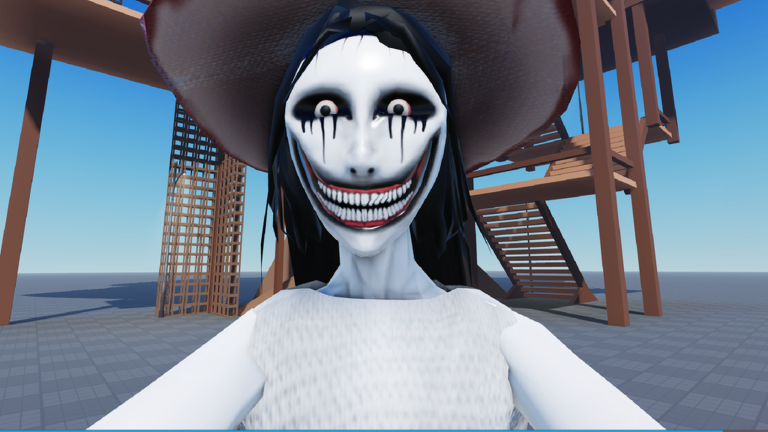
Why the Hiachi badge may not appear
Roblox's official announcement confirms that The Hollow is a limited-time Halloween survival event with a different horror-game monster appearing across nine nights. It says players can earn exclusive UGC and other rewards by completing quests in the hub and participating experiences. The announcement does not provide a guaranteed instant-delivery time for every badge or a specific Hiachi badge troubleshooting procedure, so treat the steps below as a practical recovery checklist rather than an official fix.
- Progress has not synced yet: The quest may show as completed before the hub or profile updates.
- The reward has a separate claim step: Completing a challenge and claiming its avatar item are not always the same action.
- You are checking the wrong place: A partner-game badge, a Hollow hub badge, Tickets, and a UGC item can appear in different interfaces.
- The quest condition was not fully met: A final interaction, exit, or return-to-hub step may still be outstanding.
Fastest troubleshooting checklist
1. Confirm the badge on your Roblox profile
Open your Roblox profile and inspect the badges or achievements area. Search for the badge connected to the exact quest you completed. If it is already there, the problem may be the event hub's progress display or the separate avatar-item claim—not the badge itself.
2. Leave the experience and rejoin
Exit The Hollow and the partner experience fully rather than just teleporting between areas. Rejoin, allow the hub to finish loading, and wait a short moment before checking the quest tracker again. If the first server still looks stuck, try a different server. Some players have reported that a fresh server helped their missing progress appear, but this is a workaround, not a guaranteed fix.

3. Recheck the original quest's final step
Return to the experience where you completed the task and review its quest or objective indicator. Make sure the final interaction registered and that the game did not require you to finish an encounter, exit a level, or reach a results screen. Do not assume a partial run counts as a completed quest.
4. Check the hub reward display separately
After the badge or quest progress appears, return to The Hollow and inspect the relevant reward panel or display. Follow the on-screen claim prompt if one is available. Then check your avatar inventory or Avatar Editor to confirm whether the item was delivered. A badge, Tickets, and a wearable item are separate things to verify.
5. Keep evidence before contacting support
If the issue persists, capture the completed quest screen, the missing badge or reward display, and your current Tickets balance. Include the name of the experience and the approximate time you completed the task when reporting the issue through Roblox's support or developer-community channels. Never share your password, authentication code, or private account details in public posts.
Do not confuse the Hiachi quest with the Floor 5 puzzle
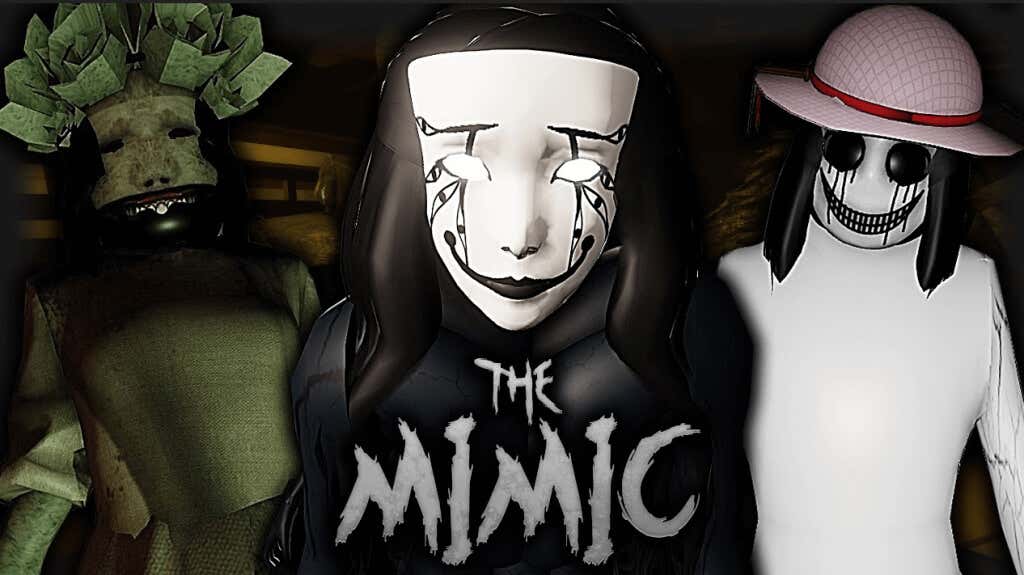
The Hollow connects a central event hub with participating horror games, so a Hiachi-themed partner-game quest and a floor puzzle can have different requirements and rewards. If you were solving the Floor 5 maze, confirm that you collected the required relic and completed the exit route. If you were completing The Mimic quest, verify that the partner-game objective itself registered. One route does not automatically prove the other is complete.
Roblox's official event announcement says reward collection continues until November 2, 2026, at noon Pacific Time. The live finale is scheduled for October 31, but the collection deadline is later. That gives players time to troubleshoot, although it is safer to resolve missing claims early rather than wait until the final hours.
Frequently asked questions
Does rejoining always fix a missing Hiachi badge?
No. Rejoining or switching servers can prompt progress to refresh for some players, but it is not guaranteed. First check whether the badge is already on your profile and whether the quest's final step was completed.
Why do I have the badge but not the avatar item?
The item may need to be claimed separately from a reward display or panel. Check the event hub and your Avatar Editor before replaying the quest.
Is there an official code for the missing badge?
Do not trust random code lists or third-party forms that ask for your login. The official event announcement describes earning rewards through quests; it does not list a special code for fixing a missing Hiachi badge.
When does The Hollow reward window close?
Roblox says players can continue collecting eligible rewards until November 2, 2026, at noon Pacific Time. Check the official announcement and the in-game event interface for any updated instructions.
Official links and further reading
- Open The Hollow on Roblox
- Read Roblox's official The Hollow event announcement
- Related guide: How Many Free UGC Items Can You Still Get If You Start The Hollow Today?
- Browse more Roblox guides on Vervado
Reporting note: The event dates and broad reward structure above are based on Roblox's public announcement. The troubleshooting sequence is practical advice based on reported sync problems; it is not a guarantee that every missing reward will be restored.