
Updated October 27, 2026. Several third-party Roblox code trackers marked game-specific codes as expired today. That does not prove every code stopped working in the same eight-hour window: the public trackers do not provide an exact expiry timestamp for each one, and we have not redeemed these codes inside the games. Treat the entries below as a recheck list, not an official Roblox shutdown notice.
The most useful move is to check the exact experience, enter the code in that game's own redemption menu, and trust the in-game result over an old list. Roblox does not operate one universal code system for every experience.
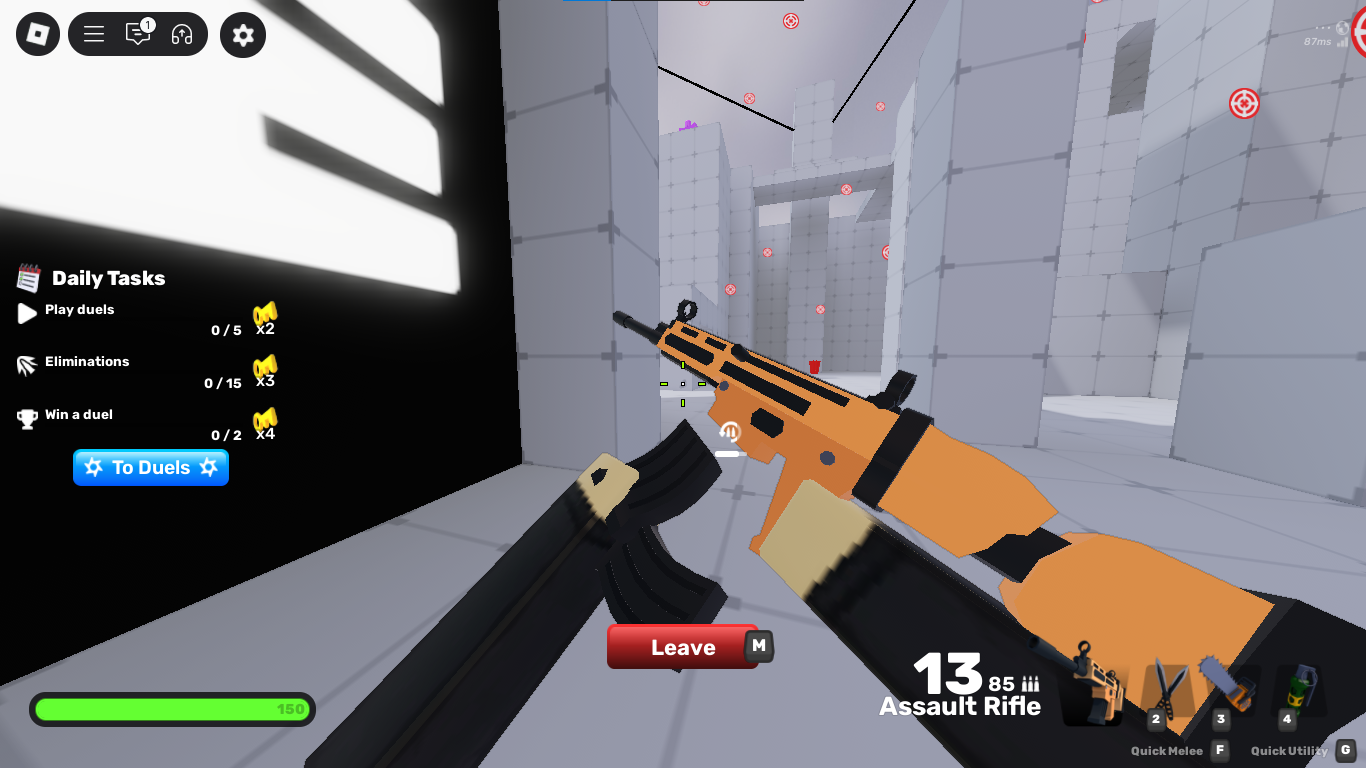
7 Roblox codes trackers marked expired today
CodesDex's public changelog lists the following entries as expired with an October 27 date. These are tracker-reported statuses, not confirmations from the developers and not results of our own in-game redemption tests.
| Roblox experience | Code marked expired | What to do |
|---|---|---|
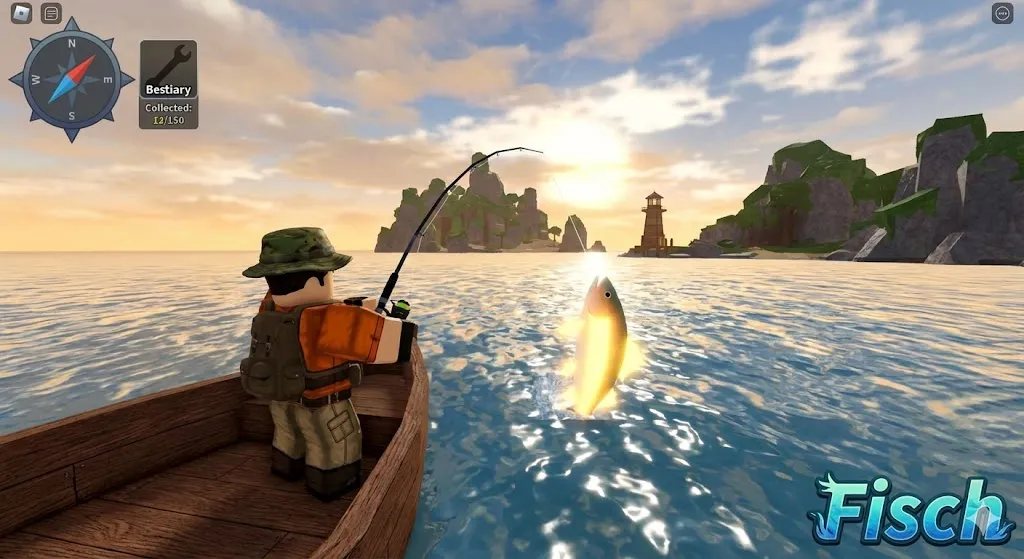
| Fisch | SaveNate |
Check the current Fisch code list and test it in the game's own menu. |
| Fisch | ThanksFor5B |
Do not rely on older guides that still label it active. |
| TRENCH: DECAY | CHARMSOHMY |
Check the game's current announcements before trying another code list. |
| TRENCH: DECAY | REGALIAYESPLEASE |
Look for a newer developer-issued code instead of repeatedly submitting this one. |
| TRENCH: DECAY | INFODOC1500 |
Confirm the current status in the experience. |
| TRENCH: DECAY | INTELFACTOR |
Check whether the code was retired in a game update. |
| TRENCH: DECAY | THECODEXBADGE |
Use the current game page or official developer channel as the final check. |
Important: A tracker date is not the same as a verified expiration time. A code can fail because it expired, was typed incorrectly, was already claimed, requires a level or group prerequisite, or belongs to a different experience. We could not verify that these seven codes all stopped working within the last eight hours.
Why a Roblox code suddenly stops working
- The developer retired it. Some codes are tied to milestones, updates, or limited-time events.
- The code was already redeemed. Many experiences limit each account to one redemption per code.
- The code belongs to another game. Codes are usually experience-specific; a code for one game will not work in another.
- A prerequisite is missing. Some games require players to join a group, finish a tutorial, reach a level, or open the right menu first.
- The list is stale or unverified. A page labelled “working” may not have tested the code recently.

How to check a failed code before giving up
- Open the exact Roblox experience named by the code source.
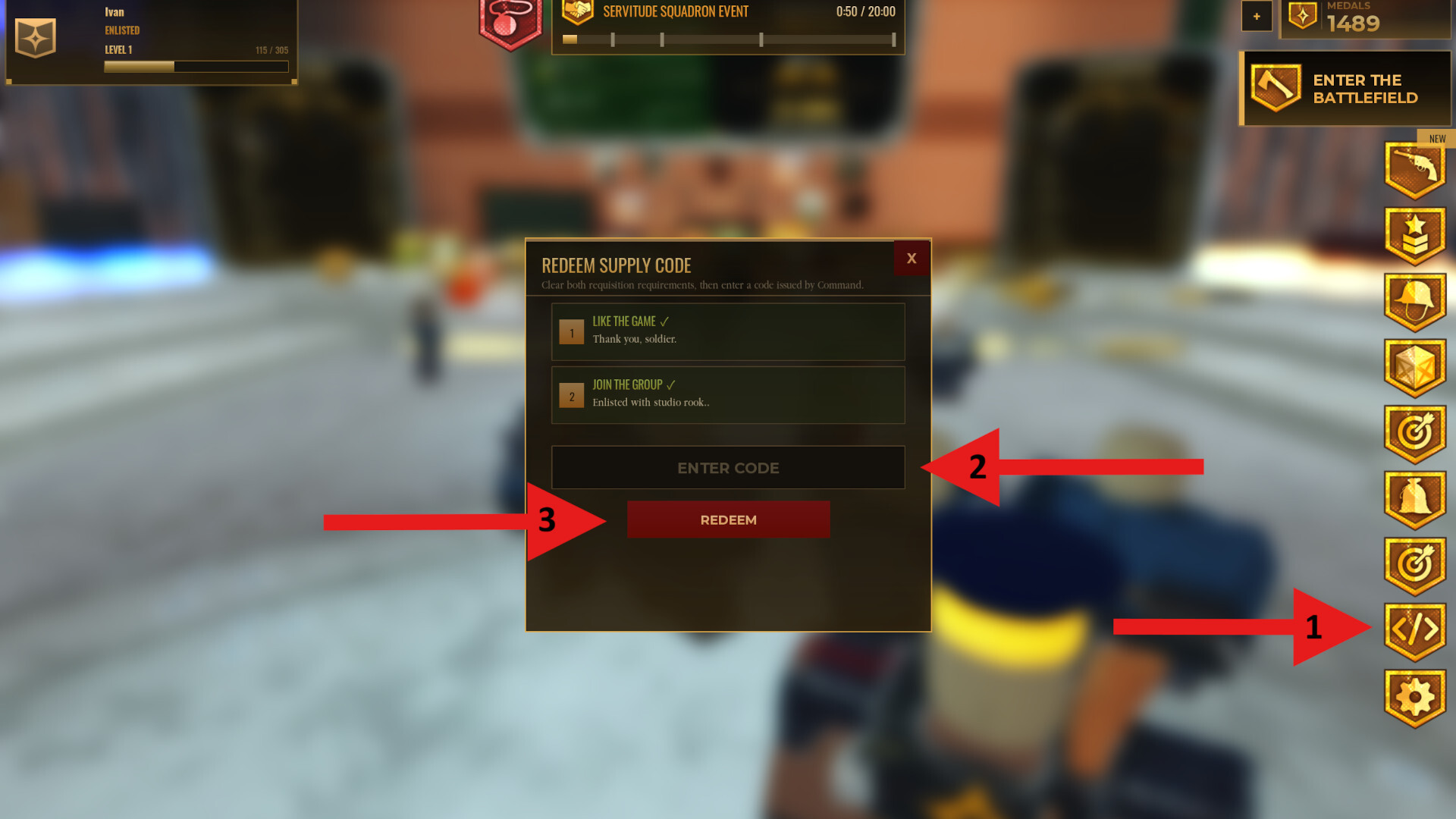
- Find that game's own Codes, Redeem, Gift, or settings menu.
- Copy the code exactly, including capital letters and punctuation.
- Check the game's official description or developer announcements for conditions and newer replacements.
- If the game returns “expired” or “invalid,” record the result and move on rather than trusting an undated list.
Where should players look for replacements?
Start with the experience's official Roblox page and the developer's verified social channels or announcement server. Use third-party trackers as a cross-check, paying attention to the last-checked date and whether the source labels a code verified, reported, or expired. Never share a Roblox password, session cookie, or verification code to “unlock” rewards; legitimate in-game codes do not require account credentials.
For more Roblox updates, browse our Roblox article hub. You can also read our related guide, how to handle recently expired Roblox codes, but check the date and status before relying on any older list.
Frequently asked questions
Did all seven codes definitely stop working in the last eight hours?
No. Public tracking pages show these codes marked expired with an October 27 date, but we could not verify exact expiry timestamps or test every code in-game. The article does not present the eight-hour window as a confirmed fact.
Does Roblox have one universal code list?
No. Most reward codes belong to individual experiences and must be redeemed inside that specific game. Roblox platform promo codes are a separate system.
What should I do if a code says “invalid”?
Check spelling and capitalization, confirm the code belongs to the game you opened, look for prerequisites, and consult the developer's current announcements. If the game confirms that it expired, stop relying on older lists.
Are free Robux codes from random websites real?
Be cautious. Do not provide your password, verification code, or browser cookies to a third-party site promising free Robux. Stick to official Roblox redemption routes and rewards issued by the individual experience.
Sources and verification notes
- CodesDex public code changelog — source for the October 27 expired-status entries above.
- Game Code Scout Roblox codes directory — explains code-specific status and verification dates.
- GamesRadar Roblox promo-code guide — notes that platform-wide promo codes are uncommon and old codes can expire.
- Roblox — use the official platform and each experience's own page to verify the correct game and developer.
Editorial note: This article separates tracker-reported expiration status from in-game verification. The listed codes were not personally redeemed for this report, and no exact eight-hour expiry window is claimed.