
Updated October 27, 2026: If Roblox is loading slowly late at night, should you keep trying or wait until the afternoon? The most defensible answer is to check the live service status and test whether the problem affects one experience or the whole platform. The public evidence reviewed for this report does not establish that late-night play is inherently less stable—or that afternoon is reliably better.
Roblox’s official status dashboard currently lists its major services as operational. Meanwhile, a third-party outage tracker shows user-submitted reports continuing on October 27, including “server not responding” and connectivity complaints. Those signals can coexist: individual players may encounter trouble even when the platform has not declared a broad incident. StatusGator’s live Roblox tracker is useful as a secondary signal, not as an official incident record.
Quick answer: play now or wait?
Try now if the official status page is green and only one experience is failing. Test a second experience, then retry the original once. Wait and check again if Roblox reports a player, game-join, or website incident—or if several unrelated experiences fail across devices and networks. The time on the clock alone is not a reliable stability indicator.
- One game fails: the experience, its server, or its assets may be the issue.
- Every game fails on one device: investigate the app, browser-to-client launch, device, or local network.
- Multiple devices and networks fail together: a wider Roblox-side issue becomes more plausible; check the official status page.
- Friends in the same experience are fine: compare device and connection conditions before assuming a global outage.
What the live status evidence says on October 27
At the time of review, Roblox’s official status page showed “All Systems Operational” across the main user, player, and creator components. Its recent incident history listed a site issue on October 5 that was marked resolved, rather than an active incident for October 27. That is the strongest primary-source signal available, but it cannot guarantee that every region, game, or individual connection is working perfectly.
Separately, StatusGator showed dozens of user-submitted reports over the preceding 24 hours, with “server not responding” and connectivity issues among the leading descriptions. These are reports from users, not a verified count of affected players, and they do not prove that late-night hours cause the problem. They are best treated as a prompt to compare your own symptoms with Roblox’s official dashboard.
Does late night make Roblox servers less stable?
There is no reliable public evidence in the sources reviewed here that establishes a universal rule such as “late night is worse” or “afternoon is safer.” Player traffic can vary by game, region, school and work schedules, and special events. But a time-of-day comparison needs consistent measurements—such as repeated connection tests across the same experiences, devices, and networks—not a handful of social posts.
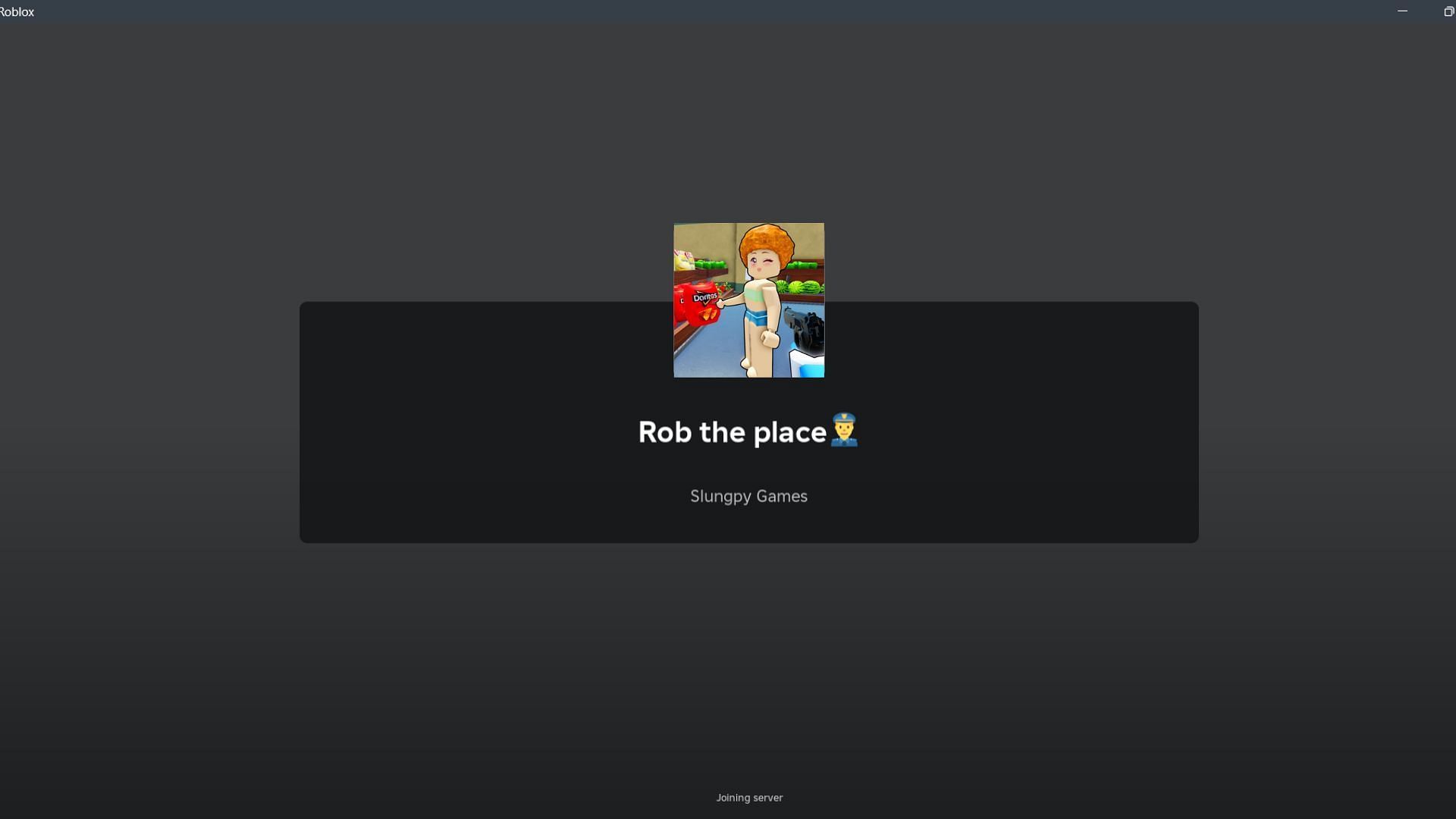
Also, “server stability” can describe several different failures: Roblox’s website not loading, the client getting stuck on “Joining server,” a specific experience taking a long time to load, lag after spawning, or a disconnect mid-session. These are not interchangeable. Roblox’s own creator documentation explains that experiences can customize their loading screens, so a screen that appears frozen may not always indicate a platform-wide outage. See the official Roblox loading-screen documentation.
Five-minute test before you decide to wait
- Check Roblox Status. Look specifically for Player, Games, Game Join, Website, or Mobile App incidents at status.roblox.com.
- Open a second experience. If it loads normally, the first experience may be the problem. If nothing loads, continue the checks below.
- Try the app directly. If you started from a browser, open Roblox and join from the app or official experience page. A browser-to-client handoff can fail separately from gameplay.
- Change one network variable. If practical, compare Wi-Fi with mobile data or another trusted connection. Do not share your IP address publicly when asking for help.
- Restart once, not endlessly. Close and reopen the app, then retry. Repeatedly clicking Join can waste time and does not prove that a server is recovering.
What player reports can—and cannot—tell us
Community reports are valuable for spotting symptoms before a formal incident is posted, but they are anecdotal. A recent Roblox Developer Forum report about being stuck on “Joining server” describes a recurring client-side joining problem and a response asking for diagnostic logs. That thread is evidence that this symptom has been reported; it is not proof of a current global outage on October 27.
Likewise, a surge in outage reports can reflect a real issue, a concentrated group of players, or a problem limited to one device, ISP, or experience. Look for agreement between the official status dashboard, reports from multiple regions, and your own controlled test before concluding that a particular time window is safer.
When waiting until afternoon makes sense
Waiting is reasonable when the official status page reports an active incident, when several unrelated experiences fail on more than one device, or when a connection test suggests a wider service problem. In that case, save your progress if the experience allows it, avoid risky trades or time-sensitive actions, and check the status page again after a short interval.
If the official dashboard remains green and only one experience is struggling, waiting for afternoon may not fix it. The experience may have its own server or scripting issue, or the problem may sit between your device and the service. Try another experience and record the exact symptom, device, approximate time, and any error code if you need to report it.
Follow official updates
For status changes, use the official Roblox Status page. Roblox also posts platform and creator announcements through its Developer Forum and official Roblox account on X. Social posts can help you see whether other players are discussing a symptom, but confirm service incidents against official status information where possible.
Posts by Roblox
For related Roblox event guidance, read our The Hollow Floor 6 cauldron recipe guide. If a time-sensitive run is already underway, prioritize protecting progress rather than repeatedly rejoining during a suspected connection issue.
FAQ
Is Roblox down tonight, October 27, 2026?
The official Roblox status page showed its main services as operational when checked for this report. Third-party trackers still displayed user reports, which do not by themselves confirm a platform-wide outage. Recheck the official dashboard for the latest state.
Is Roblox more stable in the afternoon than late at night?
No verified evidence reviewed here establishes a universal time-of-day advantage. Stability can vary by experience, region, device, connection, and platform incidents.
Why am I stuck on “Joining server” if Roblox Status is green?
The issue may be limited to one experience, the client, the browser-to-app launch, local network conditions, or a problem that has not appeared as a broad status incident. Test another experience and, if possible, another connection.
Should I keep clicking Join?
No. Try one controlled retry after checking status and your connection. Repeated clicks rarely provide useful diagnostic information.
What information should I include in a bug report?
Include the experience name or link, device and operating system, approximate time, exact error message, whether other experiences work, and the steps that reproduce the problem. Never post passwords, authentication codes, or private network details.
Sources and methodology
- Roblox Status — official service health and incident history
- StatusGator — third-party user-reported outage signals
- Roblox Developer Forum — player report about a stuck Joining Server screen
- Roblox Creator Hub — loading-screen documentation
Reporting note: This article separates official service status from third-party user reports and individual troubleshooting anecdotes. It does not claim to have run controlled night-versus-afternoon latency tests.