
Updated October 27, 2026: If you are playing The Hollow on a phone, the Floor 6 cauldron puzzle is less about speed than clean movement, careful taps, and remembering the recipe. The room and ingredient locations can vary between runs, so use the colors shown in your own game—not a screenshot from someone else's session.
Roblox’s official event announcement confirms The Hollow is a nine-night Halloween survival event with maze floors, monsters, and earnable rewards. The specific Floor 6 cauldron route below comes from current player-guide reporting, not an official Roblox step-by-step walkthrough. Read Roblox’s event announcement.
Quick answer: the easiest mobile setup
- Use landscape mode and keep your thumb clear of the camera-control area.
- Lower camera sensitivity slightly if small swipes keep turning you away from doors or objects.
- Move in short bursts while searching; stop before tapping an ingredient.
- Read the three color icons above the cauldron and remember their exact order.
- Bring one matching ingredient at a time, tap the interaction prompt, then verify it registered.
- After the relic appears, prioritize the route back to the elevator over exploring extra rooms.
1. Set up touch controls before entering Floor 6
Before descending, open Roblox’s in-game settings and make sure the movement joystick and camera area feel comfortable on your device. Avoid large camera swipes when your avatar is close to an ingredient: you can overshoot the object or walk past it. If the screen feels cramped, close chat and other panels covering the play area.
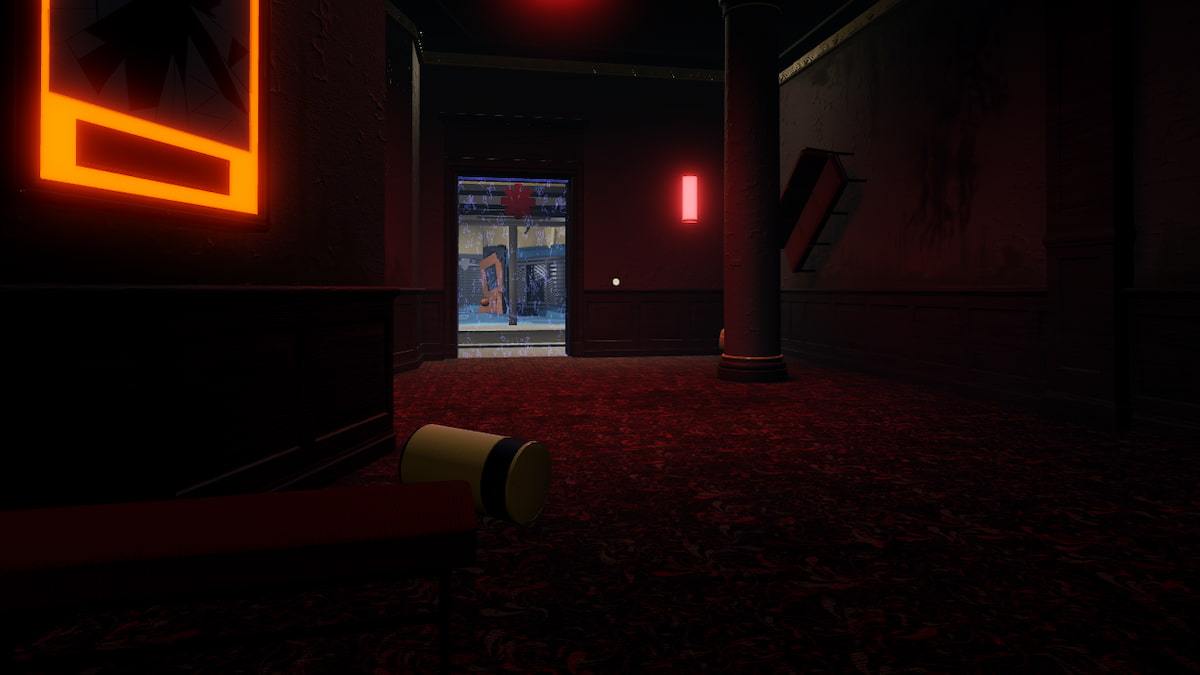
Floor 6 is reported to be especially dark. If the hub shop offers a flashlight or night-vision item to you, consider equipping one before starting. That can reduce the need to spin the camera around searching for objects.
2. Read the recipe—never copy a fixed color sequence
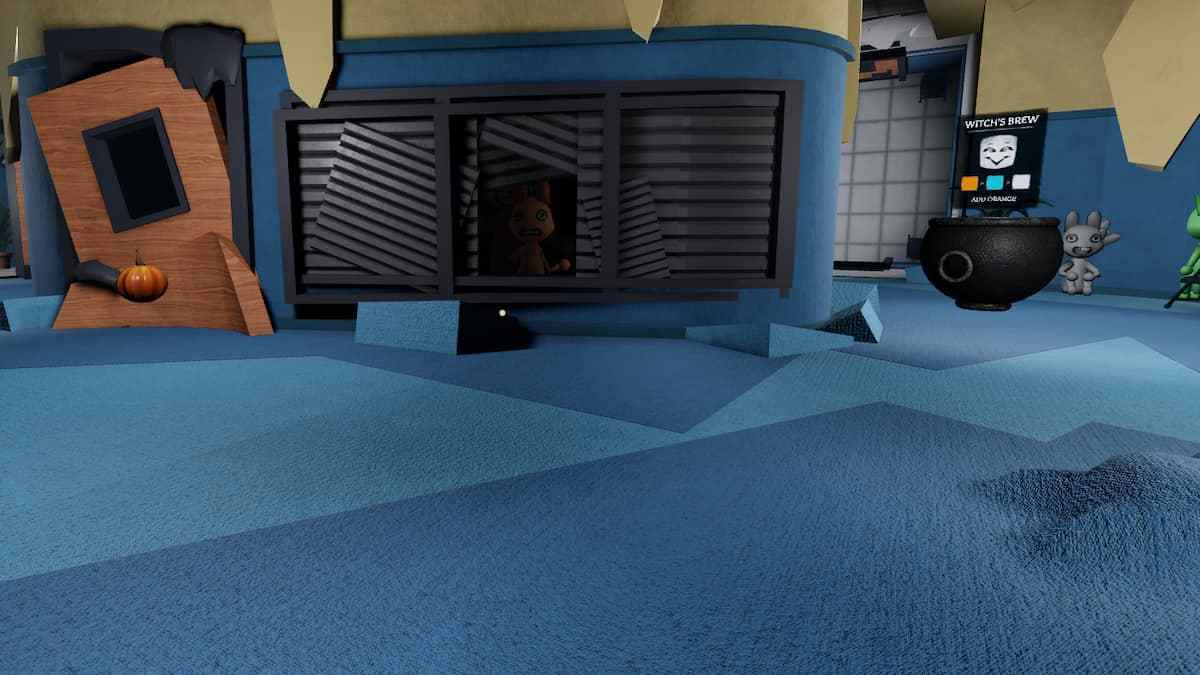
The cauldron shows three color icons. Your sequence may differ from another player’s, so do not rely on a universal recipe such as “red, orange, cyan.” Take a moment to say the colors to yourself or remember them as a three-step pattern. Then search for matching objects around the Animal Hospital room.
Current guides list possible ingredients such as a bone, mushroom, feather, pumpkin, glob, rose, and tomato. Colors and locations can vary, so match the object to the icon you see rather than guessing from another player’s video.
3. Use a repeatable tap-and-check loop
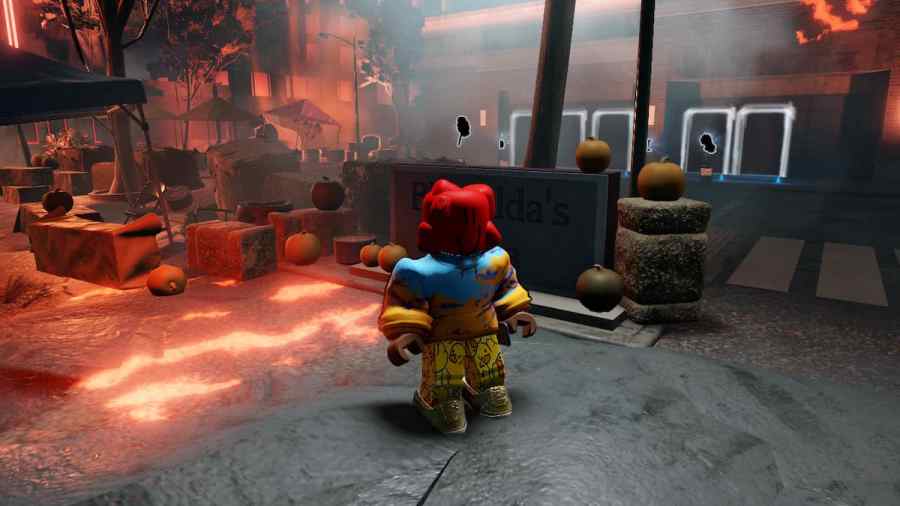
- Stand close enough that the interaction prompt appears clearly.
- Stop moving before tapping.
- Collect only the ingredient that matches the next color in your recipe.
- Return to the cauldron and tap the interaction prompt once.
- Pause briefly and check that the game accepted the ingredient before repeating.
If a tap does not register, reposition slightly and try again instead of rapidly tapping several times. Repeated taps can make it harder to tell whether the ingredient was accepted or whether your avatar is out of range.

4. Keep the escape route in mind
Once the final ingredient is accepted and the relic appears, pick it up and head back to the elevator. Avoid unnecessary detours, and use short camera adjustments at corners so you do not lose your direction. If the monster is close, prioritize distance and a clear corridor rather than stopping to inspect every room.
Mobile troubleshooting checklist
- Can't tap an ingredient: move closer, stop walking, and wait for the interaction prompt.
- Camera keeps spinning: use shorter swipes and adjust sensitivity in settings if available.
- Wrong ingredient: re-check the icon sequence; do not assume your order matches a guide screenshot.
- Can't see the recipe: move to a better angle and pause before interacting.
- Relic obtained but reward seems missing: complete the return trip, then check the hub and your inventory/badge status.
- Lag or delayed taps: stop moving after each interaction and confirm the game state before proceeding.
Does mobile differ from PC?
The objective is the same: read the recipe, deliver matching ingredients in order, take the relic, and return safely. The main difference is input precision. PC players aim with a mouse, while mobile players manage movement and camera swipes with touch controls. These are practical tips; Roblox has not published an official mobile-only solution or confirmed identical behavior on every device.
FAQ
What colors should I put into the Floor 6 cauldron?
Use the three icons displayed above your own cauldron, in that order. The sequence can vary, so another player’s recipe may be wrong for your run.
Why does tapping an ingredient do nothing?
Move closer until the interaction prompt appears, stop moving, tap once, and wait briefly for the game to respond.
Do I have to escape with the relic?
Current walkthroughs report that you need to carry the relic back to the elevator to complete the run and receive the Floor 6 reward.
Is this an official Roblox walkthrough?
No. Roblox confirms the event and its overall structure, but these detailed cauldron steps are based on current third-party guides and practical mobile-control advice.
Bottom line: The easiest mobile clear is a slow, repeatable one: read your own color sequence, collect one matching item at a time, confirm every tap, then leave with the relic. Re-check the live hub if a patch changes the room or reward behavior.