
Quick answer: If your Roblox The Hollow Night 6 reward will not claim, first confirm you completed the Floor 6 objective, returned the Relic to the elevator if the puzzle requires it, and are using the same Roblox account that earned the badge. Leave The Hollow, rejoin a fresh server, wait for the hub to refresh, and check the reward display again. If the badge is present but the item or Tickets are still missing, capture the evidence and report the issue instead of repeating the entire quest endlessly.
U.S. player update — October 28, 2026: Players have posted reports of The Hollow rewards failing to register or claim, including reports that persisted after a badge was earned. Roblox staff replied to an earlier official Developer Forum report that a fix had been pushed to new servers, but later replies described remaining cases. We could not verify a Roblox announcement confirming a Night 6-specific outage this morning or a universal fix. Treat this as a troubleshooting guide based on community reports, not proof that every player is affected.
What players have reported about The Hollow reward claims
In an official Roblox Developer Forum thread posted on October 23, a player said their Tickets stopped increasing after earning a badge in Bloxburg, and later DOORS and Flee the Facility badges did not unlock the associated claims. In a separate thread, a player reported that the Ao Oni Nightmare UGC claim did not work despite the required badge appearing on the account. Other users described similar problems, and a staff reply said the issue had been fixed on new servers before follow-up reports appeared.
These posts establish that individual players encountered claim problems. They do not establish the total number of affected accounts, prove the same underlying cause for every symptom, or confirm that Night 6’s Floor 6 reward is universally broken. Read the original reports: ticket and item grant report and UGC claim report and replies.
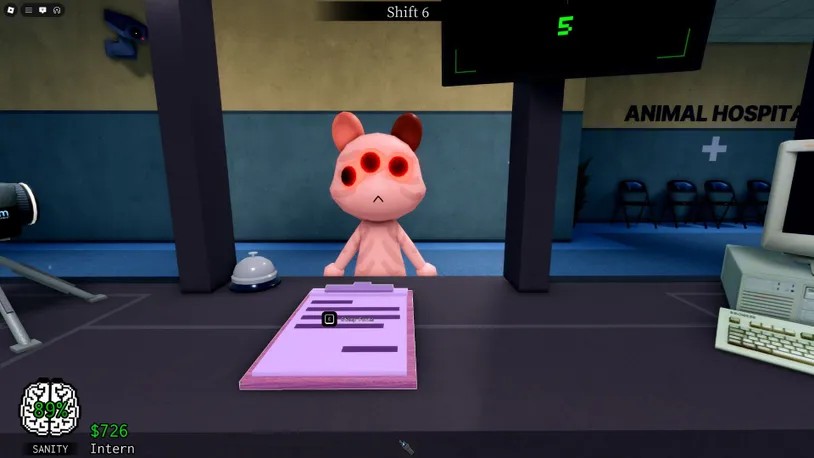
Quick fixes to try before replaying Floor 6
1. Verify the exact reward and requirement
Open the current event hub and read the reward display carefully. Confirm the item name, the stated requirement, and whether the game expects a badge, a completed quest, a separate claim-button press, or more than one step. Solving the cauldron and escaping the maze may not be the same as claiming the reward at the hub.
2. Check the badge on the same Roblox account
Open the Roblox profile for the account you used during the run and check whether the expected badge appears. If you switch between accounts, browsers, consoles, or mobile devices, make sure the hub and the badge belong to the same account. A completed-looking animation is not proof that the badge or item was granted.
3. Leave The Hollow and join a fresh server
Exit the experience fully, then reopen The Hollow on Roblox. Allow the hub to finish loading and check the reward display again. Community replies on the official forum have suggested rejoining, and a fresh server is a low-risk refresh step—but it is not a guaranteed fix.

4. Separate a missing badge from a missing item
Write down which part failed. If the badge is absent, the final objective may not have registered or the reward record may still be delayed. If the badge is present but the avatar item is missing, return to the event hub and check the claim display and inventory. If Tickets are missing, note the before-and-after balance and the participating experience that should have awarded them. These are different symptoms and should be reported separately.
5. Check inventory and avatar categories
Search your Roblox inventory for the exact item name and inspect the relevant avatar category. A reward may be owned but not equipped, or it may be a different type of avatar asset than you expected. Do not buy a similar item or spend more Tickets just because the first claim screen looked wrong.
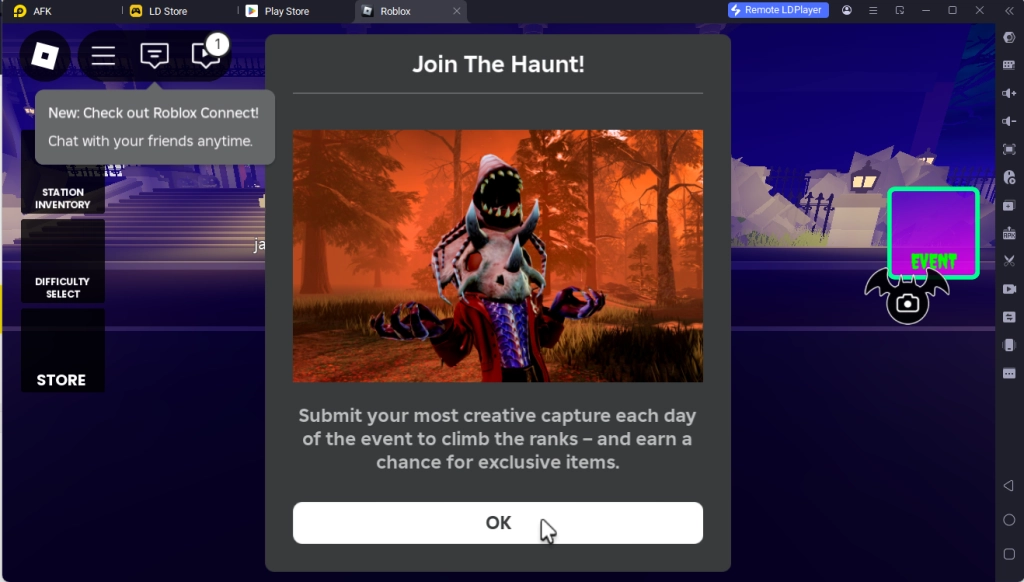
6. Capture evidence before trying the quest again
Take screenshots of the reward name and requirement, the badge page, the claim button or error, and your Tickets balance. Record the approximate time, device, Roblox app or browser, and the exact steps you completed. Hide private messages and personal information before posting. If the task took a long time, do not immediately replay it until you have recorded what the game did and did not credit.
7. Report persistent failures through Roblox channels
If a fresh server does not help, use Roblox Support or the relevant Roblox Developer Forum bug-report category. Include the exact badge or item, the experience name, your steps, and screenshots. Never share your password, one-time verification code, browser cookies, or session tokens with anyone offering a claim fix.
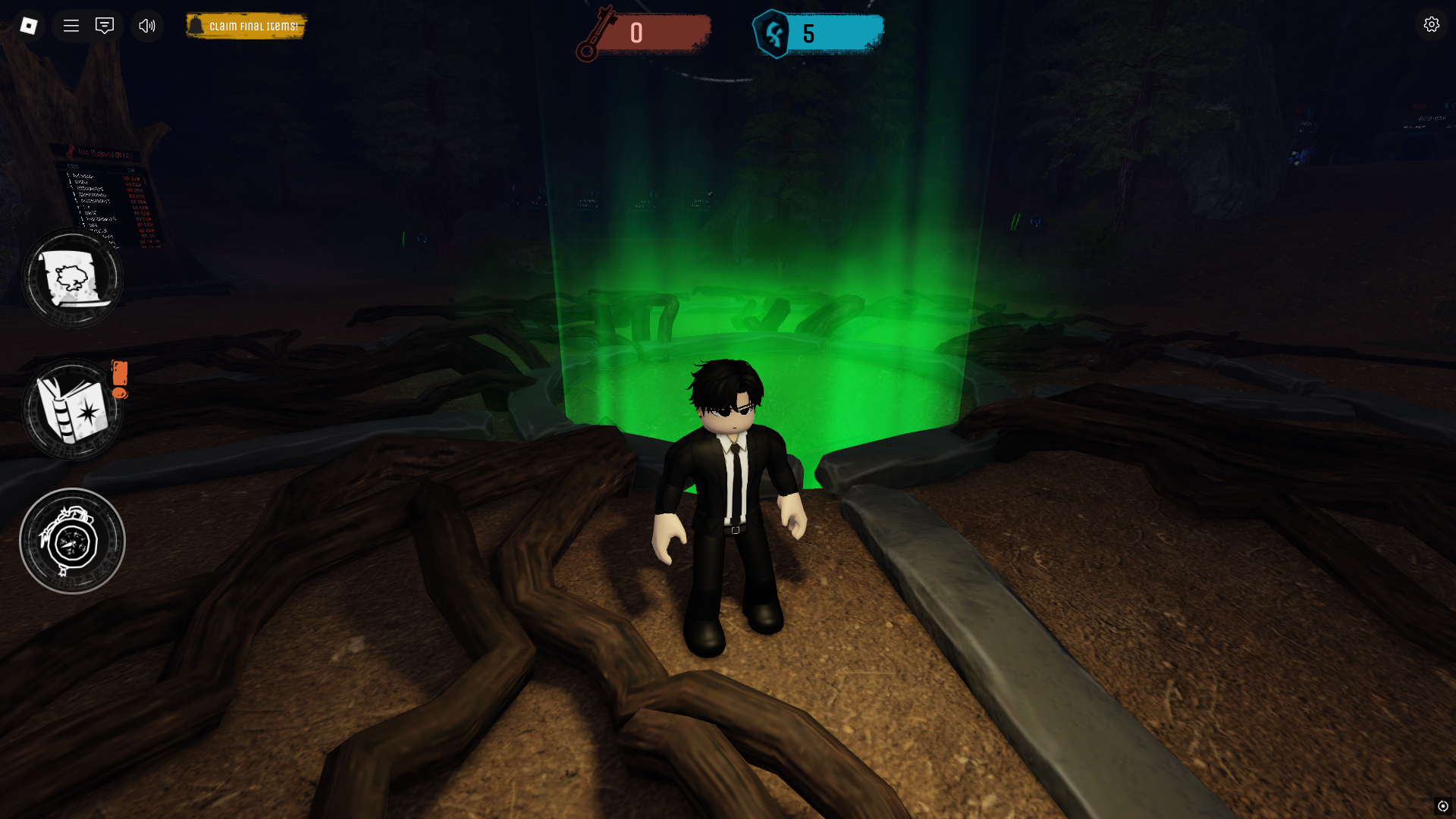
Is Roblox down, or is the claim system failing?
A reward claim can fail even when the wider Roblox platform is available. Check the official Roblox Status page for platform-level incidents, but remember that a green status page does not rule out a bug in one event or one participating game. We could not verify an official status notice identifying a platform-wide outage specifically responsible for The Hollow Night 6 claims.
Roblox’s official announcement confirms The Hollow is a nine-night Halloween survival event and says rewards can be collected until noon Pacific Time on November 2, 2026. That deadline makes it sensible to document a failed claim early, but do not assume a reported bug means your reward is permanently lost. Check the live hub and official updates before deciding whether to retry.
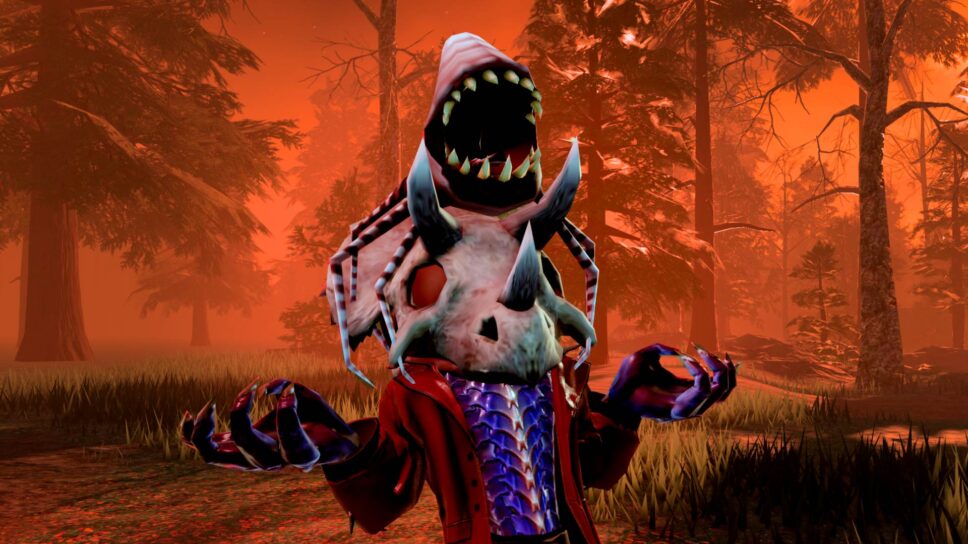
Official updates and community reports
Roblox’s official announcement explains the event schedule and reward window. The official forum threads below document individual claim reports and replies; they are more useful than unverified third-party “fix” tools.
- Roblox Newsroom: The Hollow Halloween survival event
- Developer Forum: Error in granting Tickets and items
- Developer Forum: The Hollow UGC claim not working
- The Hollow official Roblox experience
Follow official Roblox announcements
Use the official Roblox account’s timeline for new event information. This is an account timeline embed, not a claim that a specific Night 6 bug post was published there.
Posts by Roblox
Frequently asked questions
Why did my Night 6 reward fail to claim?
Possible causes include an incomplete final step, a missing badge, a separate claim action, the wrong Roblox account, or a reward-delivery issue. Public reports do not establish one confirmed cause for every case.
Will rejoining The Hollow fix the missing item?
It is a reasonable first step because it refreshes your session, and Roblox forum replies have suggested rejoining. It is not guaranteed to fix every claim failure.
My badge is there, but the UGC item is missing. What should I do?
Return to the event hub, inspect the exact reward display and claim requirement, rejoin once, and check your inventory. If it remains missing, capture the badge and claim screen and report the problem.
Should I repeat the entire Floor 6 run?
Not immediately. First verify the badge, claim step, account, and server. Save screenshots before repeating a long task so you have evidence if the issue persists.
When do The Hollow rewards stop being available?
Roblox’s newsroom says players can continue collecting event rewards until noon Pacific Time on November 2, 2026. Check the official hub for the current state of each reward.
Is there an official universal fix for the Night 6 claim problem?
We could not verify an official Roblox announcement confirming a universal Night 6 fix as of October 28, 2026. Forum reports and replies document individual cases, so check the latest official thread for updates.
Bottom line
If your Night 6 reward will not claim, verify the exact requirement and badge, refresh the event in a new server, inspect the correct inventory category, and save evidence before replaying. The public reports are real, but the number of affected players and a universal cause remain unconfirmed. This guide will need an update if Roblox publishes a specific fix or new instructions.
Reporting note: Images in this article are clearly labeled as gameplay or historical seasonal context; none is presented as a screenshot proving the current claim bug. Updated October 28, 2026. Author: Shivam Das.