Updated October 28, 2026. Minecraft Bedrock 26.60 specifically says it improves split-screen performance on Nintendo Switch 2. That is a real fix, but it is not a promise that every frame drop, loading pause, or stutter has disappeared. Update the game, test a simple world with two players, then add heavier worlds or extra players to see where slowdowns return.
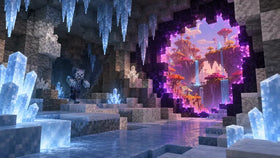
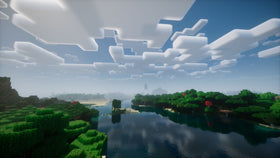
Minecraft’s native Switch 2 edition supports Vibrant Visuals, but Mojang says that graphics mode is unavailable during split-screen play. The latest patch addresses split-screen performance separately; it does not remove that graphics limitation.

What the latest Minecraft Switch 2 patch changes
The official Bedrock Edition 26.60 changelog explicitly lists: “Improve performance of split screen on Switch 2.” That confirms Mojang has targeted this mode in the update.
The notes do not publish a measured frame-rate increase, a fixed FPS target, or a claim that all stuttering has been eliminated. Treat it as a performance improvement—not a guarantee of perfectly smooth play in every world. Busy builds, lots of entities, complex add-ons, and loading new chunks can still put more work on the system.

So, does split-screen still lag?
It can, but the latest patch is intended to make it perform better. There is not enough official data to say every player will see the same result. A small two-player survival world may feel smoother than a large long-running world packed with farms, mobs, redstone machines, or resource-heavy add-ons.
- Two players versus four: Start with two players to establish a baseline. More simultaneous views and activity can make performance more demanding.
- New chunks versus familiar areas: If pauses happen while exploring unloaded terrain, chunk generation and loading may be part of the problem.
- Large builds and mob farms: Test away from dense structures and large groups of entities. If stutter eases, the world itself may be contributing.
- Graphics expectations: Switch 2 supports Vibrant Visuals in compatible gameplay, but the official product page says the mode is unavailable in split-screen.
How to reduce lag after updating
1. Confirm version 26.60 is installed
From the Switch 2 HOME Menu, highlight Minecraft, open the software options, and check for a software update. Let it finish before comparing performance. Check the version shown on your console rather than relying on a video or social post.
2. Run a clean two-player test
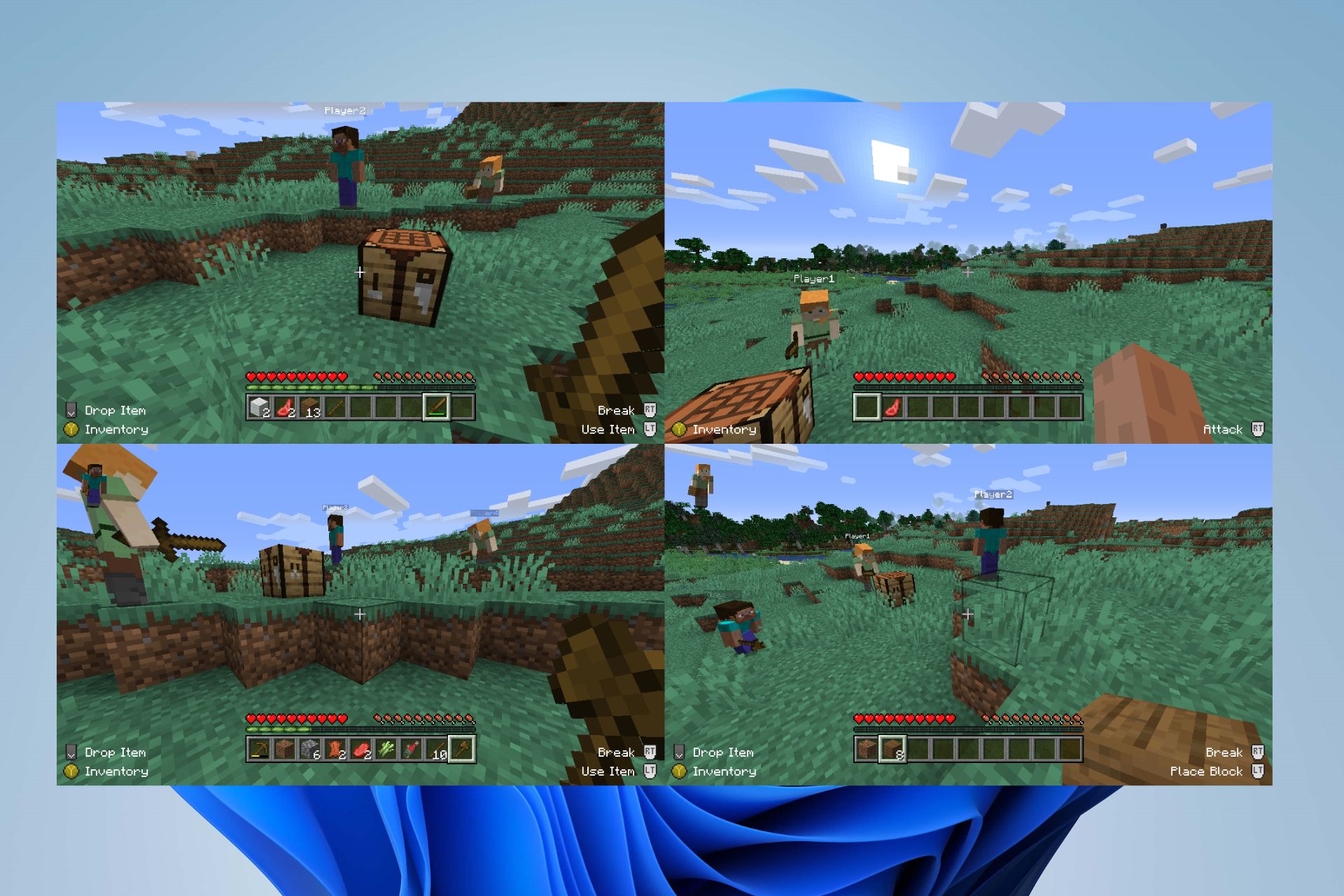
Load a new or lightly built world, connect a second controller, and play for several minutes. Move around, mine blocks, and open inventories. If this feels smooth but your main world does not, that save’s structures, entities, or add-ons may be contributing.

3. Add players and content gradually
Once the two-player test is stable, add a third or fourth player, then revisit your usual world. Temporarily disable nonessential resource packs or add-ons if the problem started after installing them. Change one thing at a time so you can identify what affects performance.
4. Fully close and relaunch the game
If performance remains unusually poor, save and leave the world, close Minecraft from the HOME Menu, and launch it again. Restart the console if the problem persists. Back up important worlds before experimenting with add-ons or other troubleshooting steps.

Does turning off Vibrant Visuals fix split-screen lag?
On the native Switch 2 edition, Mojang’s compatibility note says Vibrant Visuals is not available during split-screen gameplay. So split-screen already runs without that graphics mode; switching it off is not a universal extra fix for local co-op. If a graphics option is disabled, it may be a mode or content limitation rather than a fault with your console.
For the official feature list and caveats, check the Minecraft for Nintendo Switch 2 page. For the newest technical notes, use the 26.60 changelog.
Official Switch 2 launch video
This official Nintendo of America trailer shows the Switch 2 edition and its visual upgrade. Vibrant Visuals is not supported in every gameplay mode, including split-screen.
Frequently asked questions
Did Minecraft 26.60 fix Switch 2 split-screen lag?
The official changelog confirms an improvement to split-screen performance on Switch 2. It does not say all lag is gone or provide a universal FPS guarantee.
Can I use Vibrant Visuals while playing split-screen?
No. Minecraft’s official Switch 2 information says Vibrant Visuals is unavailable in some gameplay, including split-screen, and in certain Marketplace worlds and content.
What should I test first if my world still stutters?
Confirm the update is installed, restart the game, and compare a new two-player world with your regular save. If only the regular world stutters, temporarily test without add-ons and away from large farms or dense builds.
Can four people play split-screen on Switch 2?
The official Minecraft listing describes couch co-op for two to four players on Bedrock. Each additional player needs a compatible controller, and performance may vary with the world and number of players.
Bottom line
Minecraft Bedrock 26.60 is a meaningful update for Switch 2 couch co-op because Mojang explicitly lists improved split-screen performance. The honest answer is that lag may be reduced, not necessarily eliminated. Update the game, test two players in a simple world, then add players and content step by step.
Written by Shivam Das.
More Minecraft coverage: Explore the Minecraft News hub and read our related guide on why Vibrant Visuals turns off in Switch 2 split-screen.