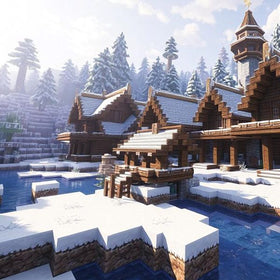
Quick answer: Minecraft for Nintendo Switch 2 supports local split-screen, but official product information says Vibrant Visuals is unavailable during split-screen gameplay. Players can still play together on one console, but should not expect the enhanced lighting and shadow effects while split-screen is active.
Updated October 28, 2026 · By Shivam Das
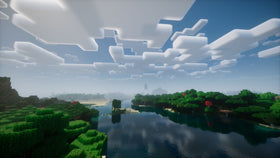
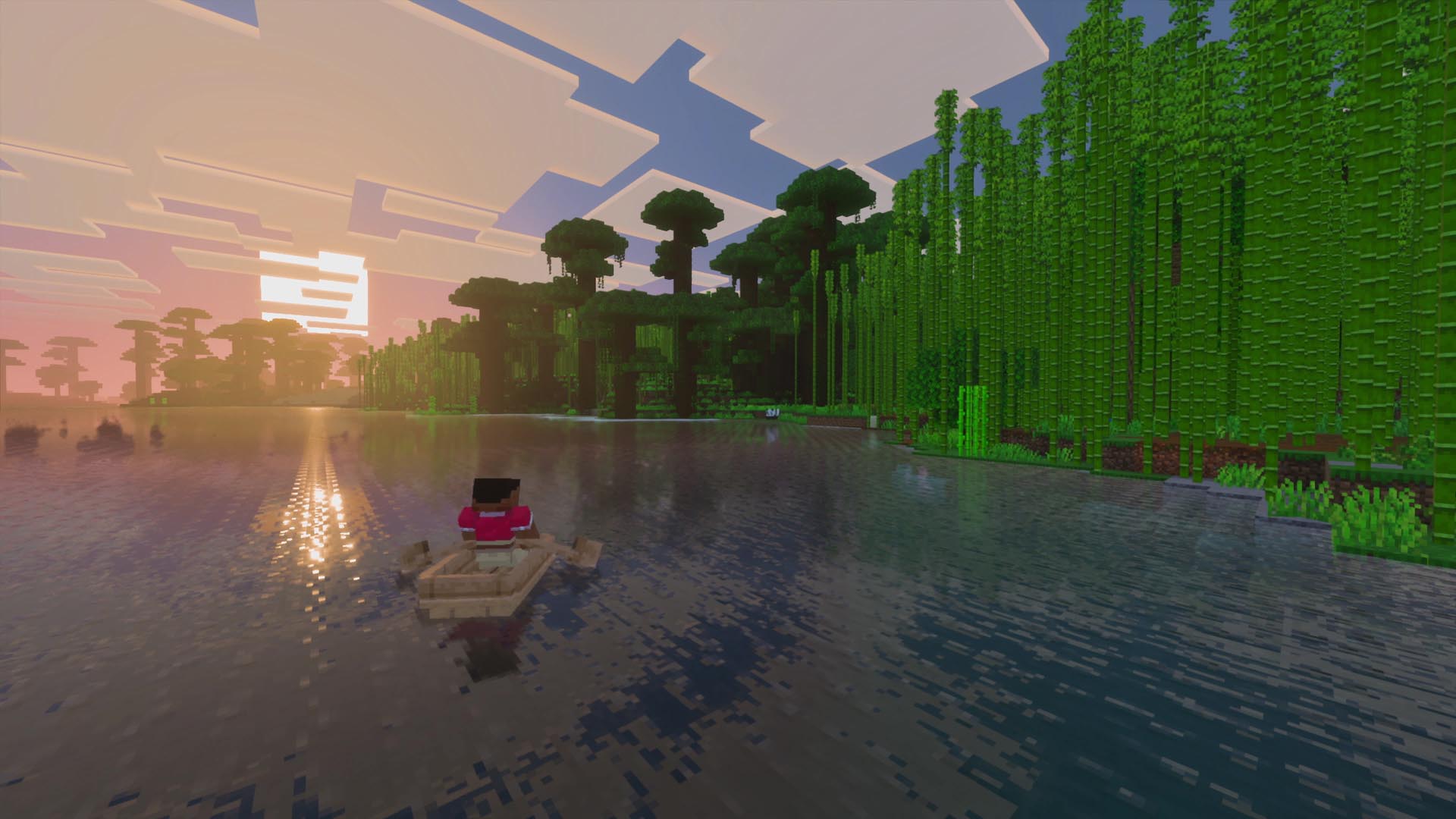
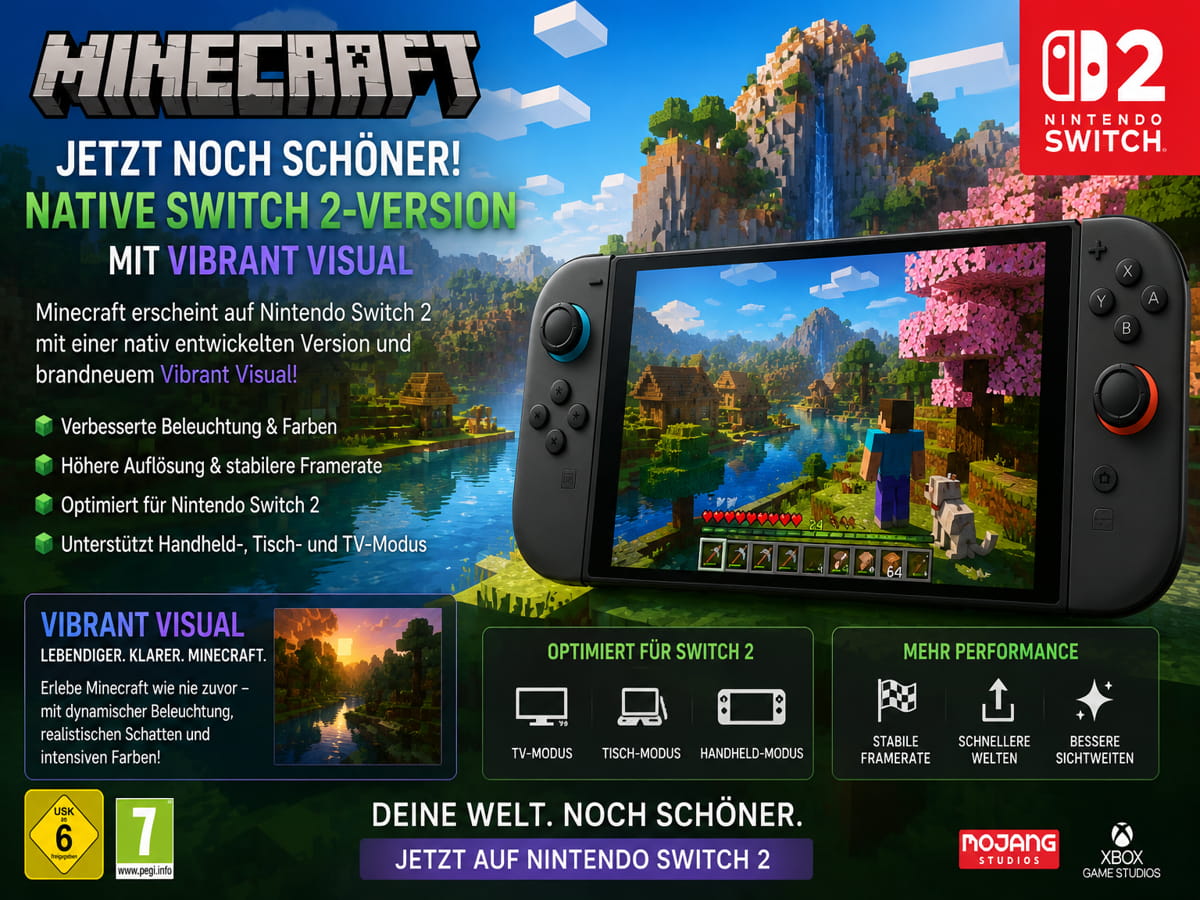
Minecraft’s native Nintendo Switch 2 edition brings its block-built worlds to newer hardware with Vibrant Visuals, including directional lighting, volumetric fog, dynamic shadows and water reflections. But the visual upgrade is not available in every play mode. For families and friends who share a screen, that limitation is more useful to know than another glossy screenshot.
Nintendo and Minecraft’s official product information both say Vibrant Visuals is unavailable during some gameplay, including split-screen and certain Marketplace worlds or content. That does not mean split-screen itself has been removed, or that Minecraft stops rendering the world. It means the enhanced graphics mode is unavailable in that context. The official notices do not provide a detailed technical explanation, so claims about a specific hardware bottleneck or frame-rate target would be speculation.

Does Minecraft Switch 2 disable Vibrant Visuals in split-screen?
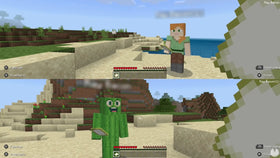
Yes. The published limitation is clear: Vibrant Visuals is not available in split-screen gameplay. Split-screen is a multiplayer feature; Vibrant Visuals is a graphics mode. A game can support local multiplayer while limiting a visual feature in that mode. The key takeaway is to separate the promise of better graphics from the practical experience of playing together on one console.
What can players expect from local multiplayer?
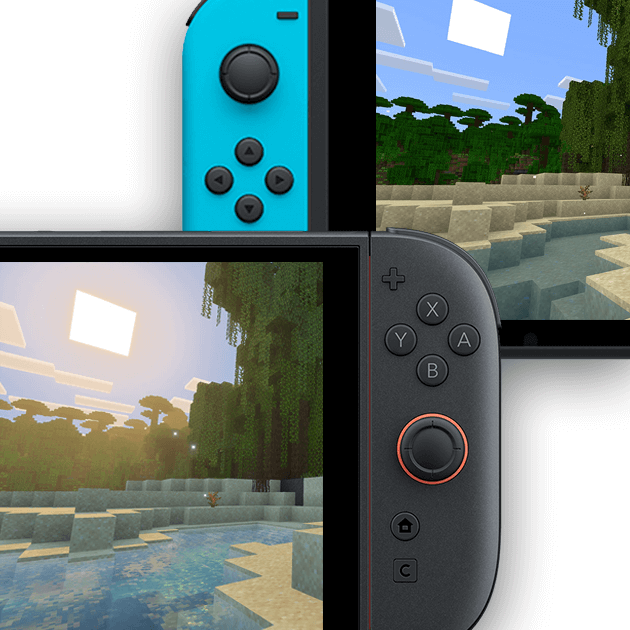
Nintendo lists local play for one to four players, alongside TV and tabletop play modes. Players can still build a shared base, explore caves together or introduce a new player to a world. For couch co-op, that shared experience may matter more than the highest-fidelity graphics setting.
- Playing solo: Use Vibrant Visuals when the graphics mode and selected world support it.
- Playing split-screen: Expect Vibrant Visuals to be unavailable while the shared-screen mode is active.
- Using Marketplace content: Some worlds and content can also prevent the graphics mode from being used.
- Seeing the setting unavailable: Check the current play mode, platform support and whether an add-on conflicts with the graphics setting.
How to check Minecraft graphics settings on Switch 2
- Return to the Minecraft launch screen if you are already inside a world.
- Open Settings, then choose Video.
- Find Graphics Mode and select Vibrant Visuals when it is available.
- If the option is unavailable, check whether split-screen is active or whether the current Marketplace world or add-on is incompatible.
- If performance is not comfortable, test the available performance-oriented graphics options rather than assuming the most detailed setting is always best.
Minecraft Help notes that players may need to save and exit a world before changing graphics settings. It also identifies incompatible systems and conflicting add-ons as reasons Vibrant Visuals may be unavailable. Split-screen is one documented limitation, not the only possible explanation for a grayed-out option.
Video: Watch the related Nintendo presentation below.
Is Vibrant Visuals worth it if you mostly play with friends?
For solo builders and explorers, Vibrant Visuals can make lighting, water and shadows more atmospheric. For players who regularly share a screen, the practical question is whether those visual details matter more than the convenience of local co-op. The official limitation means players should choose based on how they actually play, rather than expecting every graphics feature to work in every mode.
A simple way to decide is to explore a world alone with Vibrant Visuals enabled, then start a local multiplayer session and compare the experience. Treat this as a preference check, not a benchmark: this article does not claim controlled frame-rate measurements, and the official notes do not quantify any FPS difference.
What about the Super Mario Mash-Up Pack?
The Switch 2 edition includes the Nintendo-exclusive Super Mario Mash-Up Pack, featuring themed locations, music and character skins. Nintendo says the content supports Vibrant Visuals, but that does not override the general restriction: Vibrant Visuals is unavailable in split-screen and certain Marketplace content.
Players moving over from the original Switch can carry their worlds to Switch 2, according to Minecraft’s official announcement. Before starting, check that worlds and add-ons migrated correctly and review the current in-game settings instead of relying on old screenshots or outdated guides.
Frequently asked questions
Can two people play Minecraft on Nintendo Switch 2 split-screen?
Yes. Nintendo lists local play for one to four players. Controller and multiplayer setup requirements still apply.
Does split-screen disable Vibrant Visuals?
Yes. Official Nintendo and Minecraft product information says Vibrant Visuals is unavailable during split-screen gameplay.
Can I turn Vibrant Visuals on while split-screen is active?
The published limitation says the mode is unavailable in split-screen. You can check Video settings after leaving that mode, but there is no supported setting that overrides the restriction while split-screen remains active.
Why is Vibrant Visuals grayed out?
Possible reasons include split-screen, an incompatible system, trying to change settings from inside an active world, or conflicting add-ons or Marketplace content. Check Settings, then Video, from the launch screen.
Does the Switch 2 edition look better in single-player?
It supports Vibrant Visuals, which can add directional lighting, volumetric fog, dynamic shadows and water reflections when the mode is available. The experience varies by world and supported content.
Is this a confirmed frame-rate problem?
The official notices confirm the split-screen graphics limitation, but do not provide a specific FPS figure or say that a particular frame-rate target caused it. Exact performance claims need controlled testing.
Sources and further reading
- Minecraft on Nintendo Switch 2 — official product information
- Nintendo: Experience Vibrant Visuals in Minecraft for Switch 2
- Minecraft Help: Manage Vibrant Visuals Graphics Mode Settings
- Minecraft: Play Minecraft on Nintendo Switch 2
Bottom line: Minecraft on Switch 2 can deliver improved visuals and local co-op, but not Vibrant Visuals and split-screen at the same time. If shared-screen play is the priority, plan around that limitation; if visual atmosphere matters most, explore the supported graphics mode in solo play.