By Shivam Das | Updated October 28, 2026
Minecraft’s latest winter-themed test builds include a small change with big creative potential: Packed Ice Bricks now make Note Blocks play the Chime instrument. Mojang lists the fix in Bedrock Preview 26.70.22, alongside other Packed Ice Bricks adjustments. It is a useful detail for builders who make musical doors, hidden signals, sound-based rooms, or redstone music machines.
Quick answer: Put a Note Block directly on a Packed Ice Bricks block and trigger it. In the relevant preview build, it should use the Chime sound. The change is listed for Bedrock Preview 26.70.22; check your exact edition and version before expecting identical behavior in a stable release.
What exactly changed?
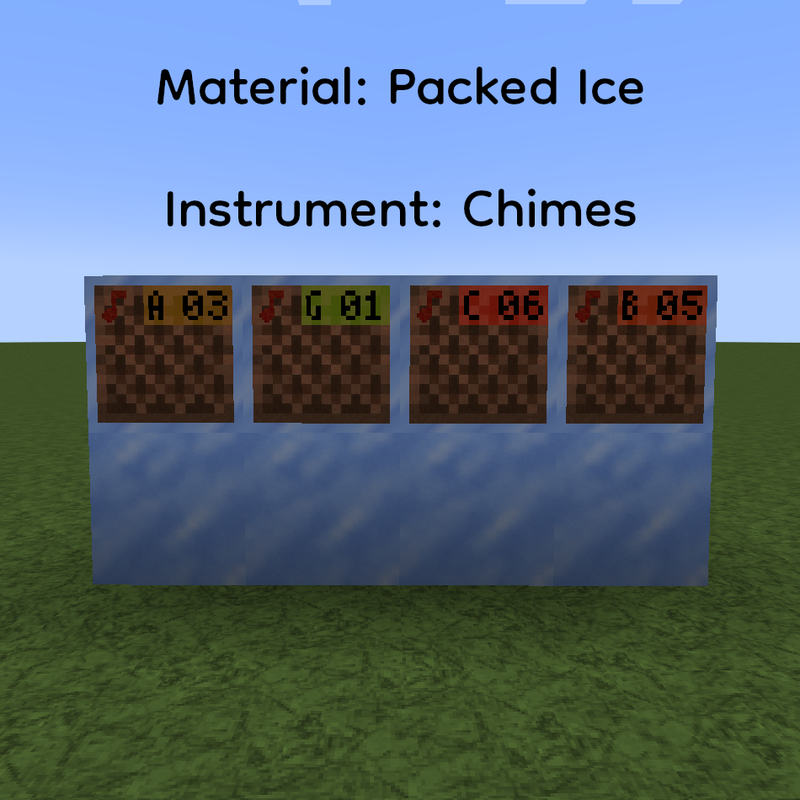
In the official Minecraft Bedrock Preview 26.70.22 changelog, Mojang says blocks from the Packed Ice Bricks set now cause Note Blocks to play the Chime sound. The same notes say the set’s blocks are correctly placed in the Creative inventory, Packed Ice Brick Slabs and Stairs submerge correctly in lava and water, and names across the set now follow the same pattern as other brick sets.
This is a small block-instrument correction rather than a brand-new music system. Packed Ice has long been associated with the Chime instrument in Minecraft, but a new block family needs its own correct behavior. The preview note makes clear that the Packed Ice Bricks family is now included too.
Why the Chime sound matters to builders
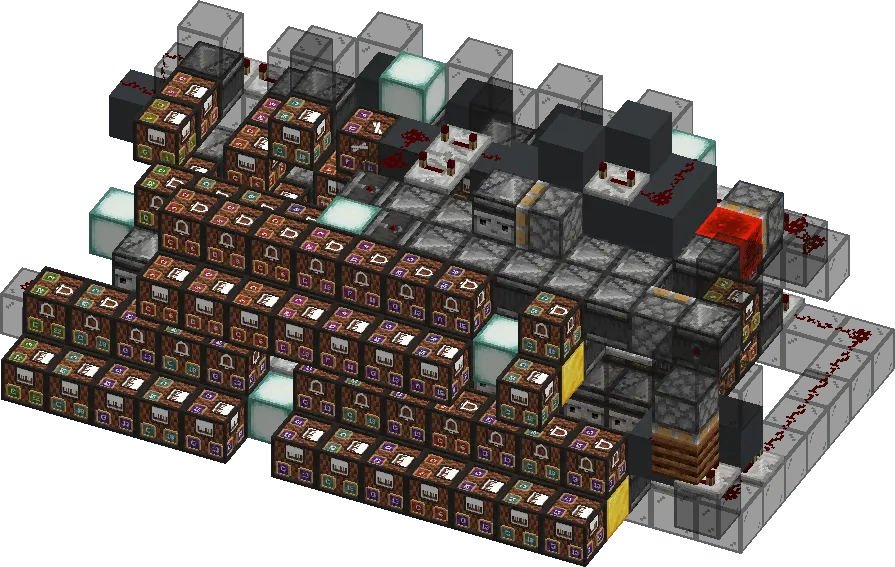
Note Block instruments are determined by the block directly underneath the Note Block. That means builders can shape a melody’s timbre by changing the supporting block, not just by tuning the pitch. Chime has a bright, glassy, bell-like quality that suits icy halls, winter markets, puzzle chambers, and alert systems where a sharp sound is easier to notice than a low bass note.
Packed Ice Bricks are also a decorative building set, so the change makes the sound choice feel more intentional: the block used to build an icy wall or music room can now help define the soundscape. It does not automatically compose music or make every block in a circuit play at once; your redstone timing and Note Block pitches still matter.
How to test the Packed Ice Bricks chime
- Make a copy of your test world first, especially if you are using a snapshot or Preview build.
- Open the edition and version that includes the relevant change. The Bedrock fix appears in Preview 26.70.22.
- Place a Note Block on top of a Packed Ice Bricks block. Make sure the space directly above the Note Block is clear so it can sound.
- Trigger it by using the block or powering it with redstone. Listen for the Chime instrument rather than the default harp sound.
- Repeat with a Packed Ice Brick Slab, Stair, Wall, and Chiseled Packed Ice if your version supports them. Do not assume every variant behaves identically unless you test it.
- If the sound does not match the changelog, record your exact version, platform, supporting block, and trigger method before reporting it.
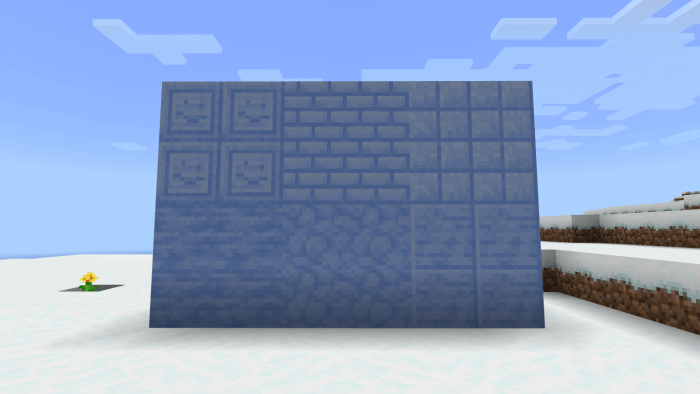
Build ideas for the new sound
1. An icy entrance melody
Use several Note Blocks supported by Packed Ice Bricks, tune each one to a different pitch, and connect them with repeaters. A short chime sequence can announce a base entrance or open a hidden room when a player presses a button.
2. A winter puzzle room
Use chime notes as feedback for a correct lever combination. Keep the wiring separate from the decorative wall so you can adjust repeaters without rebuilding the whole room. If the puzzle requires a specific sequence, test each note at normal gameplay volume and from the player’s actual position.
3. A musical ice cave
Mix Packed Ice Bricks with other materials that use different Note Block instruments. A few low notes can establish a rhythm while chimes add bright accents. The contrast can make a cave feel more deliberate than a room filled with identical sounds.
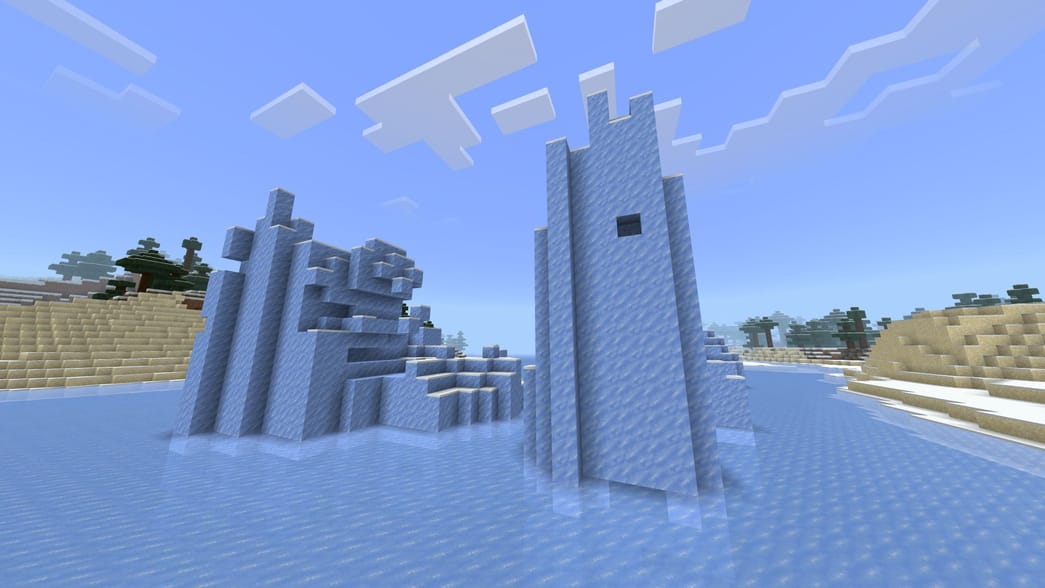
Watch a community Note Block build
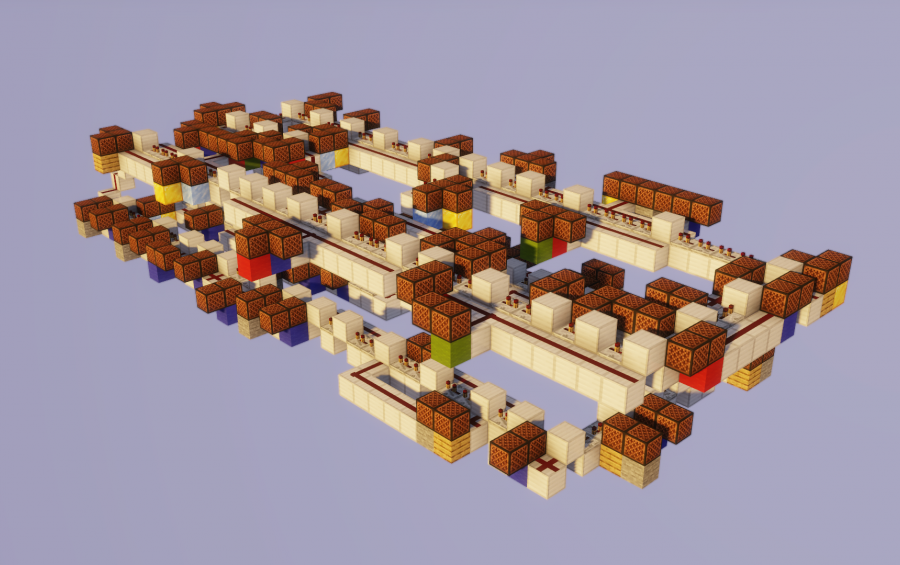
This community-created Note Block music machine shows how redstone can turn individual notes into a coordinated melody. It predates the Packed Ice Bricks change, so it demonstrates the general building idea rather than verifying the new block’s behavior.
View the community build and its schematic on Minecraft-Schematics.
Is this available in the stable game?
The specific correction is documented in Bedrock Preview 26.70.22, a work-in-progress build. Preview and Beta versions can be unstable and may not represent final release quality. If you are playing the regular Bedrock release or Java Edition, check that edition’s own changelog and test in a disposable world before building a large project around the sound.
There is an important edition distinction here: Java snapshots and Bedrock Preview are separate development tracks. Java’s 26.4 Snapshot 5 introduced Packed Ice Bricks and variants, while Bedrock Preview 26.70.22 explicitly lists the Note Block Chime behavior for the set. Do not assume a fix listed for one edition automatically confirms the same implementation in the other.
Frequently asked questions
What sound do Packed Ice Bricks make under a Note Block?
In Bedrock Preview 26.70.22, blocks in the Packed Ice Bricks set cause Note Blocks to play the Chime instrument.
Is Chime a new Note Block instrument?
No. Chime is an existing Note Block instrument. The change is about Packed Ice Bricks correctly selecting it.
How do I activate the sound?
Place a Note Block directly on the supporting block, leave the space above it clear, then trigger it manually or with redstone.
Can I use Packed Ice Bricks for redstone music?
Yes, they can serve as the supporting block for Note Blocks in builds that include the change. You still need to tune notes and design the redstone timing yourself.
Is the fix confirmed for every stable version?
No. The cited changelog is for a Preview build. Check the release notes for your specific edition and version.
Official sources and further reading
- Minecraft Preview 26.70.22 — official changelog
- Minecraft Java Edition 26.4 Snapshot 5 — official notes
- Minecraft Wiki: Note Block instruments and mechanics
- Community Note Block music machine schematic
Editorial note: This article distinguishes official preview notes from community build examples. Images from community sites are credited in their captions and are illustrative, not screenshots verifying the new preview behavior.