
Quick answer: If Roblox The Hollow’s Floor 6 puzzle or reward claim appears to glitch, pause before repeating actions. Record your recipe and current objective, check whether the relic reached the elevator, then inspect your badge and avatar inventory after returning to the hub. If the state still looks wrong, take screenshots and rejoin once; the maze may reshuffle, so expect to locate the Animal Hospital room again. Rejoining is a troubleshooting step—not a guarantee that progress will be restored.
Updated October 27, 2026, for U.S. players. Floor 6 reports and troubleshooting steps below are based on current walkthroughs and player reports; Roblox has not published a universal fix for every claim glitch.
First, figure out which part actually failed
“The claim is broken” can describe several different problems: the cauldron will not accept an ingredient, the relic does not appear, the relic is carried but the elevator does not register the escape, or the badge appears while the avatar item is missing. Treat these as separate checkpoints. Repeating the entire run before checking which step failed can waste time and make it harder to explain the issue clearly.

Use this safe troubleshooting order
1. Stop and record what you can see
Before leaving the server, take a screenshot of the objective, the cauldron recipe, any error message, and the screen showing whether the relic is present. If the issue concerns a missing reward, capture the hub or claim screen too. Keep your Roblox username private when posting screenshots publicly, and never share account credentials or recovery codes.
2. Check whether the relic run was actually completed
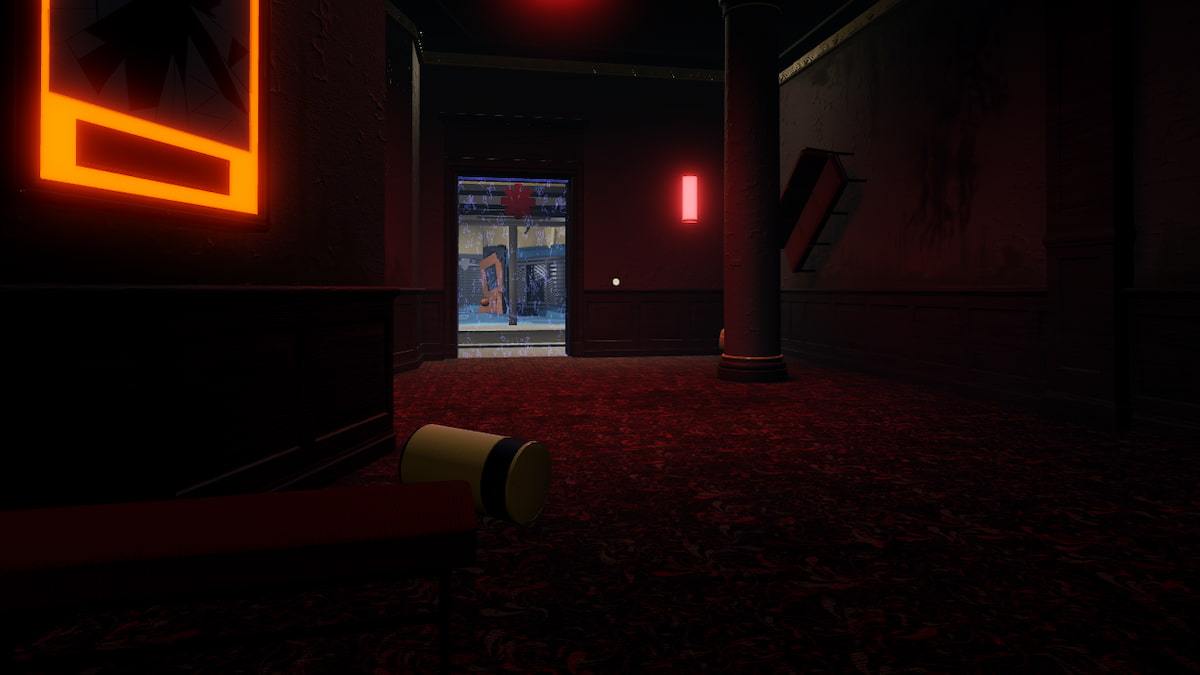
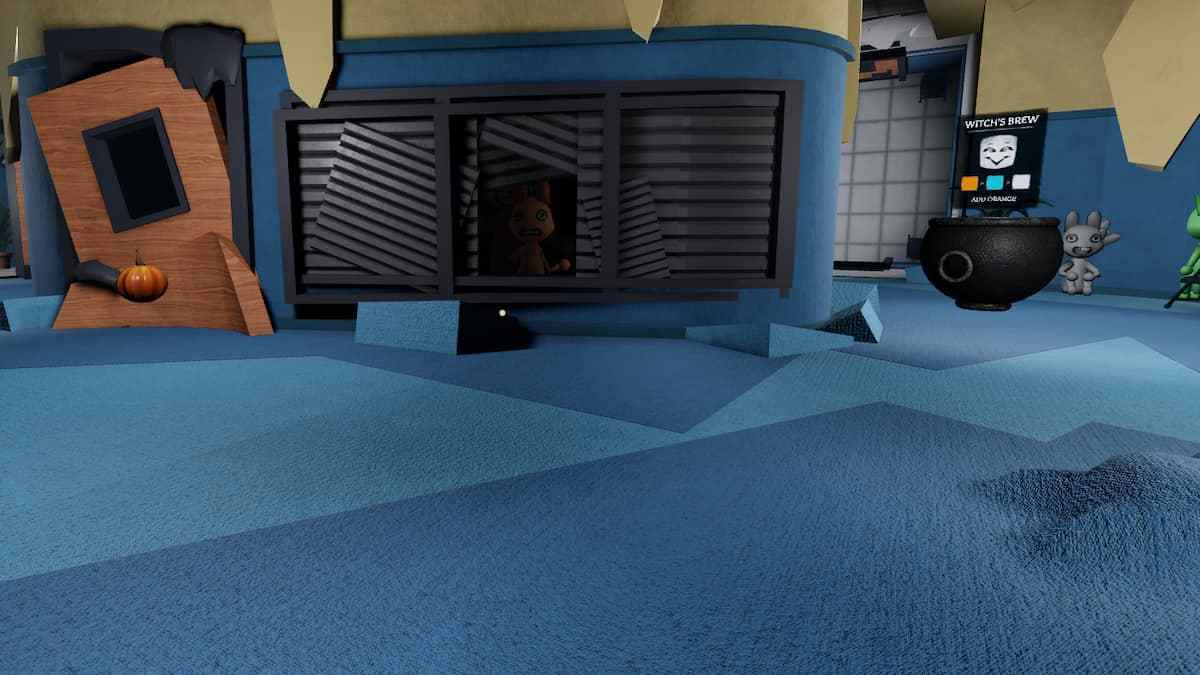
Current Floor 6 walkthroughs describe a sequence: find the Animal Hospital room, read the three colors above the cauldron, add the matching ingredients in the displayed order, collect the relic, and carry it back to the elevator while avoiding the Mimic. The color order and room location can vary, so do not use another player’s recipe as proof that your own run is complete.

If the cauldron accepts all ingredients but no relic appears, check the prompts carefully and avoid rapidly submitting extra items. If you already have the relic, focus on reaching the elevator rather than restarting the recipe.
3. Return to the hub and check both badge and inventory
Once you exit, check the Floor 6 badge and the associated avatar item separately. A badge appearing does not necessarily prove that every inventory display has refreshed instantly. Reopen the relevant Roblox inventory or avatar screen and give it a moment to update before deciding that the reward is permanently missing.

4. Rejoin once if the state still appears stuck
If the puzzle is unresponsive or the objective remains stuck after you have recorded the state, rejoin The Hollow and check the floor again. A recent third-party Floor 6 guide reports that room layouts can change when players rejoin, so expect to search for the Animal Hospital room again. Rejoining may help with a stuck session, but it is not a confirmed fix for every reward-claim issue.
5. If the item is still missing, report the exact failure
Do not keep repeating the same run indefinitely. Save the approximate time, the floor, the step that failed, whether you received the relic, and whether the badge appears. Then use Roblox’s official support channels or the event’s official community channel to report the issue. Share only the information requested by the official support form—never your password, authentication code, or payment details.
What current reports do—and do not—confirm
Roblox’s official announcement confirms that The Hollow is a limited-time Halloween survival event and says players can continue collecting event rewards until November 2, 2026, at noon Pacific Time. It does not document a single official workaround for every Floor 6 claim issue. A Roblox Developer Forum thread also records reports of a broader UGC claim problem and a staff reply asking an affected player for more details; that is evidence of reports, not proof that every current Floor 6 failure has the same cause.
That distinction matters: a missing item may be a delayed inventory update, a run that did not register at the elevator, or a genuine session or claim issue. Verify each checkpoint before assuming the reward is lost.
Quick checklist before you try again
- Screenshot the exact puzzle or claim state before leaving.
- Write down the three colors in the order shown in your own lobby.
- Confirm whether the relic appeared and whether you reached the elevator.
- Check the badge and avatar inventory separately after returning to the hub.
- Rejoin once if the session remains stuck; be prepared for the maze to reshuffle.
- If the item is still missing, report the error with the time and screenshots instead of repeating the run endlessly.
Frequently asked questions
Will rejoining delete my Floor 6 progress?
There is no public Roblox guarantee that every intermediate Floor 6 state persists across a rejoin. Record your current state first. If you have not completed the relic escape, be prepared to solve the floor again.
What if I have the badge but not the avatar item?
Refresh or reopen the avatar inventory and check again. If the item remains missing, capture the badge and inventory state and report the issue through official Roblox support. A badge and an inventory item are separate things to verify.
Does everyone use the same cauldron recipe?
Current walkthroughs report that the three-color sequence can vary by player or run. Follow the icons above your own cauldron and submit matching ingredients in that order.
When does The Hollow reward collection end?
Roblox’s announcement says rewards remain collectible until November 2, 2026, at 12 p.m. Pacific Time. Check the live event hub for any in-game notice before planning a final attempt.
Sources and related guides
- Roblox official announcement: The Hollow Halloween survival event
- Roblox Developer Forum: The Hollow UGC claim not working reports
- TechWiser: Floor 6 Animal Hospital puzzle walkthrough
- Pro Game Guides: Floor 6 relic and cauldron puzzle
- Related: How to solve The Hollow Floor 6 cauldron recipe
- Related: Night 6 reward claim failed — quick fixes
Official Roblox updates:
Posts by Roblox
Editorial note: The gameplay images above are credited walkthrough references, not screenshots captured from your personal account. The troubleshooting steps distinguish published event details from player reports.