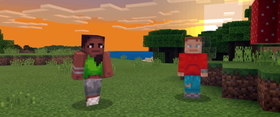
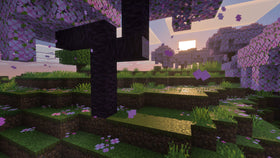
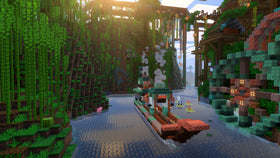
The Super Mario Mash-Up Pack has always made Minecraft feel like a playable Nintendo tribute: familiar characters, themed blocks, music, and locations built for exploration. On Nintendo Switch 2, that familiar world gets a visual refresh because the native version of Minecraft supports Vibrant Visuals—and Nintendo confirms the Mario pack is included with those enhanced graphics enabled. The biggest difference is not a new set of Mario items; it is how lighting, shadows, fog, and reflective water change the mood of places players already know.
Quick answer: The Switch 2 version launched on October 27, 2026, and includes the Super Mario Mash-Up Pack with Vibrant Visuals support. The pack features 40 Mario-inspired player skins and 15 music tracks. However, Vibrant Visuals is not available in every gameplay situation, including split-screen and some Marketplace worlds or content. Nintendo’s Switch 2 product page lists those details.
What actually looks different?
Vibrant Visuals changes the rendering of Minecraft’s world rather than replacing the pack’s core art. Directional lighting makes the direction of sunlight more noticeable; shadows shift with the scene; volumetric fog can add depth to distant scenery; and water reflections make shorelines and pools look more dynamic. In a Mario-themed world, those changes can make a familiar castle courtyard feel warmer at sunset, make a tunnel or forest feel more atmospheric, or give a water feature a more reflective surface.
That does not mean every block has been redesigned or every scene will look dramatically different. The effect depends on where you are, the time of day, the materials around you, and whether the current mode supports Vibrant Visuals. A bright, evenly lit area may show a subtler change than a scene with water, deep shadows, or a long view across the landscape.

Why Mario’s themed world benefits from better lighting
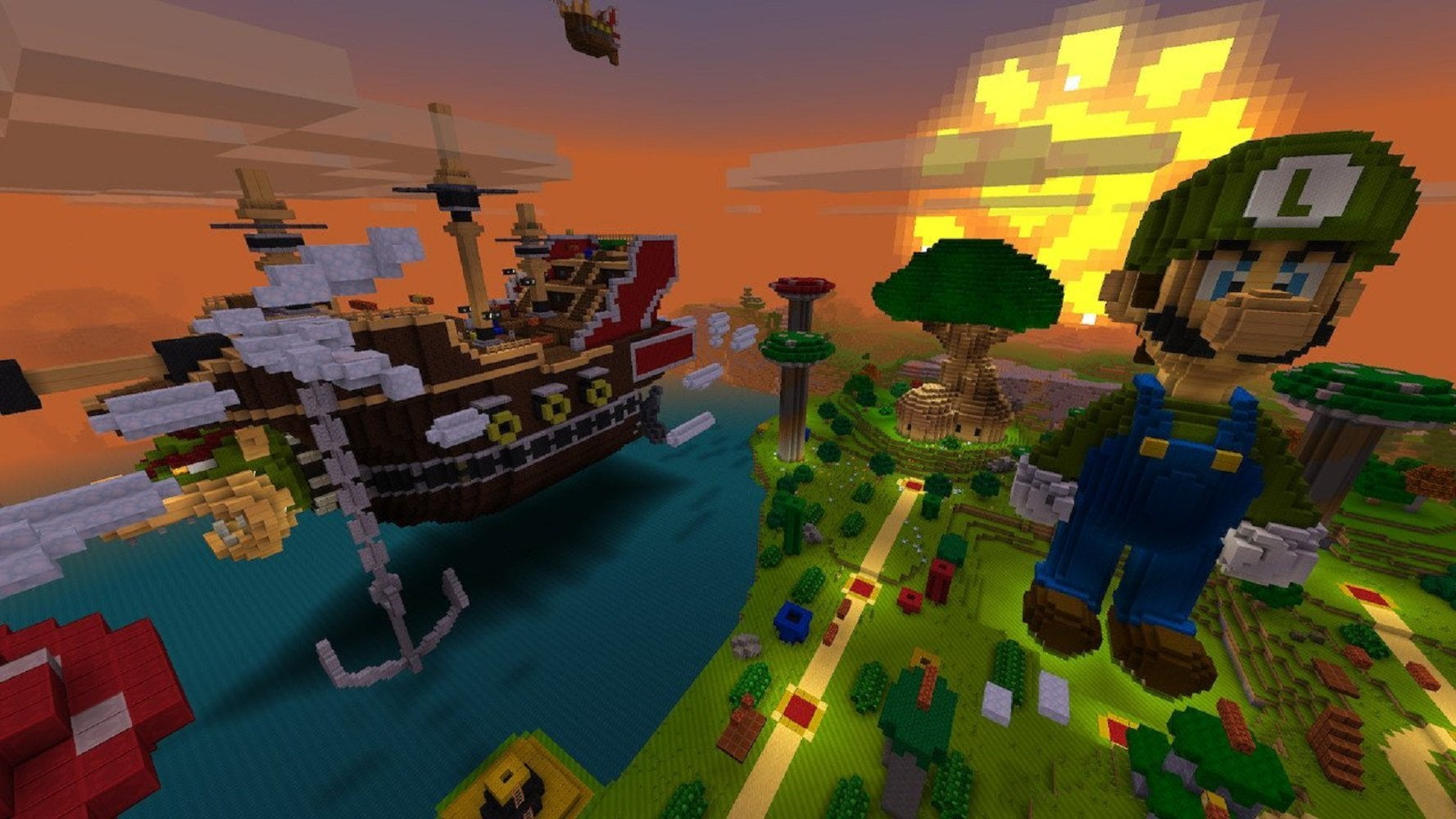
The Mash-Up Pack is more than a skin bundle. Nintendo describes it as a custom Mario-themed world, with recognizable locations such as Peach’s Castle and Delfino Plaza, themed textures, music, and character skins. Those spaces are exactly where lighting changes can make an exploration run feel fresh: stone walls can read differently under directional light, shaded paths can feel more layered, and water can draw the eye in a way flat lighting does not.
For builders and screenshot fans, try revisiting the same location at different times of day. Stand in one spot, keep the camera angle consistent, and compare the sky, ground shadows, water, and distant objects. This is a more useful test than relying on memory alone. If you want to share a before-and-after comparison, label the platform and graphics setting so readers do not mistake an older Switch screenshot for a Switch 2 capture.

The pack still has its familiar content
The graphics update does not turn the Mash-Up Pack into a different game. Nintendo lists 40 player skins and 15 music tracks, alongside the Mario-inspired world. That means the appeal remains a mix of nostalgia and Minecraft exploration: use a themed skin, revisit the pack’s locations, and listen for the music cues while moving through the world.
For returning players, the practical question is whether the refreshed presentation makes you want to explore places you already know. Look at areas with strong contrast—sunlit paths beside shaded buildings, enclosed rooms opening into bright courtyards, or water next to stone and greenery. Those locations make it easier to notice the new rendering without assuming every scene will produce the same effect.

Important limits: split-screen and supported content
Do not assume Vibrant Visuals will remain enabled in every mode. Nintendo’s official listing says the feature is unavailable in some gameplay, including split-screen and certain Marketplace worlds or content. If the image looks closer to the older presentation than expected, check the current mode and world before assuming the update failed. The pack being included does not override the graphics feature’s stated limitations.
For the cleanest comparison, test the same world in supported single-player gameplay first. Then check any local multiplayer or other content you regularly use. Keep the test simple: same location, same camera angle, and similar time of day. Avoid reporting an exact frame-rate change unless you have measured it on your own console; the official announcements describe visual features, not a universal FPS guarantee.

Watch the official Mash-Up Pack trailer
This official Nintendo of America trailer shows the classic Super Mario Mash-Up Pack and its themed world. It predates the Switch 2 visual refresh, so use it to understand the pack’s original style—not as a direct Vibrant Visuals comparison.
How to see the difference for yourself
- Launch the native Minecraft version on Nintendo Switch 2 and open the Super Mario Mash-Up Pack.
- Choose a familiar location, ideally one with both shaded and sunlit areas or visible water.
- Look for directional light, moving shadows, fog depth, and reflections rather than expecting every texture to change.
- Repeat the comparison in another location and at a different time of day.
- If Vibrant Visuals is unavailable, check whether you are in split-screen or using content that does not support the feature.
Bottom line: The Switch 2 update gives the Super Mario Mash-Up Pack a more modern lighting presentation while keeping its recognizable world, 40 skins, and 15 tracks. The best way to appreciate it is to revisit familiar locations and look closely at light, shadow, fog, and water—while remembering that supported modes and worlds matter.