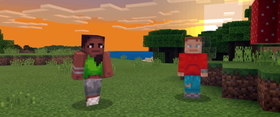
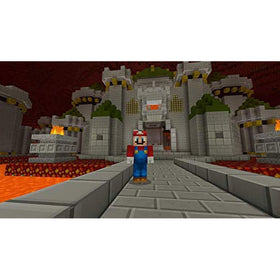
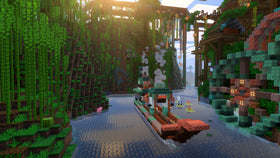
Quick answer: Early player reports after Minecraft Bedrock 26.60 suggest that maximum graphics settings with Vibrant Visuals can cause substantial frame-rate drops in some scenes, while Performance mode or uncapped FPS may feel smoother. These are community observations—not controlled docked-versus-handheld benchmarks. Mojang has not published official FPS figures comparing both modes.
The native Switch 2 edition brings Vibrant Visuals to Minecraft, but results depend on the graphics preset, render distance, scene complexity, and whether new chunks are loading. Here is what the public evidence supports and how to compare your own sessions without treating one player’s result as universal.

What changed with Minecraft Bedrock 26.60?
Mojang’s official Bedrock 26.60 changelog confirms native Nintendo Switch 2 availability with Vibrant Visuals support and records a Switch 2-specific improvement to split-screen performance. It does not provide a docked-versus-handheld FPS table, resolution measurements, or a guarantee that every scene will hold a fixed frame rate.
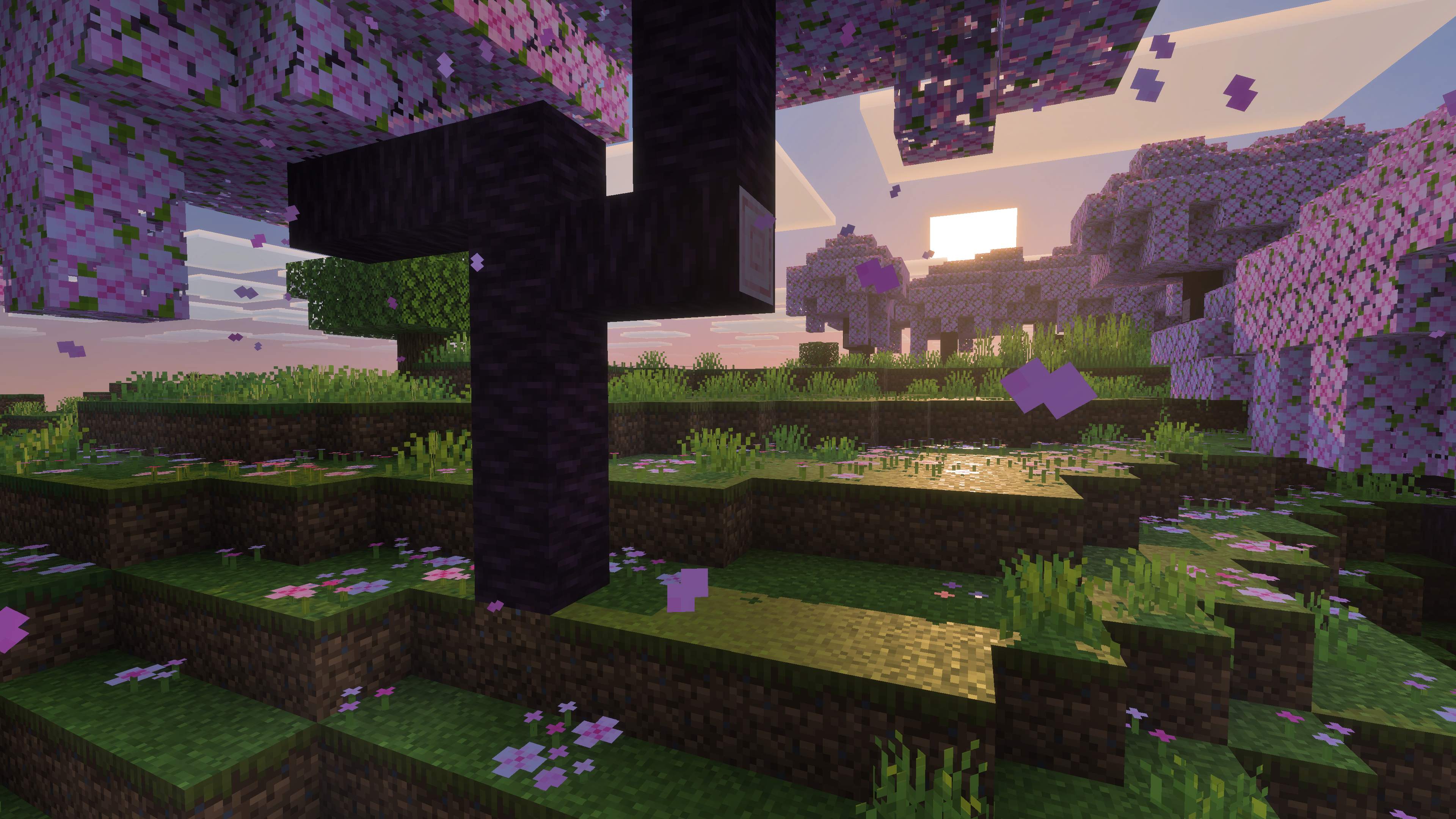
Nintendo’s Switch 2 announcement says Vibrant Visuals adds directional lighting, volumetric fog, dynamic shadows, and other visual effects. Nintendo also warns that Vibrant Visuals is unavailable in some gameplay, including split-screen and certain Marketplace worlds or content. A fair comparison therefore needs the same world and settings, with the visual mode recorded.
What players are reporting
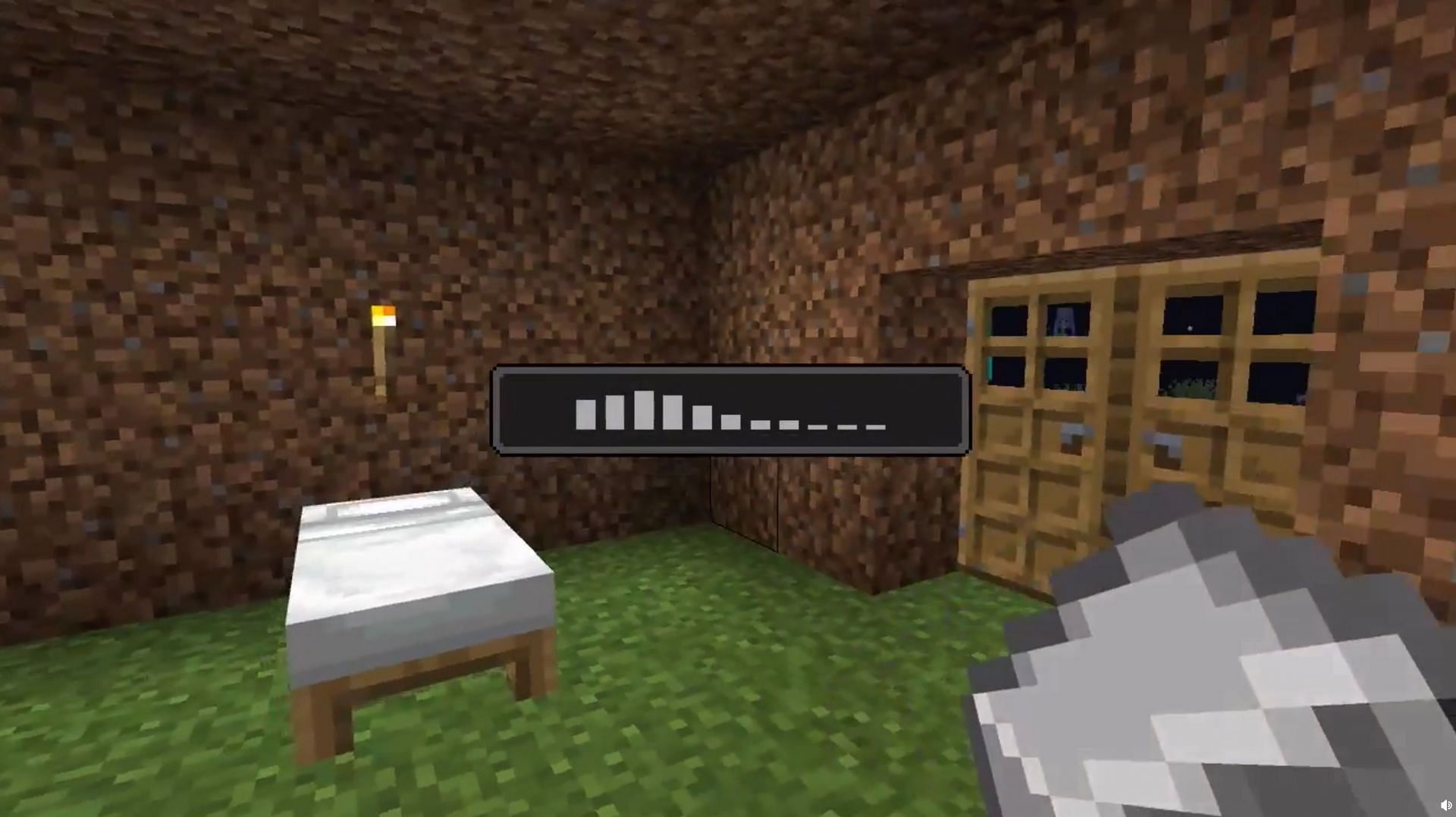
In a public Reddit performance report posted October 27, one player described handheld testing in a fresh survival world. The report said maximum graphics settings with Vibrant Visuals could fall below 30 FPS and feel unstable; Performance mode ran above 60 FPS in some areas but showed shimmering and a softer image; Visual Quality mode looked cleaner but ran around 30 FPS or slightly lower with more input lag. The player also reported that uncapped FPS could exceed 60 in some situations.
Those numbers are useful as one person’s test notes—not proof that every Switch 2 behaves identically, and not a direct docked-versus-handheld comparison. Another report in the Minecraft Switch community described crashes with high settings and Vibrant Visuals, then a smoother-feeling experience after changing graphics and render-distance settings.
Docked vs. handheld: what to compare
| Mode or setting | What to watch | What not to assume |
|---|---|---|
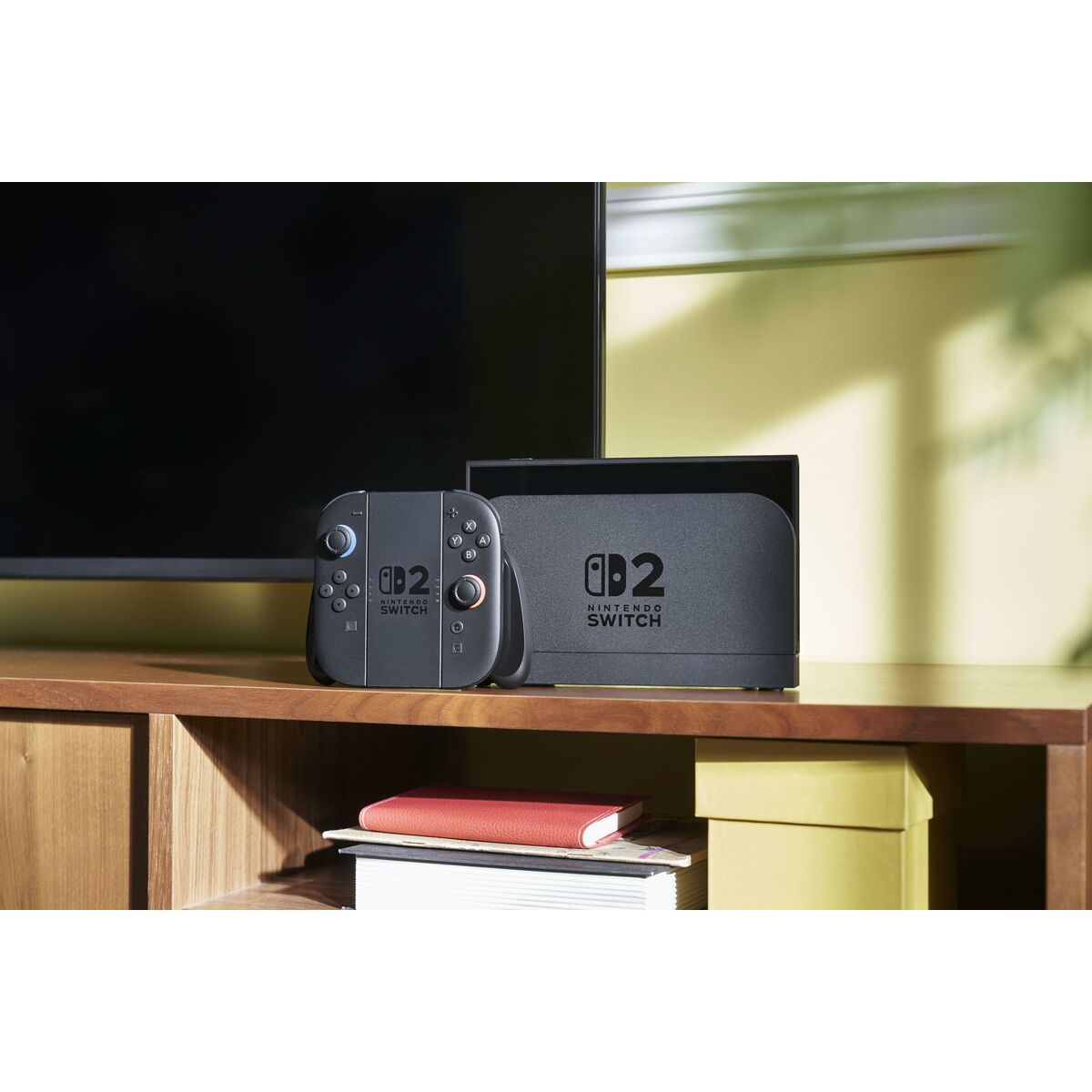
| Docked, TV play | Frame pacing during fast travel, chunk loading, and dense builds; readability from couch distance. | Higher TV output resolution does not automatically mean higher internal render resolution or a locked frame rate. |
| Handheld play | Image sharpness on the built-in screen, input response, battery use, and stutter while exploring. | One handheld report does not describe every graphics preset or world. |
| Vibrant Visuals on | Water reflections, shadows, fog, foliage shimmer, and frame-time consistency. | The visual preset is not available in every gameplay situation. |
| Vibrant Visuals off | Whether smoother movement and longer render distance matter more than lighting effects. | Every player will see the same FPS increase. |

How to run a fair test at home
- Use the same world. Test the same area in both modes; do not compare a quiet base with a newly generated cave.
- Match settings. Record the visual preset, Vibrant Visuals state, render distance, anti-aliasing, and frame-rate cap. Change one setting at a time.
- Repeat the route. Walk the same path, turn the camera through the same view, and repeat a short building task. Chunk generation can cause spikes that a static base will not.
- Check more than the average. Note stutters, input lag, texture shimmer, crashes, and loading pauses—not only the highest FPS number.
- Repeat each run. Do at least three passes per mode after the world has loaded, and label results as your own test rather than a universal benchmark.
If you mostly build, mine, or explore in short sessions, handheld convenience may outweigh occasional drops. If you use a large screen and care most about visual detail, docked play may be more comfortable—but choose a graphics preset that keeps movement responsive. For more help, read our guides to Vibrant Visuals and frame-rate trade-offs, 60 FPS versus maximum graphics, and why Vibrant Visuals can turn off in split-screen.
Verdict: choose consistency over a headline FPS number
Early reports point to a practical trade-off: demanding visuals can look excellent but may introduce drops or input lag, while a performance-oriented preset can feel smoother at the cost of image softness or shimmering. The evidence is not enough to declare that docked mode always wins or that handheld mode has one fixed FPS ceiling after 26.60.
For the most reliable answer on your console, compare like with like and record the results. Mojang’s patch notes confirm the Switch 2 release and split-screen improvement, while Nintendo Life’s review also notes faster loading than on the older Switch alongside occasional frame drops. Until a controlled benchmark publishes matching docked and handheld runs, treat player numbers as field reports—not official specifications.
Sources: Mojang’s Bedrock 26.60 changelog; Nintendo’s Switch 2 announcement; Nintendo Life’s review; and the linked community performance reports.
Written by Shivam Das. Updated October 28, 2026. Community FPS figures are anecdotal and may vary by world, settings, and game build.