Updated November 2, 2026. Roblox has introduced Marketplace Links, a Creator Dashboard feature that lets avatar-item creators share trackable links to their own items and bundles outside Roblox. Instead of relying on a generic catalog URL and guessing which social post led to a sale, creators can now compare the performance of separate links.
Announced October 30, 2026, the feature supports free and paid avatar assets and bundles published by an individual creator or a group, subject to group permissions. Roblox allows up to 20 active links per item.
What are Marketplace Links?
Marketplace Links are shareable Roblox links connected to a specific avatar asset or bundle. Creators can post them on Instagram, TikTok, Pinterest, YouTube, or send them directly to friends. The link takes visitors to the relevant item page rather than making them search the Marketplace.
Roblox says the destination adapts to the visitor's device: desktop visitors open the item page on the Roblox website; mobile visitors with the Roblox app installed open the item in the app; and visitors without the app are guided through installation before returning to the item.

How to create a trackable avatar-item link
Roblox lists two routes for creating a Marketplace Link:
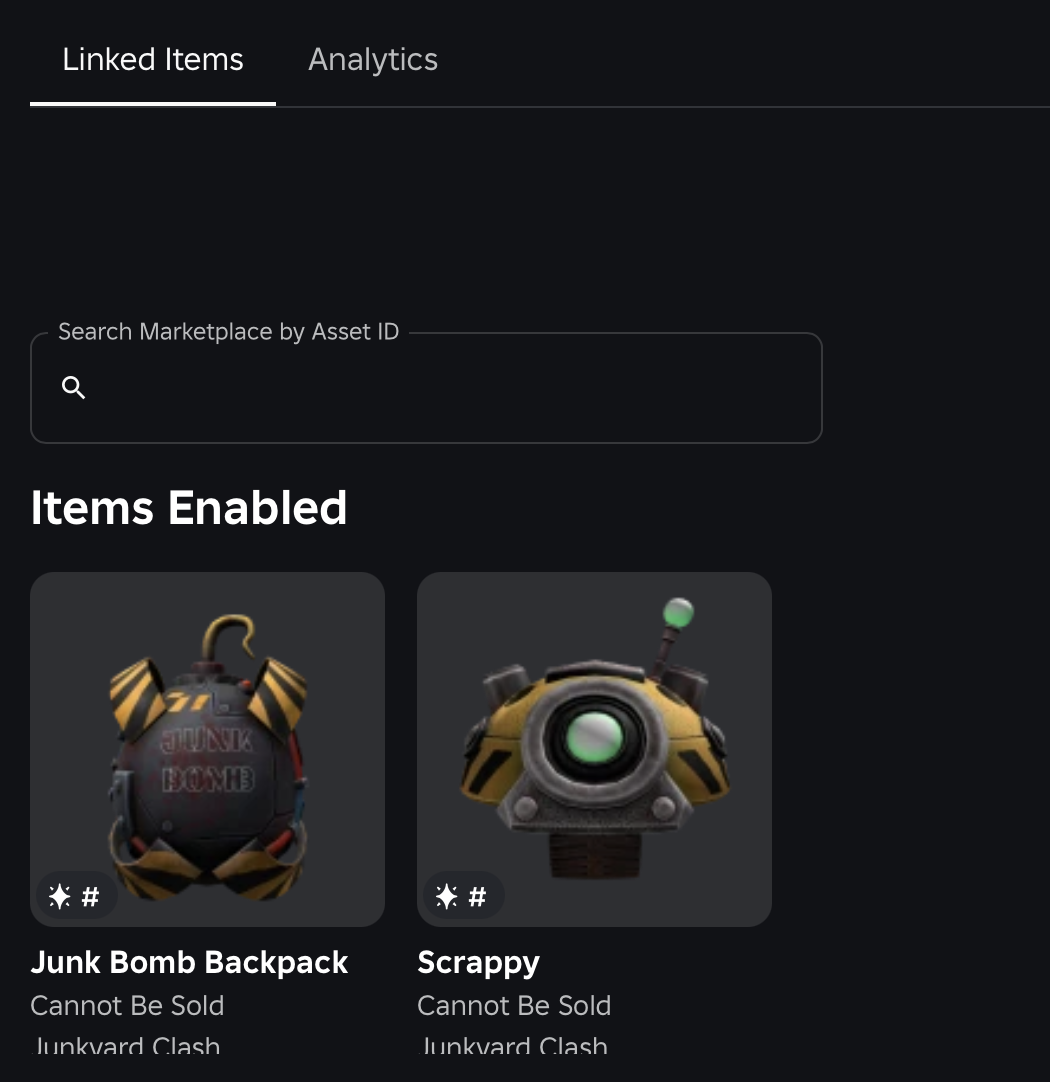
- Creator Dashboard: Go to Creations → Share Links → Marketplace Links. Select the item, or enter its asset ID or bundle ID.
- Avatar item list: Open the item's menu and choose the option to create a share link. The dialog opens with that item selected.
Give each link a clear label that identifies where it will be posted. Examples include “TikTok outfit showcase,” “Instagram bio – November,” and “Pinterest winter look.” Since analytics can be filtered by link, descriptive labels make later comparisons much easier.

Who can use Marketplace Links?
- Supported content: Avatar assets such as clothing and accessories, plus bundles.
- Free and paid: Both types of item are supported.
- Ownership: You can create links for items you or your group published, not another creator's unrelated item.
- Group creations: You need permission to configure the group's avatar items.
- Limit: Up to 20 active links per item.
The limit is per item. It is worth reserving separate links for channels or meaningful campaign tests instead of creating many nearly identical links that will never be reviewed.
What analytics can creators see?
Each Marketplace Link has its own analytics view in Creator Dashboard. Roblox lists five measurements:
- Clicks: Total times the link was opened.
- Unique clickers: Number of different people who opened it.
- Purchases: Purchases made through that link.
- Spend: Total Robux spent on those purchases.
- Conversion rate: Purchases divided by unique clickers.
Creators can view up to 90 days of daily data and filter the report by link. Roblox says analytics update once per day, so a new link may take about a day to show results. A blank dashboard immediately after publishing is not proof that a link is broken.

A practical promotion plan for Instagram, TikTok, Pinterest and YouTube
Create a different Marketplace Link for each channel you want to compare. If the same link is pasted everywhere, the resulting numbers cannot show which platform performed better.
- Choose one item or bundle. Start with an item that is on sale, has a clear thumbnail, and has an accurate product page.
- Create channel-specific links. Make one for TikTok, one for Instagram, one for Pinterest, and another for YouTube if you will promote the item on all four.
- Use consistent labels. Include platform, content format, and campaign period in each label.
- Publish the posts. Show the item clearly, explain what makes it distinctive, and use a straightforward call to action. Avoid misleading claims about rarity, availability, or free rewards.
- Wait for the daily refresh. Review the report after analytics have had time to update.
- Compare outcomes, not just clicks. Review unique clickers, purchases, spend, and conversion rate together. High traffic with few purchases may mean the audience or the post does not match the item.
How to interpret the numbers
Clicks and unique clickers are not interchangeable. Clicks count link openings; unique clickers count different people who opened the link. If clicks are much higher, some visitors may have opened the same link more than once. That is not automatically a sign of stronger purchase intent.
Purchases and conversion rate show more than reach. One platform may produce fewer visits but a higher share of buyers. Another may generate a large traffic spike with little purchase activity. The strongest channel is not necessarily the one with the biggest click count; it is the one that brings relevant visitors and meaningful sales.
Spend is not creator earnings. The Robux-spend figure reports the total Robux spent on purchases attributed to a link. Roblox's announcement describes measurement, not a special payout increase or a new commission rate for Marketplace Link sales.
For a simple comparison, record each link's daily clicks, unique clickers, purchases, spend, and conversion rate in a spreadsheet. Add the post date and content format. Over time, this can show whether a short video, carousel, outfit showcase, or creator collaboration performs better.
Do Marketplace Links expire?
No. Roblox says Marketplace Links do not expire. Creators can delete a link from the Marketplace Links list. A deleted link can still open the item, but it no longer records clicks or purchases. Do not delete a campaign link while you still need its analytics.
If an item goes off-sale or sells out, the link continues to open its page and displays the off-sale state. If an item is moderated or deleted, the link opens the Marketplace rather than restoring the unavailable item. Check availability before scheduling a major promotion.

Marketplace Links are not the same as game share links
This distinction matters. Roblox's existing Creator Hub documentation for share links describes links for games, used to measure game acquisition and player activity. The October 30 announcement introduces Marketplace Links for avatar items and bundles, with item-level purchase and Robux-spend reporting.
Use the setup flow for the content you are promoting. A game share link is not a substitute for a Marketplace Link when the goal is to measure traffic to an accessory, clothing item, or bundle.
Important Roblox policy and safety points
Marketplace Links are designed to be shared outside Roblox and direct people back to an item on Roblox. That does not mean creators should ignore Roblox's rules about directing users off-platform from inside Roblox. Roblox's Community Standards restrict external website URLs and off-platform redirection except through permitted Social Links features and other expressly approved cases.
Keep promotions honest. Do not use fake giveaways, phishing-style pages, misleading scarcity claims, or promises of free Robux to generate clicks. If a promotion is sponsored or otherwise qualifies as advertising, follow the applicable disclosure rules on the platform where it appears. Marketplace Links measure a campaign; they do not exempt a creator from platform policies or local advertising law.
What this update changes for avatar creators
The practical shift is attribution. Creators who already post item showcases outside Roblox can compare individual links instead of relying only on likes, views, comments, or a generic catalog URL. That can help them decide where to spend time, which presentation resonates, and which audiences are more likely to become buyers.
It is not a guarantee of sales, a boost to Marketplace discovery, or an announced change to creator revenue share. The feature gives creators better measurement; item quality, price, availability, presentation, and audience fit still matter.
For more Roblox Marketplace context, see our related coverage: Roblox Marketplace Volume Spike: What the 175-Robux Credit Claim Actually Shows and Free Avatar Items Rising in Value After the Night 4 Reset.
Frequently asked questions
Can I create a Marketplace Link for another creator's item?
No. Roblox says links can only be created for items you or your group published.
How many Marketplace Links can one avatar item have?
Up to 20 active links per item. Separate links make it easier to compare different social platforms or campaigns.
Which metrics are available?
Clicks, unique clickers, purchases, Robux spend, and conversion rate. Creators can view up to 90 days of daily data, with reports updating once per day.
How long does a new link take to show analytics?
Roblox says analytics update daily, so it may take about a day for a new link's results to appear.
Does deleting a Marketplace Link stop it from opening?
No. A deleted link can still open the item page, but it no longer records clicks or purchases.
Will the link work if my item is off-sale?
Yes. It opens the item page and displays its off-sale state. Buyers cannot purchase the item while it is off-sale.
Does Marketplace Links increase creator earnings?
Roblox's announcement introduces attribution and analytics. It does not announce a special revenue-share increase or guarantee additional earnings for sales attributed to a link.
Official sources and further reading
- Roblox Developer Forum: Promote Your Avatar Items Off-Platform and Track Every Click (October 30, 2026)
- Roblox Creator Hub: Share Links for Experiences
- Roblox Creator Hub: Social Media Links
- Roblox Community Standards
- Roblox Creator Hub: Marketplace Overview
Reporting note: This article distinguishes the newly announced avatar-item Marketplace Links from Roblox's existing game share-link feature. Interface labels and availability may change as Roblox rolls out product updates.
By Shivam Das