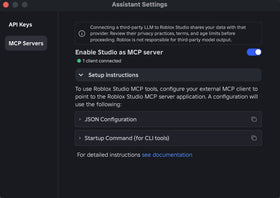
Updated November 1, 2026. Roblox Studio’s Procedural Models are no longer a beta experiment. Roblox announced their full release on May 18, 2026, making the parameter-driven model system available to creators by default. The feature lets developers create 3D assets that regenerate when their size or custom attributes change, using a Luau generator module rather than rebuilding every variation by hand. Creators can also ask Roblox Assistant or Studio MCP to generate a procedural model from a text prompt or reference image.
The practical change is bigger than “AI can make a model.” A ProceduralModel is designed to remain editable: developers can change parameters such as shelf count, spacing, dimensions, material, or color and have the generated object adapt. That makes it useful for reusable environment pieces, modular props, architecture, foliage, and other assets that need controlled variations across a game.
There is an important distinction, though. AI can help produce the starting model or generator, but creators still need to review the geometry, tune the parameters, test the asset in their experience, and decide when to preserve the generated result as a conventional model.
What Roblox’s Procedural Models full release actually means
Roblox introduced Procedural Models in Studio beta on April 23, 2026, then announced the full release on May 18. With the full release, the feature became available by default without requiring creators to enable a beta toggle. Roblox also said procedural generation works in Team Create and live games, fixed memory-leak cases reported during beta, and resolved a resizing issue that could leave a model stuck at zero size when using the Scale tool.
A ProceduralModel is a parameter-driven type of Model. Its generator module contains the logic for producing the contents, while attributes and the model’s size provide the inputs. When those inputs change, Roblox runs the generator again and updates the generated contents. Instead of maintaining several nearly identical assets, a creator can maintain one reusable procedural asset and configure different versions from its parameters.
How a ProceduralModel works under the hood
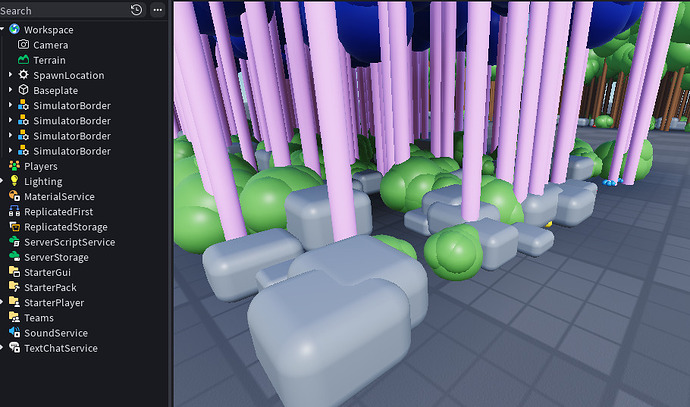
Each ProceduralModel points to a generator ModuleScript through its Generator property. The module defines default attributes and an OnGenerate(params, targetContainer) function. When generation runs, Roblox passes the model’s dimensions and current attribute values to that function. The generator then creates the requested parts inside a temporary target container, which Roblox moves into the model’s GeneratedFolder after successful generation.
This structure separates the recipe from the generated result. The generator describes how to build the asset; the attributes describe which version is needed. For example, a shelf generator could expose shelf count, width, height, side thickness, and wood color. Changing the shelf count can rebuild the shelf layout without requiring the creator to manually duplicate and reposition every board.
Size and attributes are different controls
The model’s Size property defines the generation region and can cause the generator to produce new contents for the new dimensions. Scale, by contrast, uniformly scales the existing generated result. Roblox documents both workflows, so creators should choose the one that matches the design goal: change Size when the model’s internal layout should adapt, and use Scale when the same result should simply become larger or smaller.
How to create a ProceduralModel in Roblox Studio
Creators can start manually in Studio or use Assistant to help generate the asset. The manual route is useful when you want direct control over the generator logic; the Assistant route can speed up the first draft when you can describe the object and the parameters clearly.
- Open Roblox Studio and the experience you want to edit.
- In the Explorer or Insert Object flow, add a
ProceduralModelto Workspace. Roblox provides a template generator module to help you get started. - Open the generator ModuleScript and define the attributes that should control the model, including sensible default values.
- Implement
OnGenerateso it reads the parameters and creates the output inside the supplied target container. - Change the model’s attributes or Size property and inspect how the generated result responds.
- Test the asset with undo/redo, scaling, Team Create, and the actual experience workflow before relying on it in a published game.
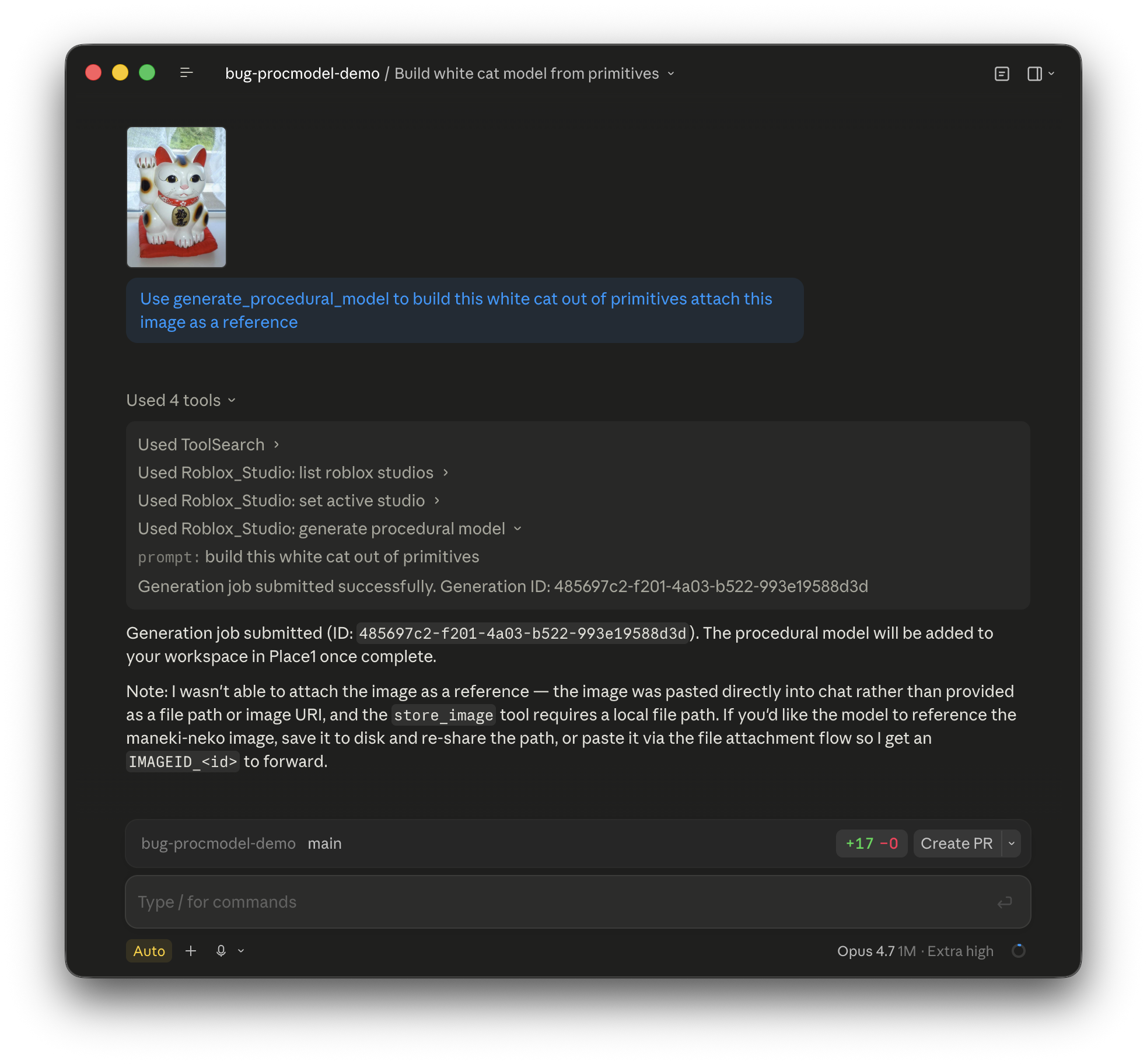
Roblox’s Assistant can also generate a procedural model from a natural-language request. Open Assistant in Studio and use /generate_procedural_model, followed by a clear description of the object. A reference image can provide extra visual direction. The generated result is inserted into the workspace so the creator can continue adjusting it.

Where AI helps—and where creator judgment still matters
AI-assisted generation lowers the effort required to get an initial asset into Studio, but it does not remove the need for design decisions. A prompt such as “make a medieval bookshelf” leaves many important details unspecified: the number of shelves, the thickness of the boards, whether the shelves should resize with the frame, how materials should be exposed as parameters, and how the object should behave when used in a live game.
A stronger prompt describes both the object and the controls that should remain editable. For example: “Create a wooden bookshelf with adjustable width, height, shelf count, side thickness, and wood color. Keep the shelves evenly spaced and regenerate the layout when the dimensions change.” The more clearly the creator defines the intended parameters, the easier it is to review whether the generated result is useful.
Roblox’s Assistant documentation says procedural generation can be requested with a text prompt or reference image. The documentation also currently lists a limit of up to 50 procedural model generations in a rolling 24-hour window. That is a rolling limit, not a midnight reset. Creators planning repeated iterations should account for it rather than assuming unlimited generations.
Creator Store sharing and safer use of generator code
Full release also makes it possible for creators to share parameterized models through the Creator Store. That changes the value of a well-built asset: instead of distributing one fixed prop, a creator can offer a configurable building block that other developers can adapt to their own dimensions or visual style.
Roblox’s documentation says ProceduralModels inserted from the Creator Store have sandboxing enabled by default on their generator modules to help protect experiences from unintended changes. Sandboxing is important because a generator is executable Luau code. Creators should still inspect what they add, understand the module’s capabilities, and test third-party assets in a safe copy of their project before using them in production.
The generator and the ProceduralModel have separate sandboxing settings. Roblox documents that a sandboxed generator typically needs capabilities such as RunServerScript, CreateInstances, and Basic. Developers should follow the current Creator Hub documentation rather than copying capability settings blindly from an old tutorial.
Limitations creators should know before building a production pipeline
Full release does not mean every modeling workflow is supported. Roblox’s current Procedural Models documentation lists several constraints that can affect production work:
- Packages: ProceduralModels cannot currently be converted into Packages.
- Generated-folder edits: changing a parameter reruns the generator and overwrites the Generated folder. Manual edits made directly to generated contents can therefore disappear.
- Join Surfaces: joints created with Studio’s Join Surfaces option are not preserved across regeneration.
- Actor instances: generation is not supported within Actor instances.
-
Generator timeouts: a generator that performs too much work without yielding can hit a script timeout. Roblox provides
params:Pause()so complex generation work can yield.
There is a practical way to protect a finished asset from later regeneration. Once the parameters are final, clear the Generator property to bake the generated contents into a standard model. That severs the live link to the generator, so later parameter changes will no longer rebuild the asset. Make a copy first if you may want to keep an editable procedural version.
What changed after the full release?
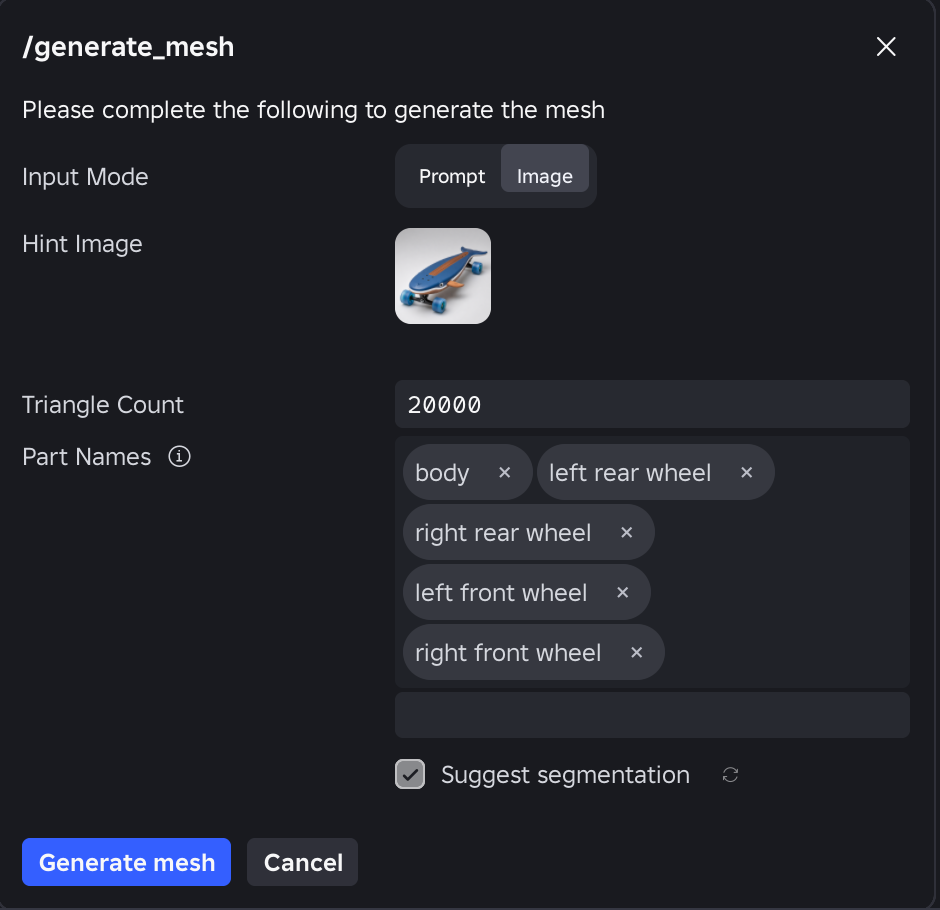
The May full-release announcement is not the end of Roblox’s generative-model work. On September 23, 2026, Roblox announced additional Studio improvements around texture generation, segmentation of imported meshes, and image previews for generated meshes and procedural models. The update gives creators more ways to review generated results and work with assets that already exist in their projects.
For creators, these features solve different problems. Procedural Models help build adjustable geometry from parameters. Mesh segmentation helps separate an imported or generated object into parts that can be customized independently. Texture generation changes the surface appearance of meshes. Image previews help compare possible outputs before committing to a direction. They complement one another, but they are not interchangeable features.
How creators can decide whether to use Procedural Models
Procedural Models are most useful when an asset needs many controlled variations. A staircase with adjustable step count, a bookshelf with configurable shelf spacing, a fence that expands to fit a boundary, or a repeated set of environment props can all benefit from parameter-driven generation.
They may be less useful for a one-off hero asset whose shape will be hand-finished once and never varied. In that case, a conventional Model or MeshPart may be simpler to maintain. The best choice is not “use AI everywhere”; it is to use procedural generation where repeatability, controlled variation, and quick iteration create real value.
Before publishing, test three things: whether the model regenerates correctly when each parameter changes, whether it remains stable at the sizes used in the game, and whether its generated parts behave correctly with collision, joints, and gameplay scripts. A model that looks good in the Studio viewport still needs to pass those checks in the actual experience.
Frequently asked questions
Are Roblox Procedural Models fully released?
Yes. Roblox announced the full release on May 18, 2026. The feature is available by default in Roblox Studio and no beta opt-in is required.
Can Roblox Procedural Models be created with AI?
Yes. Roblox Assistant and Studio MCP can help generate procedural models from a text prompt or reference image. Creators can also build their own generator modules using Luau.
How do I create a ProceduralModel?
Insert a ProceduralModel into Workspace in Roblox Studio, use its template generator or assign a generator ModuleScript, then define attributes and an OnGenerate function. You can also use Assistant with /generate_procedural_model.
Do Procedural Models work in Team Create and live games?
Roblox’s May 18 full-release announcement says ProceduralModel generation works in Team Create and live games.
Can I share a ProceduralModel on the Creator Store?
Yes. Roblox says parameterized models can be made available to other creators through the Creator Store.
Can I turn a ProceduralModel into a Package?
Not according to the current Roblox documentation. ProceduralModels are not currently supported as Packages.
Will manual edits inside the Generated folder stay after I change an attribute?
No. Regeneration overwrites the Generated folder. Finalize the parameters and clear the Generator property to bake the result into a standard model before making permanent manual edits.
How many procedural models can Assistant generate?
Roblox’s Assistant guide currently documents a limit of up to 50 procedural model generations in a rolling 24-hour window.
Official sources and further reading
- Roblox Developer Forum: Procedural Models full release, May 18, 2026.
- Roblox Creator Hub: Procedural Models technical documentation.
- Roblox Creator Hub: Assistant for Studio and procedural generation guide.
- Roblox Developer Forum: Texture generation, mesh segmentation and image previews, September 23, 2026.
By Shivam Das