Updated November 1, 2026. Roblox is listing UGC Learning #1 as a two-hour online livestream on Tuesday, November 3, from 4:00 p.m. to 6:00 p.m. GMT. The session is designed for creators taking their first steps toward making their own Roblox avatar items. It is scheduled to cover the basic creation process, helpful tools, beginner modeling advice, design considerations, and what makes an item ready for the next stage—followed by a Q&A.
The official event page is the best place to confirm the schedule and any last-minute changes: UGC Learning #1 on Roblox Creator Events. The listing identifies the event as online and tags it with UGC, 3D, Blender, and Tutorial.

UGC Learning #1 start time for U.S. viewers
- Eastern Time: Tuesday, November 3, 11:00 a.m.–1:00 p.m. EST.
- Pacific Time: Tuesday, November 3, 8:00–10:00 a.m. PST.
- GMT: Tuesday, November 3, 4:00–6:00 p.m.
- India Standard Time: Tuesday, November 3, 9:30–11:30 p.m. IST.
The U.S. conversions use standard time because daylight saving time ends on November 1, 2026. If the event page displays a different countdown or updated time, follow the official listing rather than a repost or an old screenshot.
What the livestream plans to cover
According to the event description, the session will walk beginners through the main steps involved in creating a UGC item, introduce tools and programs used for creation, share simple modeling advice, discuss considerations when designing an item for Roblox, and explain what makes an item ready for the next stage of the process. The session is scheduled to finish with a Q&A.

The listing does not name a specific presenter, promise a downloadable project file, or publish a full minute-by-minute agenda. Treat those details as unconfirmed unless the organizer adds them to the event page.
Why beginners should pay attention to the full workflow
For a first-time creator, making a shape is only one part of the job. A practical workflow also involves choosing the right tool, preparing the mesh, checking proportions, testing how the asset fits an avatar, and understanding Roblox’s publishing requirements. A design that looks polished in Blender can still need adjustment before it is ready for use on the platform.
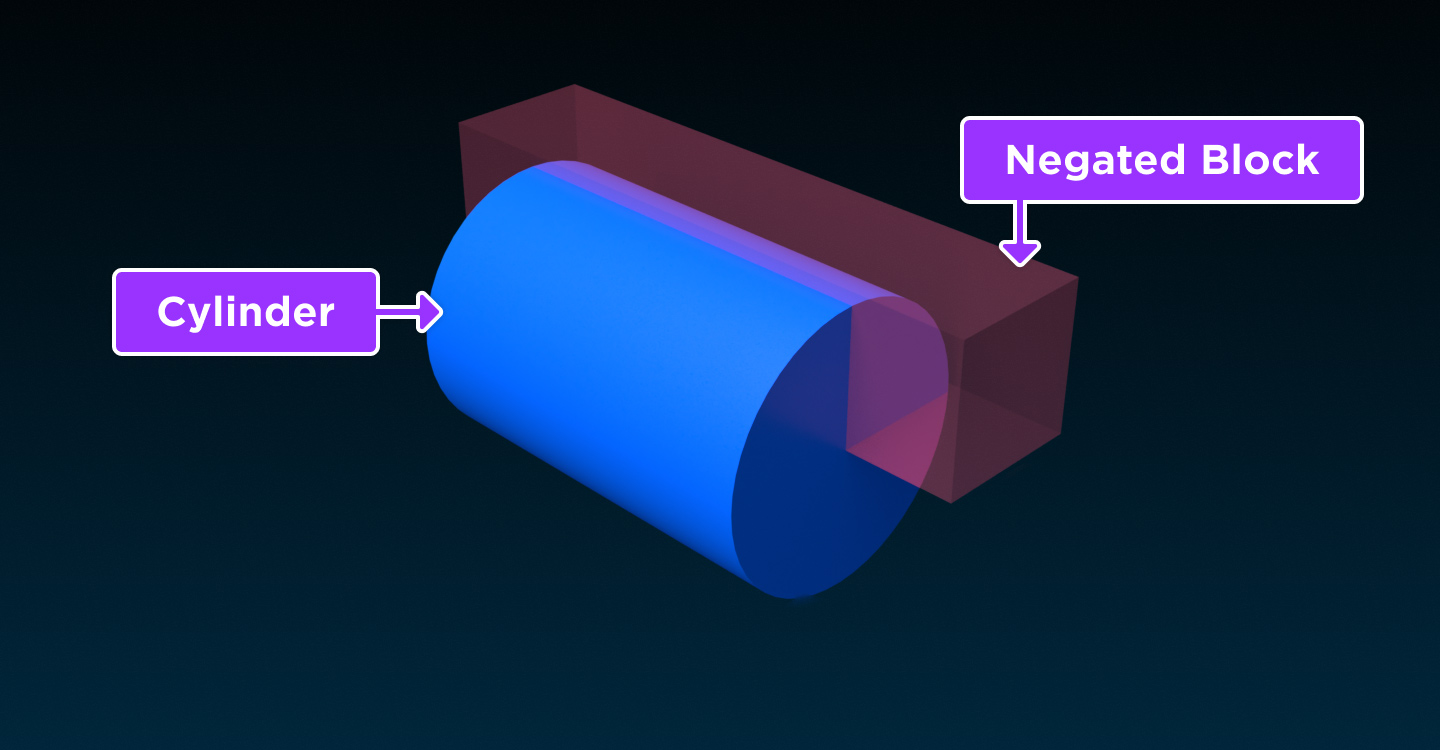
Roblox’s official documentation explains that avatar items can be created with a 3D tool such as Blender and then brought into Roblox Studio. Some types of avatar items have specific technical and marketplace requirements. Creators should use the official guides rather than assume that every model can be uploaded or sold immediately.
Prepare before joining
- Open the official livestream listing and check the start-time countdown.
- Write down one concrete question about modeling, tools, item design, or the next step after creating a model.
- If you already use Blender or Roblox Studio, keep the exact step where you get stuck ready to explain.
- Do not assume that attending automatically grants upload permissions, Marketplace eligibility, or free Robux.
- After the session, cross-check any technical advice against the current Creator Hub documentation.
Watch a related official UGC modeling tutorial
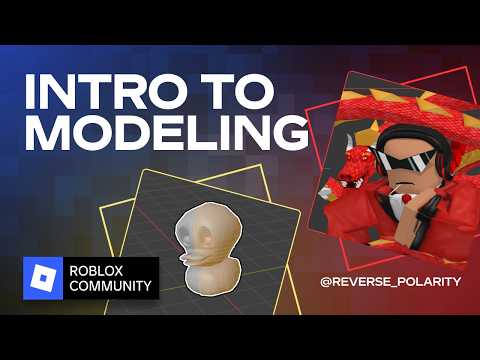
If you want a head start before the livestream, Roblox Learn has published an introductory UGC modeling tutorial featuring Reverse_Polarity. It demonstrates an example workflow for creating an avatar item in Blender. It is a separate, previously published tutorial—not a replay or recording of the November 3 event.
Official resources worth bookmarking
- Roblox Creator Hub tutorials — a starting point for game, avatar, and avatar-item creation.
- Create your first layered accessory — guidance on preparing an accessory for Roblox Studio.
- Roblox Support: Creating and Selling Avatar Items — explains that creator requirements, fees, and marketplace policies may apply.

Frequently asked questions
When is Roblox UGC Learning #1?
The official listing schedules it for Tuesday, November 3, 2026, from 4:00 p.m. to 6:00 p.m. GMT.
What time is that in the United States?
It is 11:00 a.m.–1:00 p.m. Eastern Standard Time and 8:00–10:00 a.m. Pacific Standard Time.
Is this livestream suitable for beginners?
Yes. The organizer describes it as a session for creators taking their first steps in making their own items.
Will the event include a Q&A?
Yes. The event description says the session will finish with a Q&A where participants can ask questions about creating UGC.
Does attending guarantee I can sell an item?
No. The event is educational. Roblox’s current account requirements, item policies, technical checks, and Marketplace rules still apply.
Source and schedule confirmation
The schedule and planned topics in this article are based on the official Roblox Creator Events listing. For technical steps, use the Roblox Creator Hub tutorial library and current support guidance. Event details can change, so check the official listing close to start time.